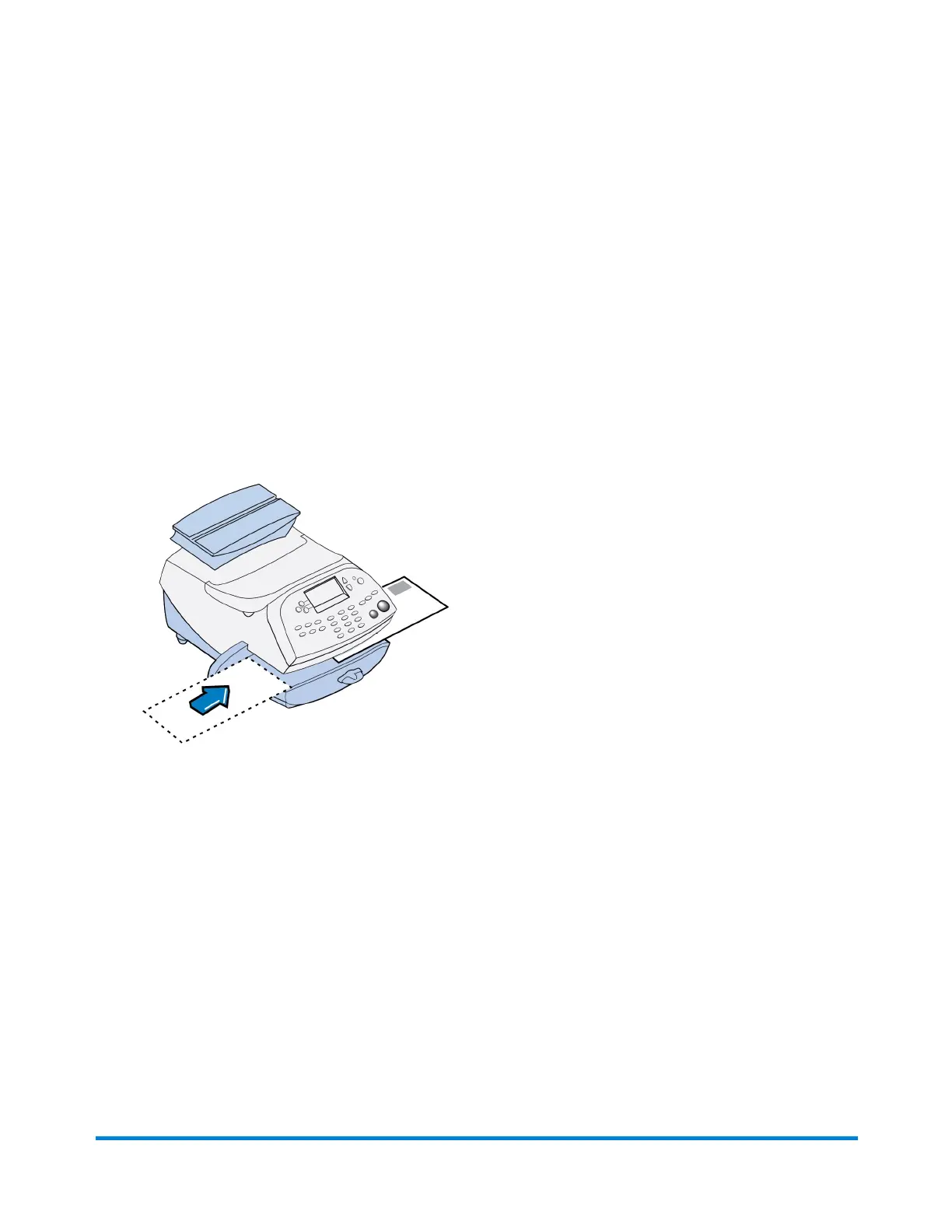
Printing only the Date and Time (no meter stamp)
You may want to use this feature to time-stamp incoming mail or sensitive documents.
1. Press Print Menu.
2. Select Date and Time Only.
3. Place the envelope up against the registration wall of the system and slide it to the right until the
system grasps it. The system prints the time and date and ejects the envelope/tape sheet.
NOTE: Make sure you orient the mail piece so the date and time prints on a blank section of the
mail piece.
4. Select Exit Date and Time when finished to return to the Home screen.
What You Can Print on Mail Pieces
Pitney Bowes Operator Guide February, 2017 Page 30 of 226












 To Next Page