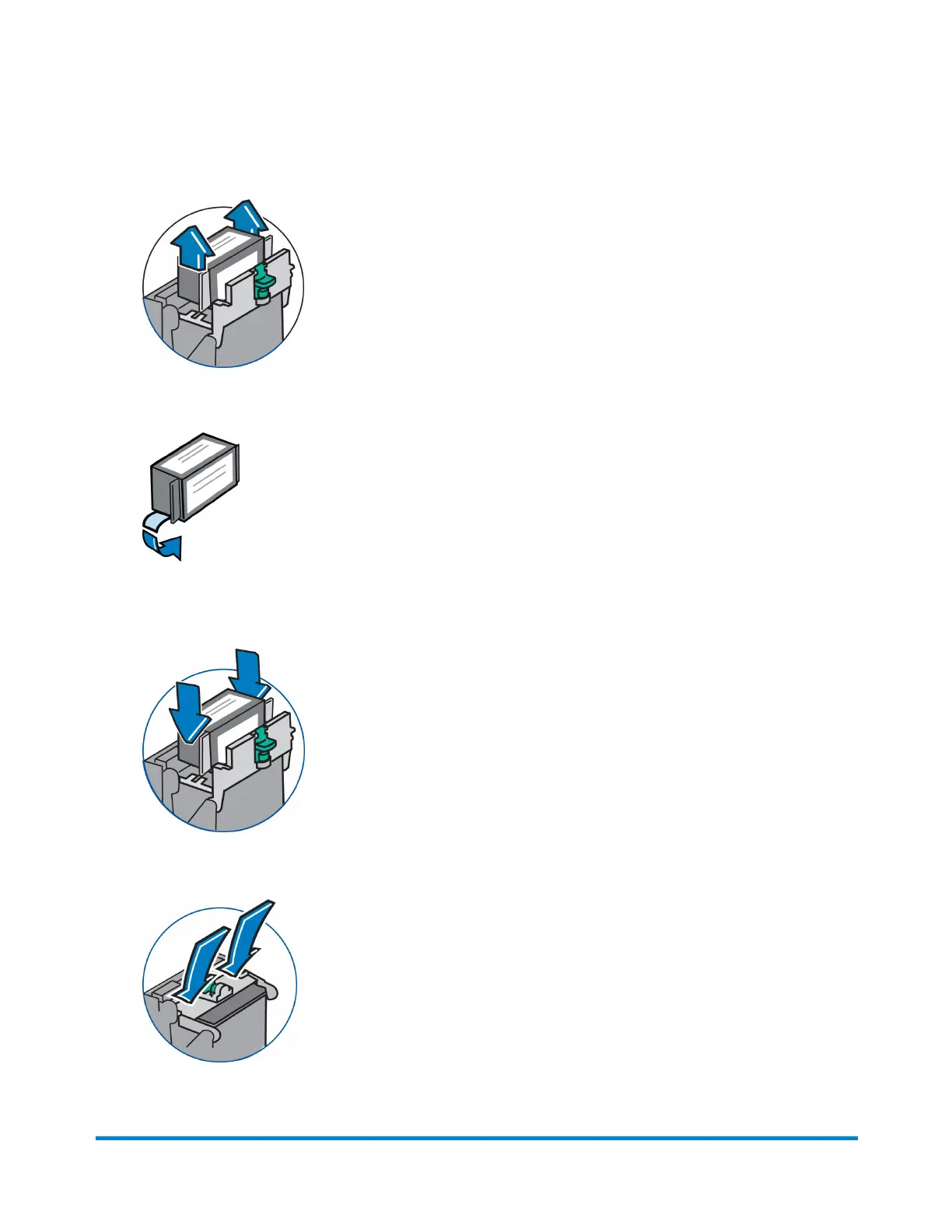
5. Lift up and remove the ink tank cartridge.
6. Remove tape on the bottom of the new ink tank cartridge.
7. Lower the ink cartridge into the cavity (the label on the top of the cartridge should face the front of
your system). The ridges on either side of the cartridge will slide into the grooves.
8. Close the ink cartridge guard and "click" to secure.
Maintenance
Pitney Bowes Operator Guide February, 2017 Page 58 of 226












 To Next Page