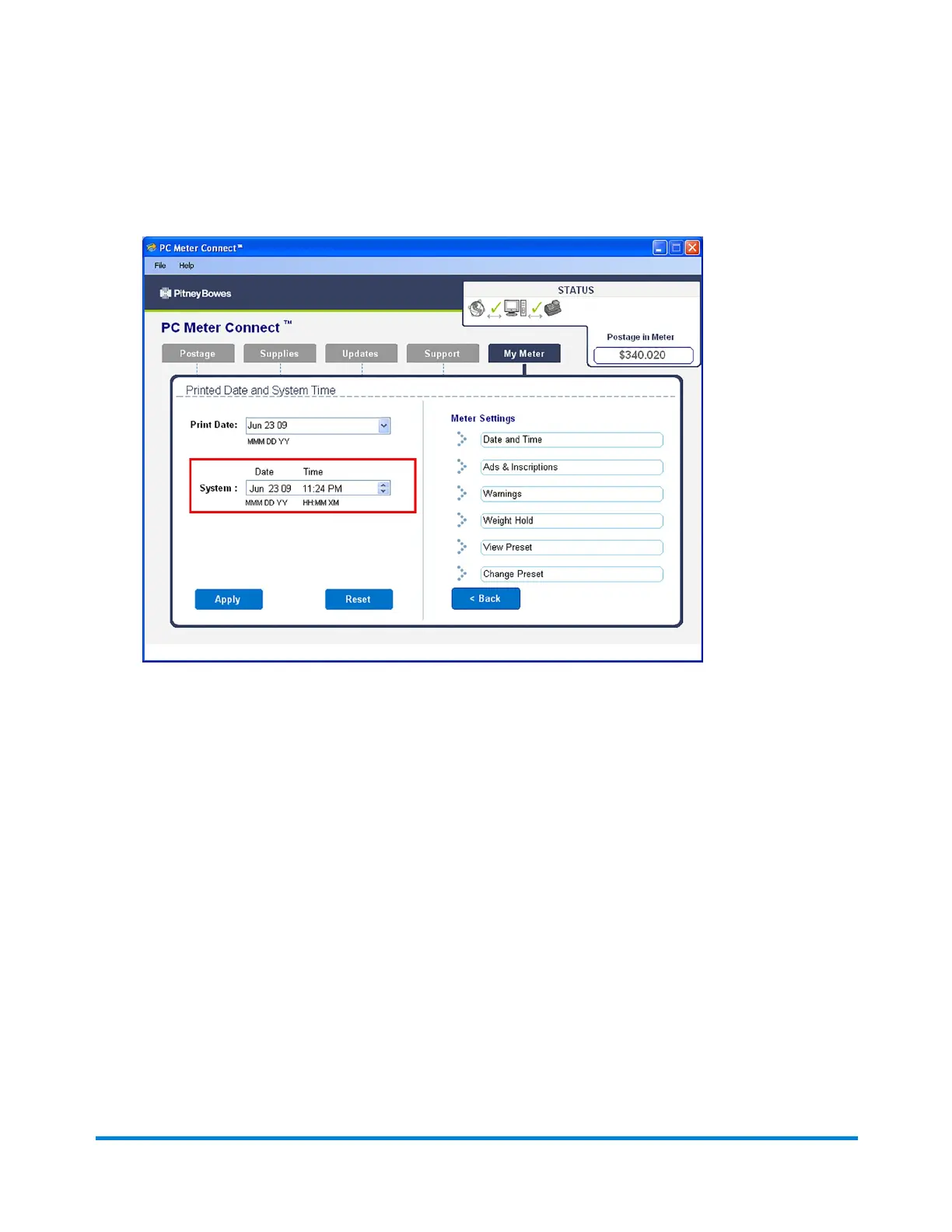
4. In the System field on the left side of the screen, place your cursor over the day, hour or minute
and use the ^ or v keys to select the time/date of your machine.
5. Click Apply and a confirmation screen displays the new time. Click OK.
Using PC Meter Connect
Pitney Bowes Operator Guide February, 2017 Page 176 of 226












 To Next Page