Setting the Chassis Collation Length
Thechassiscollationlengthisusuallysetinthemodeandnotrequiredtobesetmanually.
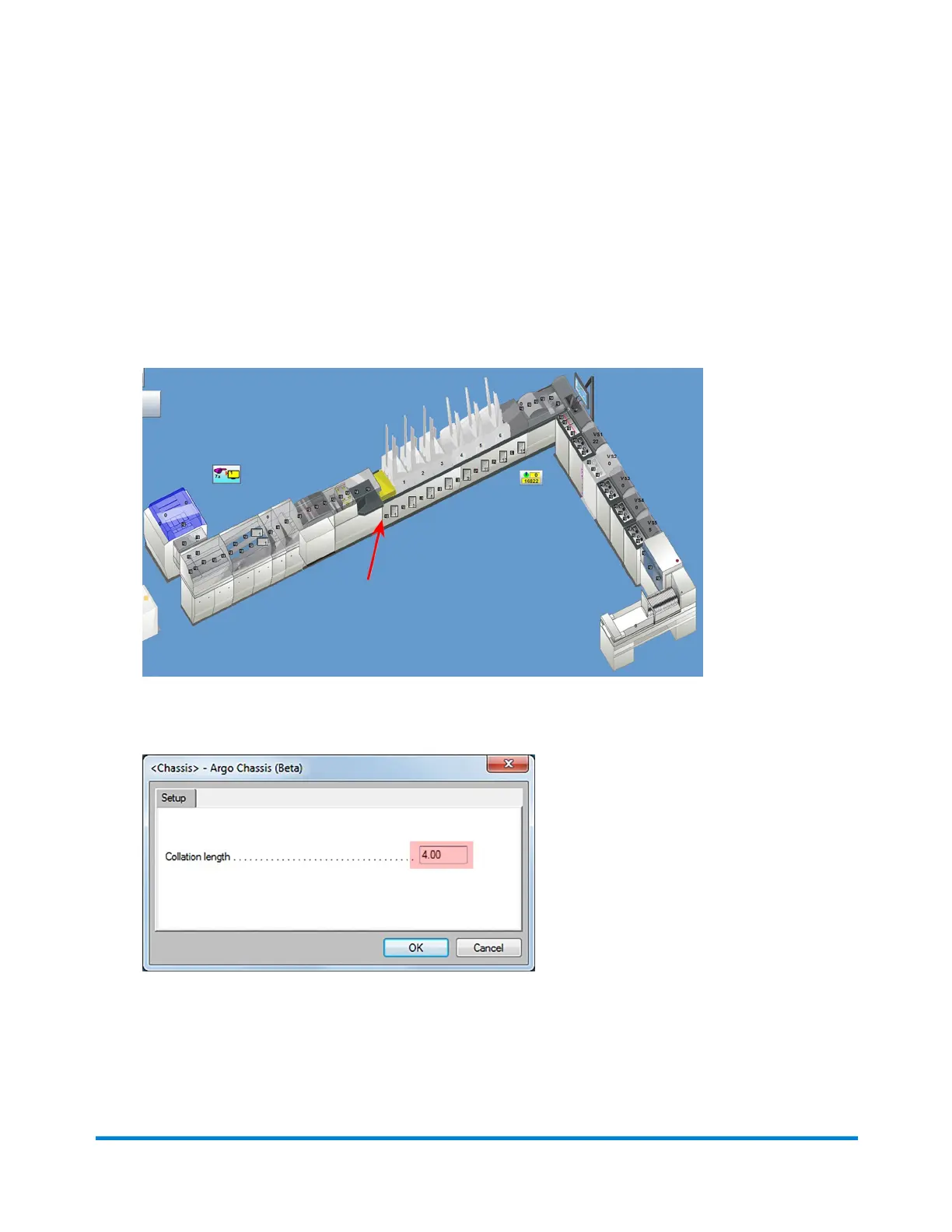
1. Measurethelengthofthelargestdocumenttoberunonthechassis.(This can be from the input or
an insert feeder.)
2. ClicktheChassisobjectonthemainDCscreenandselectSetupfromthedrop-downmenu.
ChassisObject
3. IntheChassisSetupdialogtypethenewcollationlengthintheCollationlengthfield.
4. ClickOK.
Operator Adjustments
Pitney Bowes Epic Select Operator Guide December,2017 Page 111 of 288



 To Next Page