Recalibrating the Double Detect Feature
Thedoubledetectfeaturedetectswhenmorethanonepieceofmaterialisfedfromtheinsertfeeder.
Thesystemcalibratesthiswiththefirstpiecefed.Ifthefirstpieceisadouble,thenallsinglepieceswillbe
reportedastoothinandrecalibrationisnecessary.
Ifthedoubledetectfeatureneedstobecalibrated:
1. LoginasOperator.
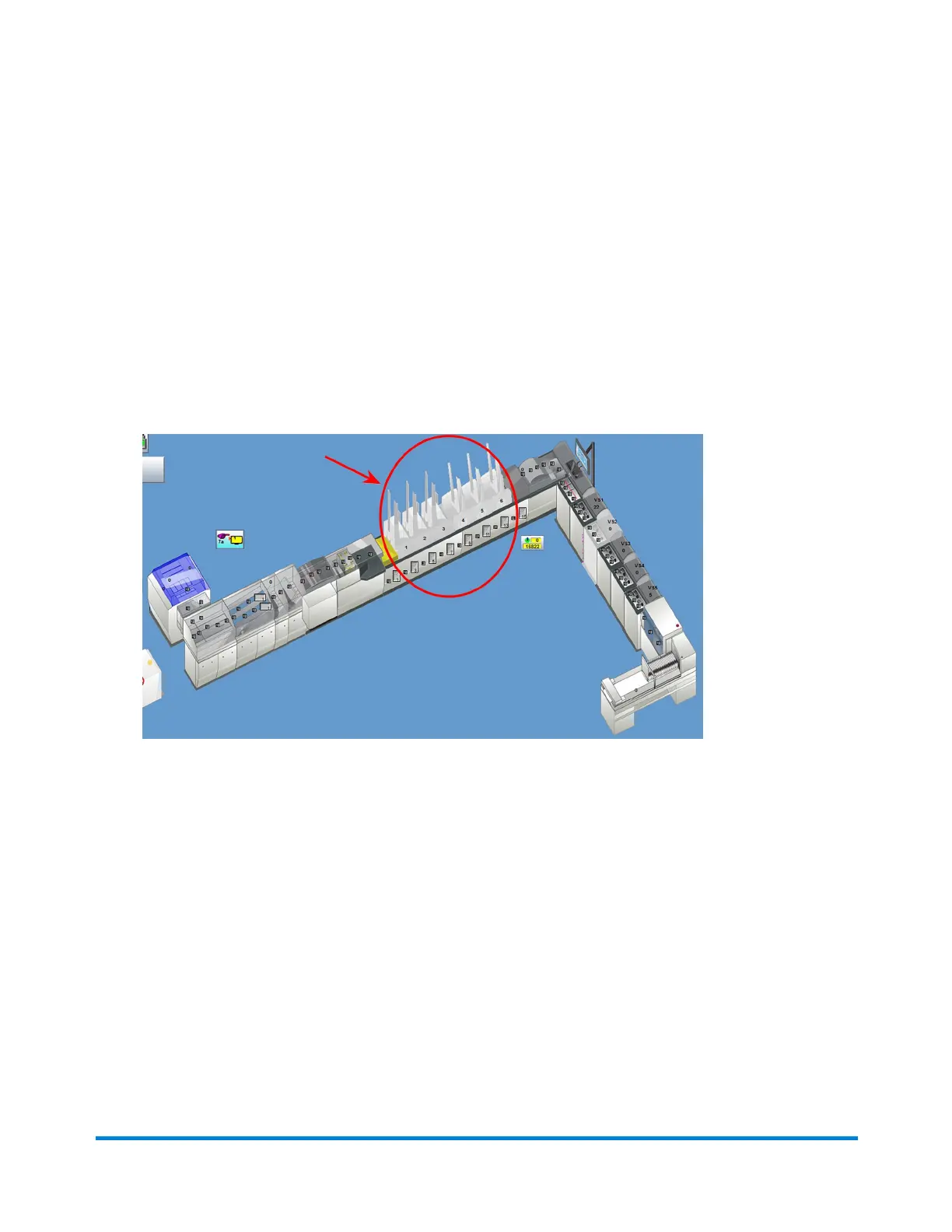
2. ClickthedesiredFeederobjectonthemainDCscreen.
FeederObjects
3. SelectRecalibratefromthedrop-downmenu.
Operator Adjustments
Pitney Bowes Epic Select Operator Guide December,2017 Page 156 of 288



 To Next Page