Document Information
Materialdetailslikewidth,length,andweightfortheinsertsineachspecificfeederisgenerallysavedin
themode,butifyouhaveto,youcanenterthewidthofinsertsforspecificfeeders.
Setting Document Width, Length, Weight (Friction, Rotary, Booklet
Feeders)
Widthandlengtharemandatoryfieldsandmustbedoneforeveryfeederifitisnotincludedinthemode.
1. Measurethewidthandlengthoftheinsertforeachfeeder.
2. LoginasKeyOperatoraccesslevelorhigher.
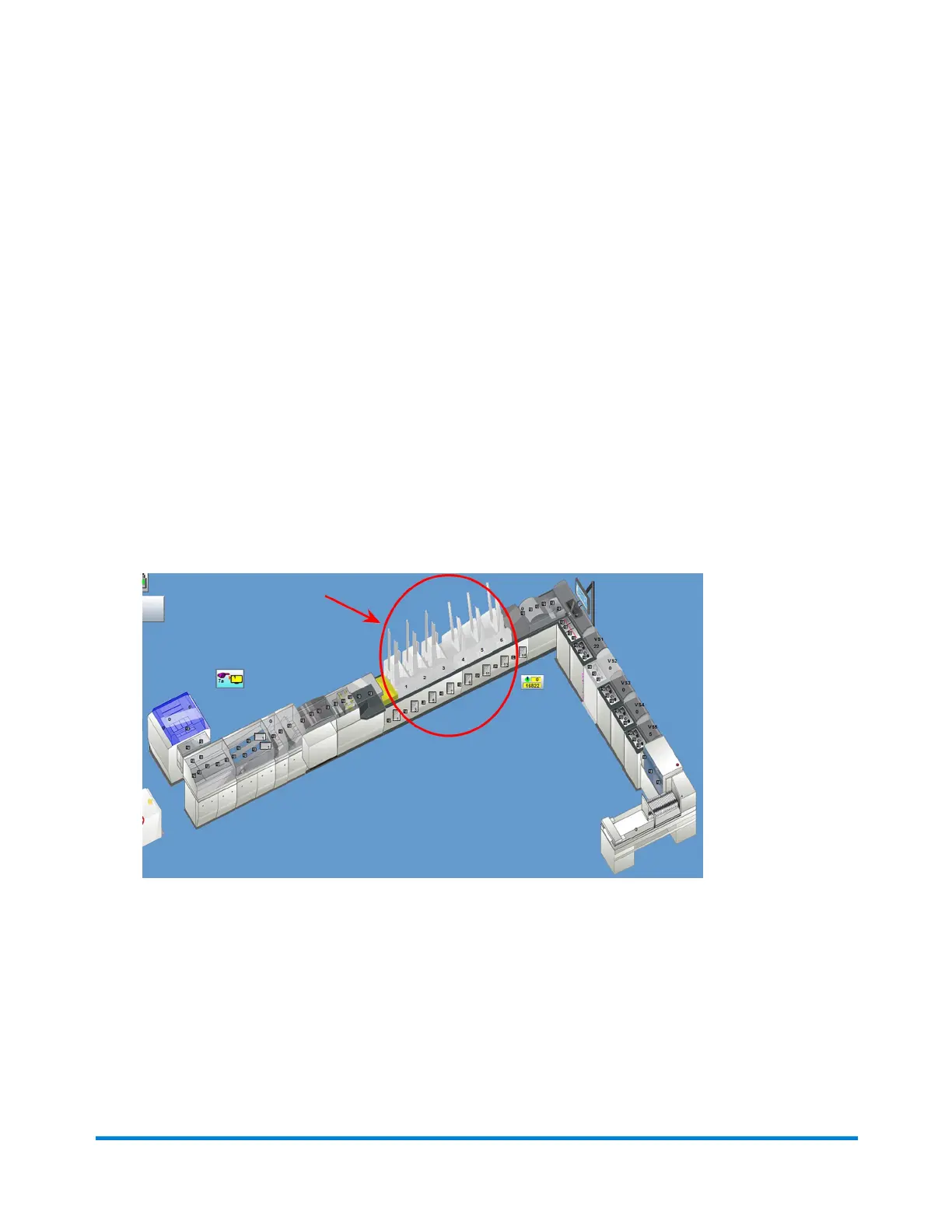
3. ClickthedesiredFeederobjectonthemainDCscreenandselectSetupfromthedrop-down.
FeederObjects
Operator Adjustments
Pitney Bowes Epic Select Operator Guide December,2017 Page 144 of 288



 To Next Page