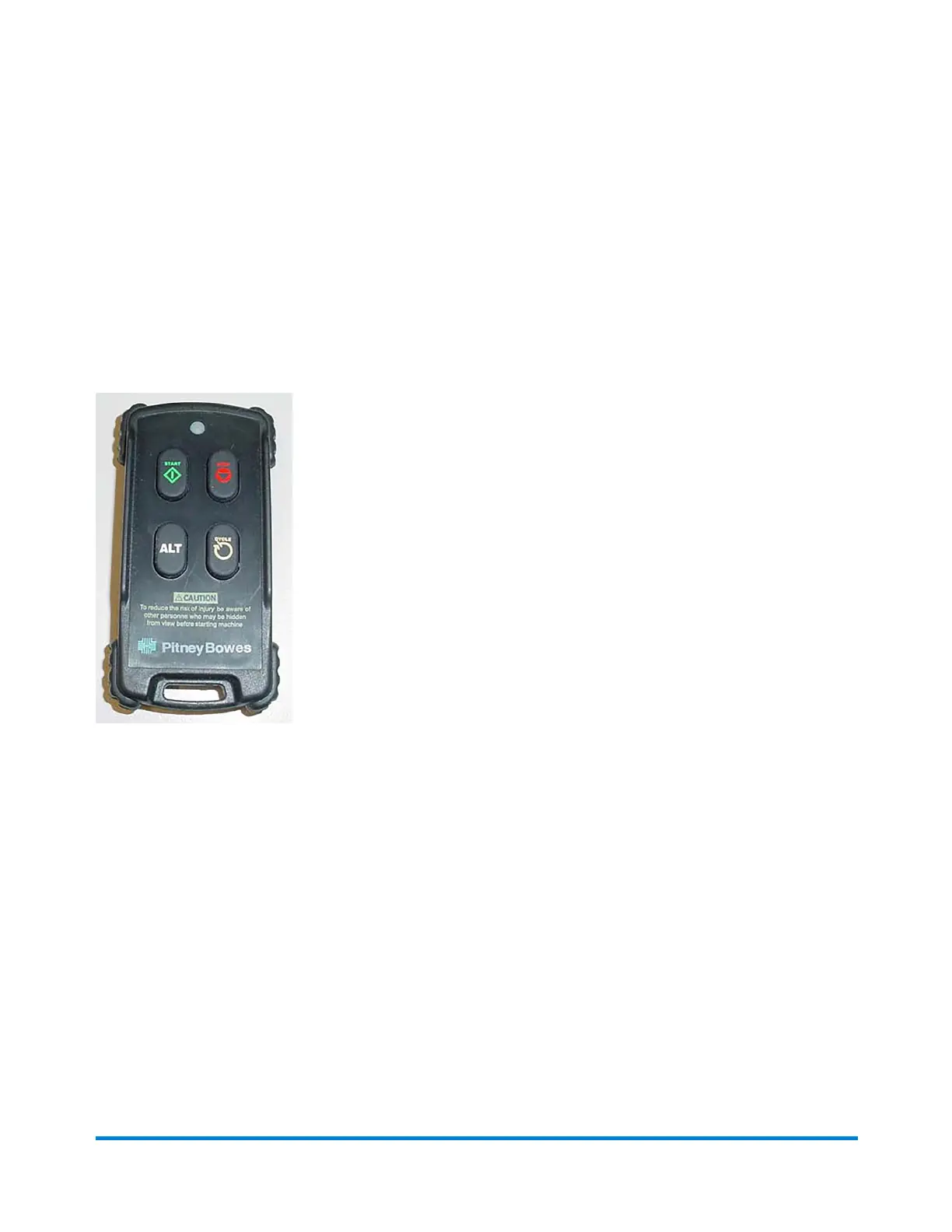
About the Remote Control
DirectConnect(DC)softwareistheoperatingsystemsoftwarethatcontrolstheinserter.Youmake
selectionsinDCusingamouse,keyboard,andcomputermonitorforsettingup,running,andservicing
theinserter.Atouchscreenmonitorisoptional.
AlthoughDCisusedtocontrolmanyaspectsoftheinserter,theremotecontrolunitshouldbeusedas
muchaspossibletooperatethesystem.
Remote Control Functions
l StartandStop-PresstheStartandStopbuttonstostartandstopthemachine.
l Cycle-IftheinputisinServicemodeandrunning,presstheCyclebuttontofeedonesheetata
time.
l ClearDeck-Toclearthedeck(anoperatingsequencethatclearstheinserterdeckofall
mailpieces)presstheStopandCyclebuttonsatthesametime.RefertotheClear Deck Function
topicformoreinformation.
Product Overview
Pitney Bowes Epic Select Operator Guide December,2017 Page 20 of 288



 To Next Page