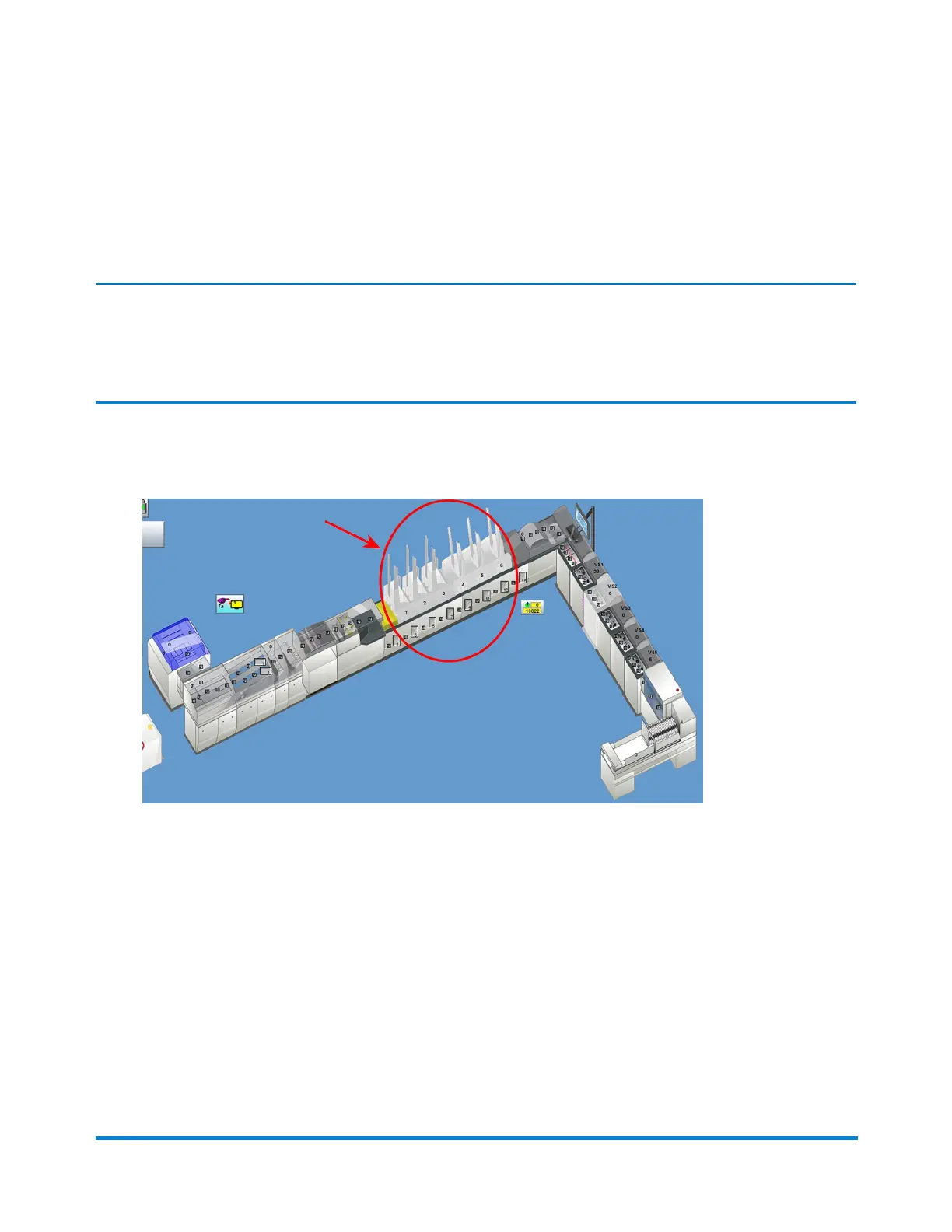
Clearing Jams Using the "Jog Only" Function
Intheeventofajam,youinitiatetheJogOnlyfunctionfromDCandthenusethemechanicalJogbutton
ontherotaryfeedertomovethematerialoutofthefeeder.
Note:
Whenyouareclearingmaterialjamsfromtherotaryfeeder,donotphysicallypullthematerialfromthe
transportbelts.UsetheJogbuttontomovethematerialtothedeckforeasyremoval.
1. ClickthedesiredRotaryFeederobjectonthemainDCscreen.
FeederObjects
2. SelectJogOnlyfromthedrop-downlist. (If Jog Only is not in the drop-down list, select Feed with
Jog; click the Feeder object again and Jog Only is now listed. )
Operator Adjustments
Pitney Bowes Epic Select Operator Guide December,2017 Page 139 of 288



 To Next Page