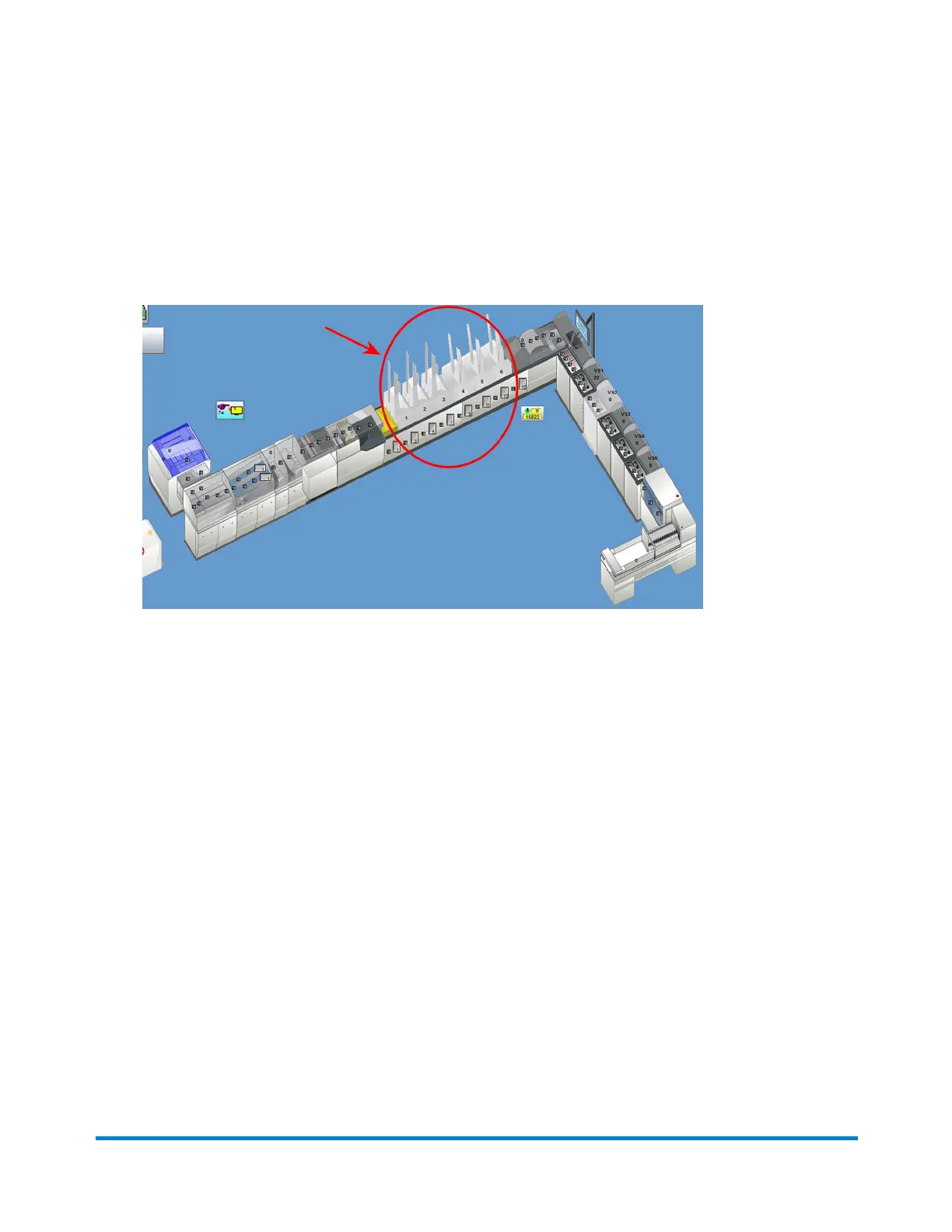
Verifying Feeder Setup Using "Feed with Jog" Function
YoucanverifyrotaryfeedersaresetuppropelryusingtheFeedwithJogfunction.
1. ClickthedesiredRotaryFeederobjectonthemainDCscreen.
FeederObjects
2. SelectFeedwithJogfromthedrop-downmenu.(If Feed with Jog is not in the drop-down list,
select Jog Only; click the Feeder object again and Feed with Jog is now listed.)
3. OncetheFeedwithJogmodeisinitiatedinDC,pressandholdtheJogbuttononthefeeder.
Thematerialinthefeederdrumisclearedandanotherinsertisacquiredandfedtoconfirmcorrectsetup.
Operator Adjustments
Pitney Bowes Epic Select Operator Guide December,2017 Page 141 of 288



 To Next Page