Power Down the Inserter
AfteryoulogoutofDC,themessage:It is now safe to turn off your computersdisplays.
Note:
AfteryoupowerdowntheDCcomputer,waitabout30secondsbeforeproceeding;thisgivestimefor
othercomputersinthesystemtoshutdownsafely.
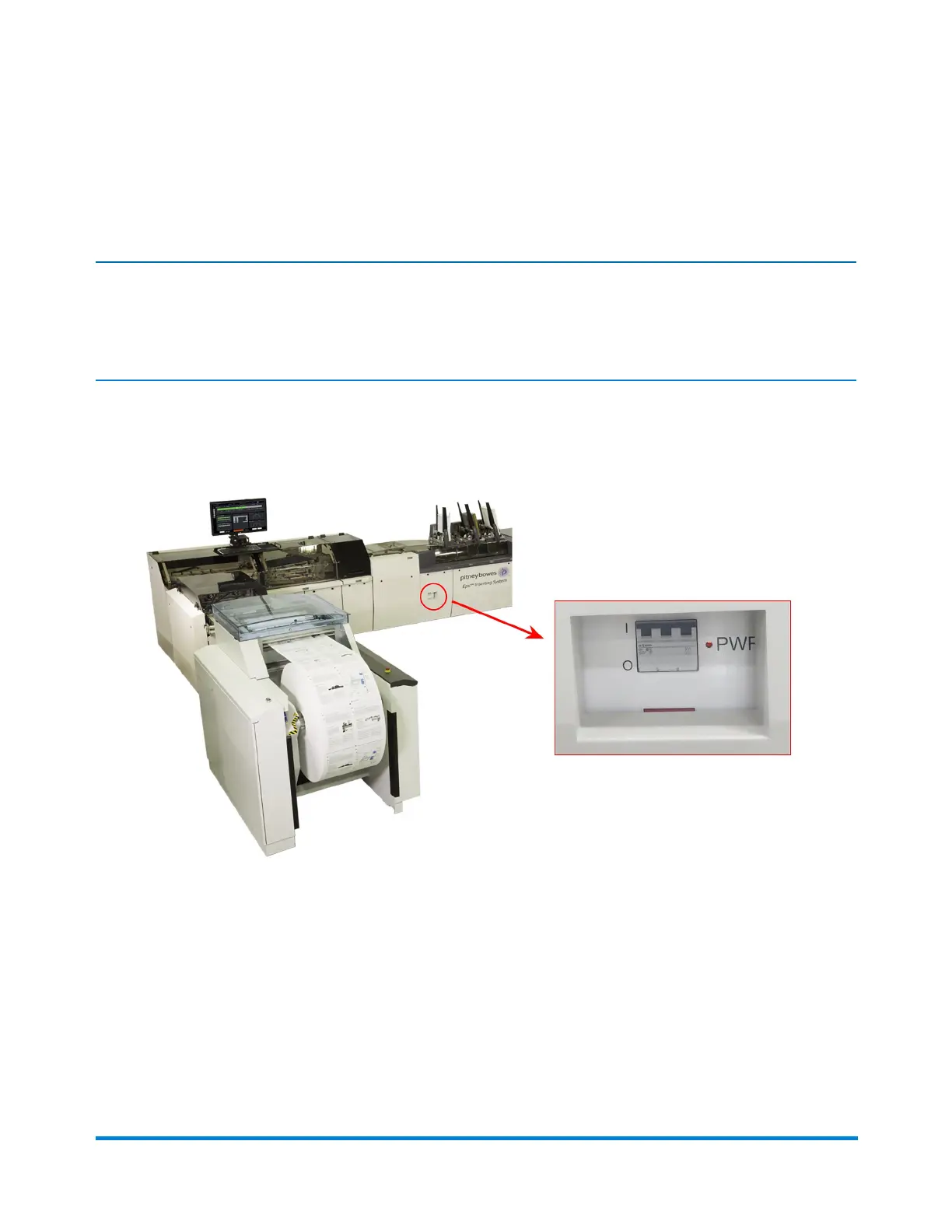
1. Locatethemainpowerswitchonthesystem(onthelowerchassiscoverleftofthefirstfeeder,
closesttotheinput)andpullitdowntotheOFFposition.
MainPowerSwitch
Power the System On and Off
Pitney Bowes Epic Select Operator Guide December,2017 Page 25 of 288



 To Next Page