SV63136 Rev. A
5-5
Troubleshooting • 5
Changing the
Language
Follow the steps below to change the language used on the display screen:
1. From the Home screen, select "Menu".
2. From the Menu screen, select "Change Language".
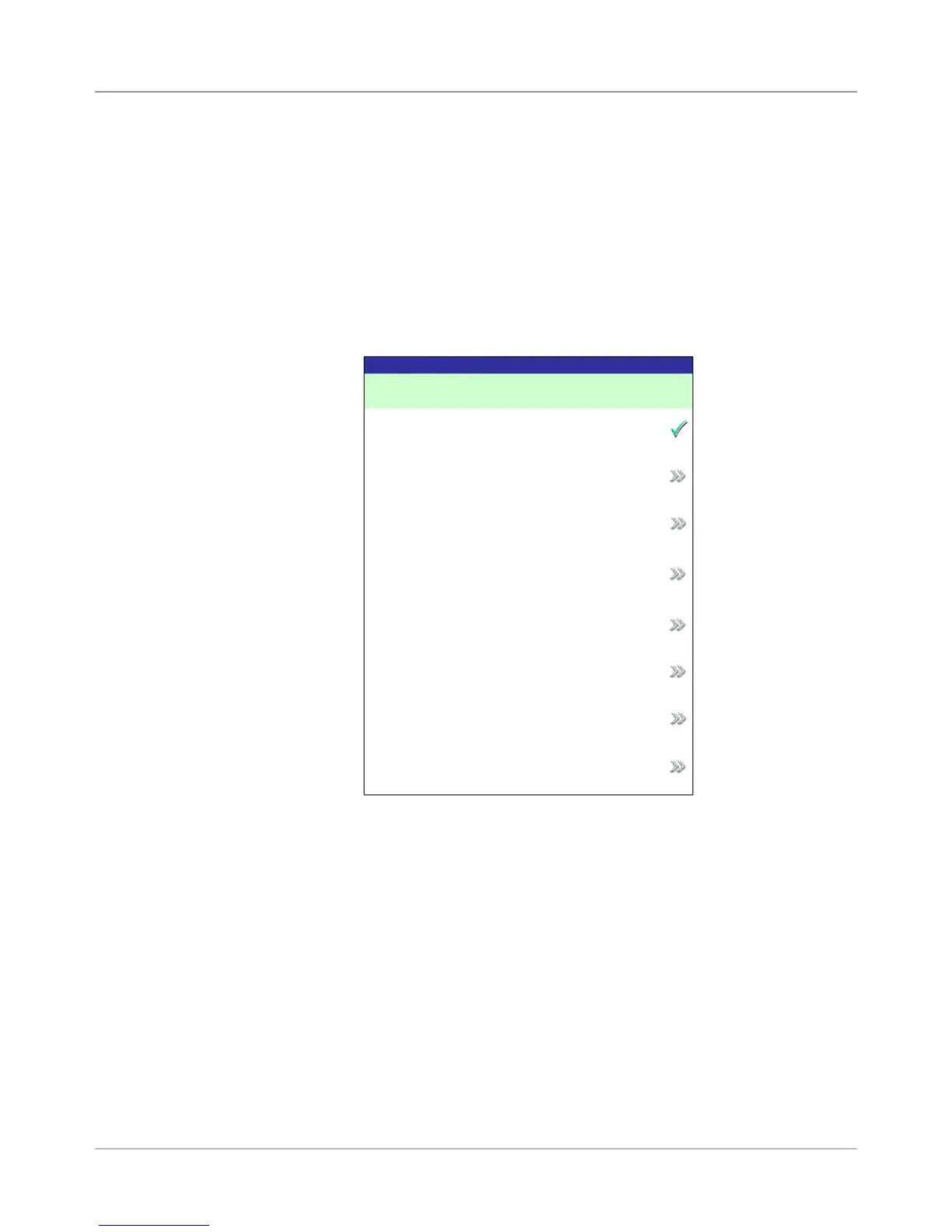
3. The Change Language screen displays the list of available languages. If
necessary, use the "Next" and "Previous" options to view additional lan-
guages on the list, then select the appropriate language.
4. Select "Finished" when done.
5. Press HOME to return directly to the Home screen.
Change Language Screen
Change Language
English International
English
North American
Français Canada
Deustch
Español
Français
Italiano
Next



 To Next Page