5-20 SV63136 Rev. A
5 • Troubleshooting
5. Wrap the paper towel around the old wick cartridge and discard.
6. Slide the new wick cartridge into the reservoir. Insert the cartridge with
the open side of cartridge facing the exit end (rear) of machine.
7. Press down on the ends of the cartridge to make the two bump features
of the cartridge sit below the top edges of the reservoir.
8. Slide the plastic latches toward each other and over the new wick car-
tridge until they snap into place.
9. Close the Insertion Area cover.
Replacing
the Moistener
Brushes
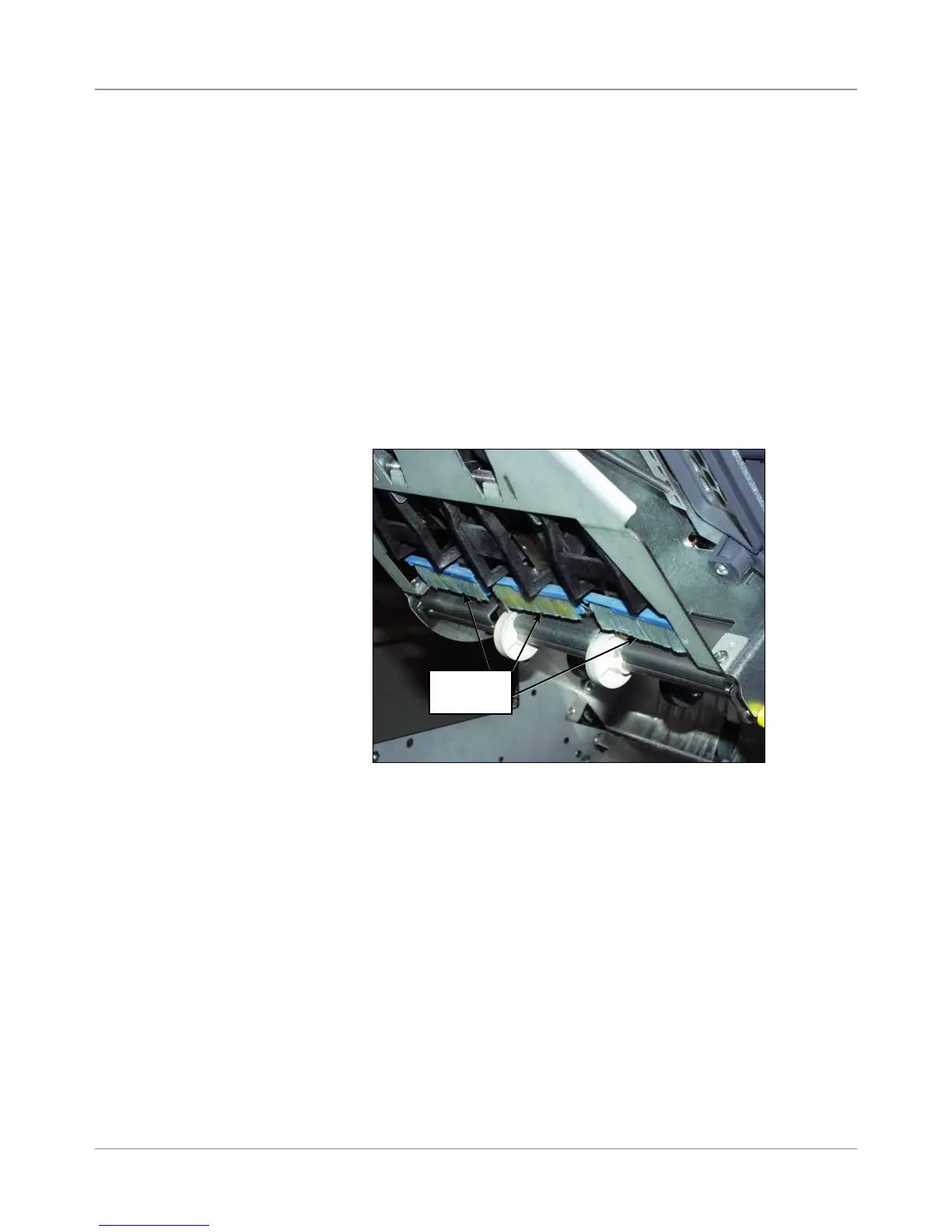
Replace the moistener brushes when they show wear. To do this:
1. Open the Insertion Area cover.
Figure 5.4: Location of Moistener Brushes
Moistener
Brushes



 To Next Page