SV63136 Rev. A
5-3
Troubleshooting • 5
Adjusting
Screen
Brightness and
Contrast
Follow the steps below to adjust the contrast and/or brightness of the dis-
play screen:
1. From the Home screen, select "Menu".
2. From the Menu screen, select "Tools".
3. From the Tools screen, select "Configure System".
4. From the Configure System screen, select "Set Brightness/Contrast".
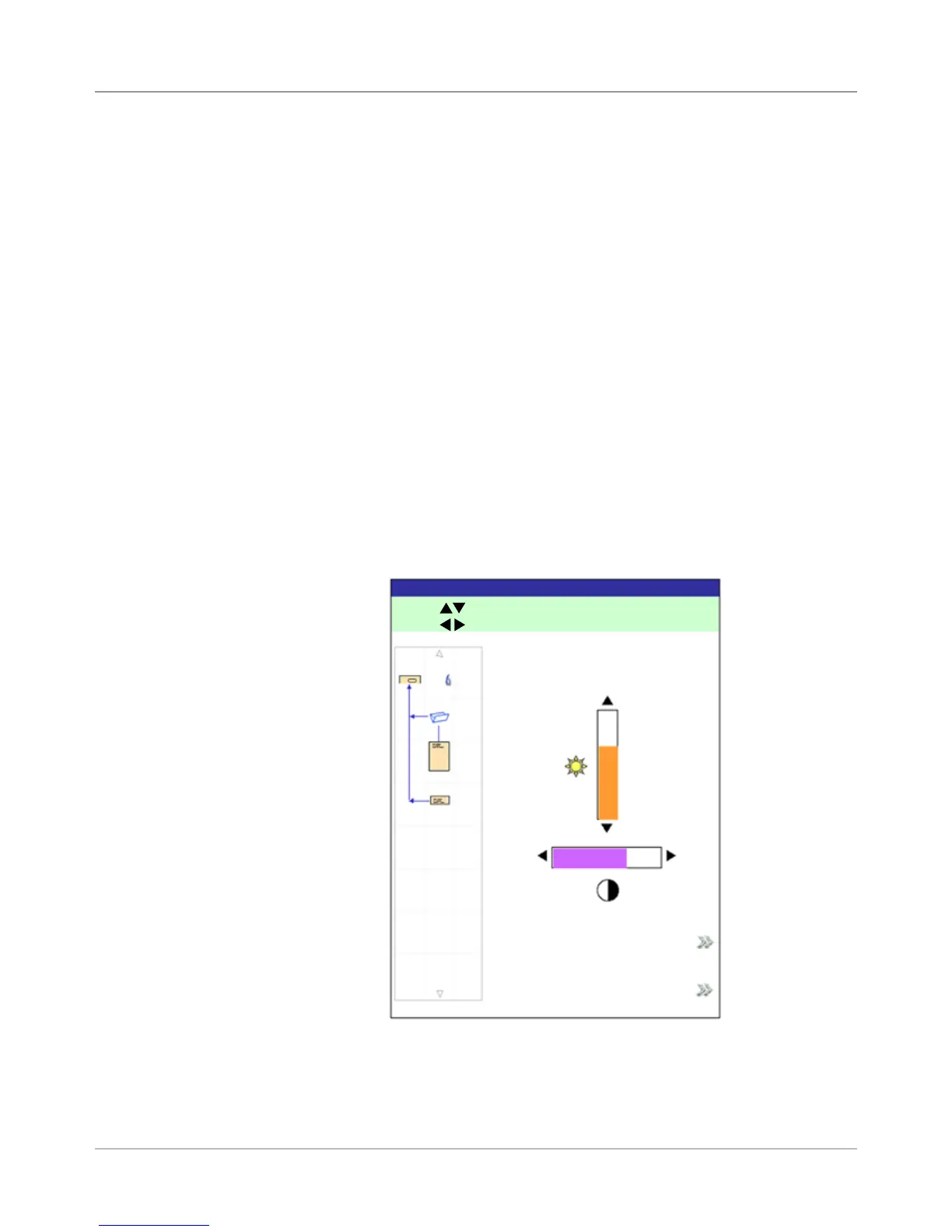
5. From the Set Brightness/Contrast screen:
• Press the UP/DOWN arrow key(s) to increase/decrease screen
brightness.
• Press the LEFT/RIGHT arrow key(s) to decrease/increase screen
contrast.
• To return to the default settings, select "Restore Defaults".
6. When you are done:
• Press "Finished" to back through the configure system screens and
return to the Home screen. Your settings will be saved.
OR
• Press HOME to save your adjustments and return directly to the
Home screen.
Set Brightness/Contrast Screen
Set Brightness/Contrast
Job: 123
Press
to adjust Brightness.
Press to adjust Contrast.
100%
0%
100%0%
Restore Defaults
Finished



 To Next Page