SV63136 Rev. A
3-9
Basic Operation • 3
Tray Information
The Mail Piece Icon Tree in the Home screen provides information about
each item in the mailing. Each icon represents a document in the current
job. Use the arrow keys to highlight any document icon. When an icon is
highlighted, any or all of the following information will display:
• Graphic of the document/media type.
• Tray type into which the document/media should be loaded.
• Orientation of the document in the tray.
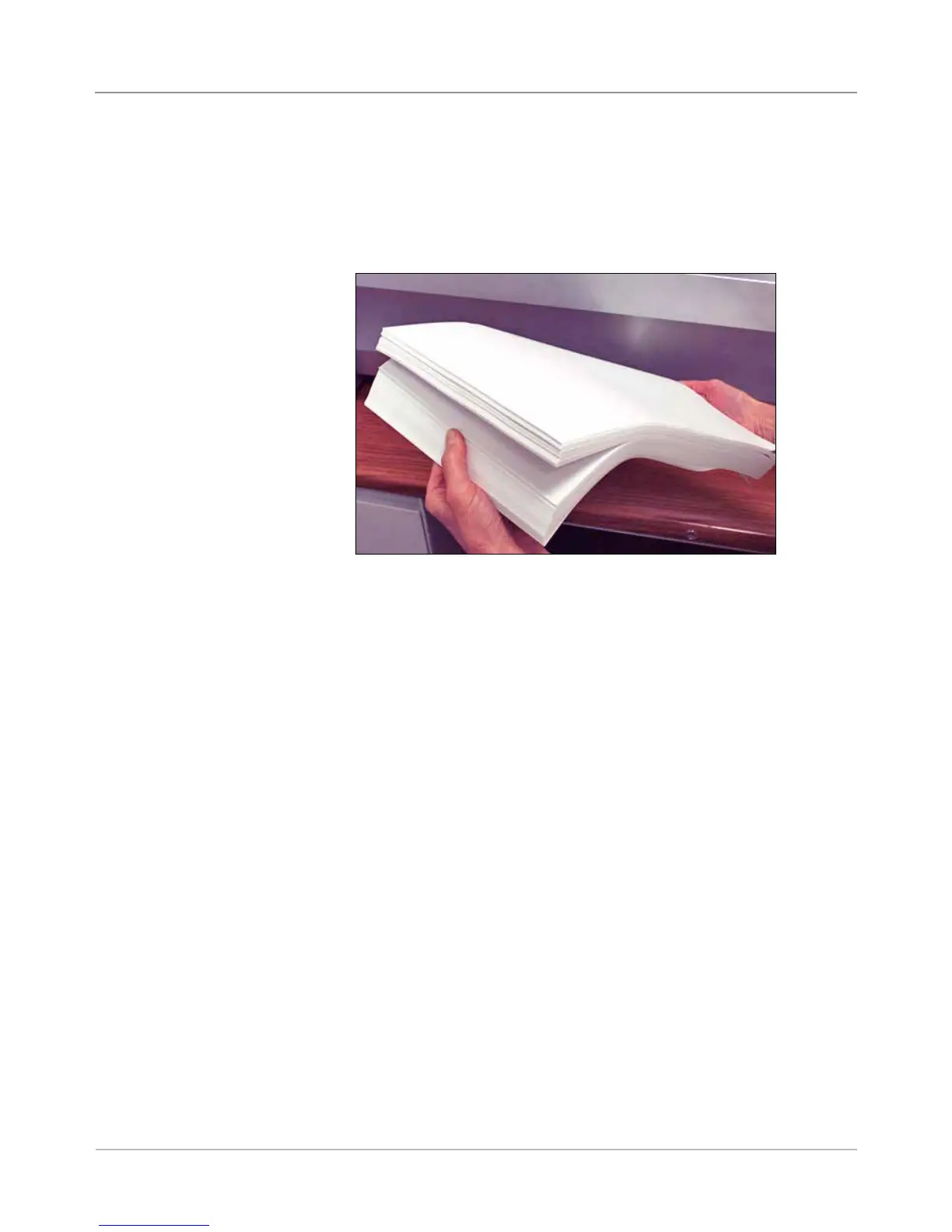
It is important to loosen (fan) any items in the stack that may be stuck
together BEFORE you place the material in the tray. To do this:
1. Hold one end of the stack in one hand.
2. Flip through the opposite end of the stack with your other hand.
3. Repeat this with the other end of the stack.
Loading Material
into the Trays
Figure 3.2: Loosen (Fan) Material



 To Next Page