3-10 SV63136 Rev. A
3 • Basic Operation
NOTES: DO NOT pull or push on the side guides to move them. Always use the
side guide adjustor to move the side guides.
Adjusting Tray Side Guides
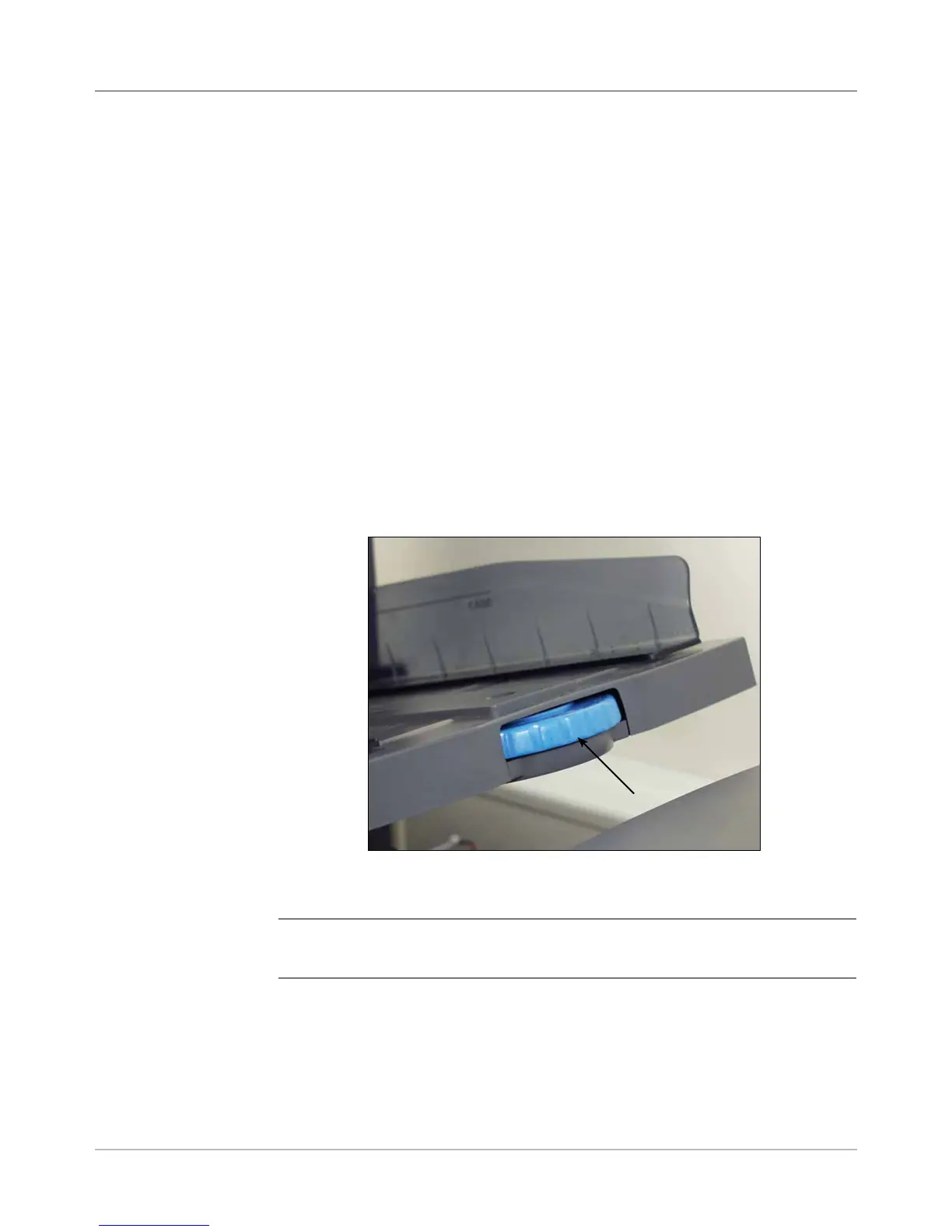
A grooved, blue side guide adjustor is present at the open end of each tray.
This adjustor controls the opening and closing functions of the tray's side
guides.
To open or close the side guides on sheet and insert trays on the feeder
tower:
1. Place the palm of your hand against the side guide adjustor at the open
end of the tray.
2. Use the palm of your hand to turn the side guide adjustor:
• Turn the adjustor counterclockwise to move the side guides in
towards the material.
• Turn the adjustor clockwise to move the side guides out and away
from the material.
3. When the side guides contact the material in the tray, remove your hand
from the adjustor. The guides will automatically spring back from the
material and leave a space about the thickness of an envelope 1/16-inch
(1.4 mm). This spacing allows for proper material feeding.
Loading Material
into the Trays
(continued)
Side Guide Adjustor
Figure 3.3: Side Guide Adjustor



 To Next Page