2-12 SV63136 Rev. A
2 • Meet the Inserting System
Fixed Function
Keys
The fixed function keys are the top row of keys under the screen. Each of
these keys has an assigned function that is enabled or disabled based on
the screen that displays. Use of each of these keys is explained here:
Reset Counters
The system has two
counters:
• Piece Counter
• Batch Counter
Resetting the Piece Counter
The piece counter appears in the bottom portion of the display screen. It is a
cumulative counter, (i.e., it increments for each completed mail piece).
If you run the same job but for a different customer and/or use different
materials, you'll need to zero the counter and ready it for counting the
completed mail pieces in the new run.
To reset the piece counter:
1. Press RESET COUNTERS to display the Reset Counters screen.
2. Select Piece Count.
3. You will be returned to the Home screen. The piece counter at the
bottom of the screen reads "0".
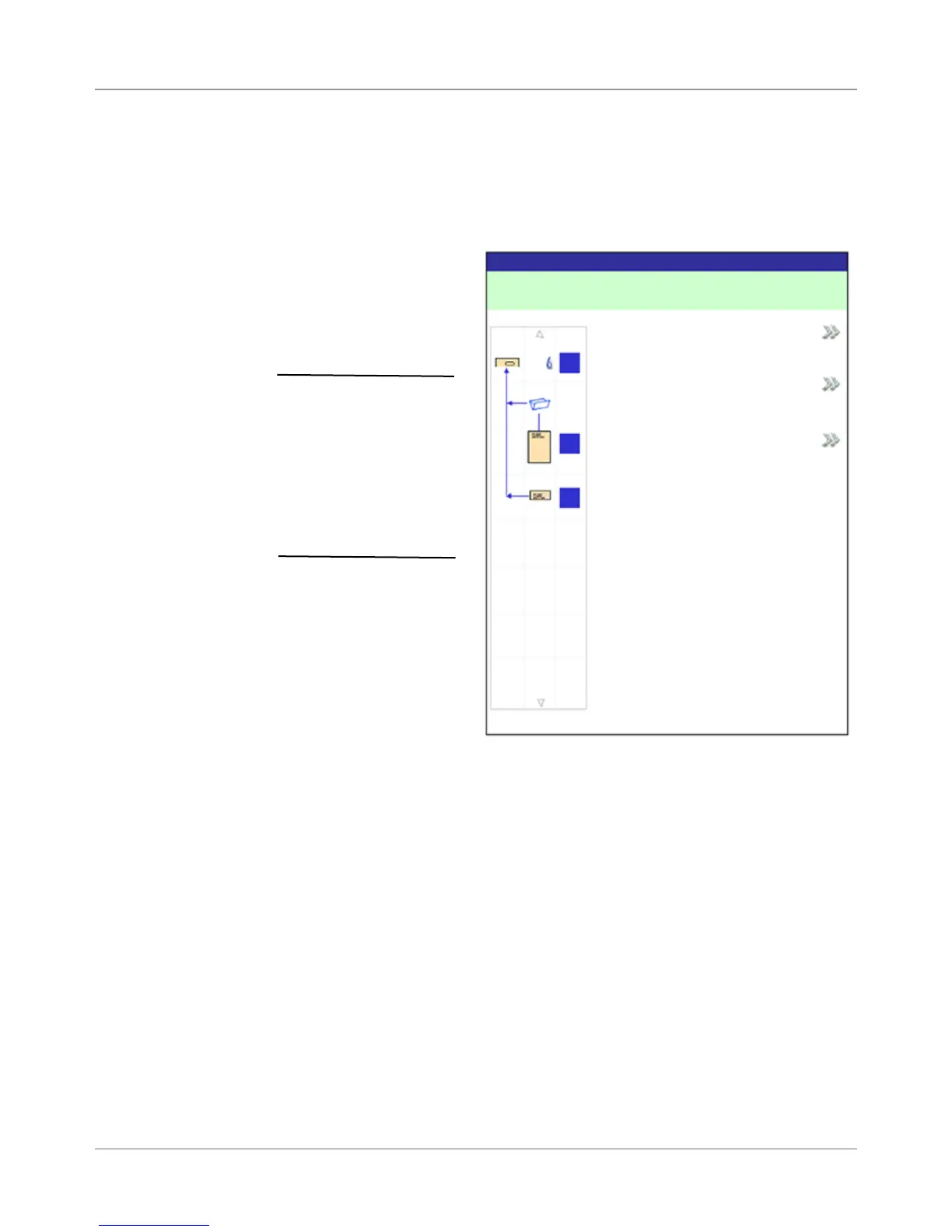
Reset Counters Screen
Reset Counters
Job: ABC
Job Items
Piece Count
Batch Count
Both
A
B
D
NOTE: If the ats sealer
is present on the system,
the “Mark Piece Count”
option will be available
on this screen. When
the “Mark Piece Count”
option is available,
the “Both” reset option
changes to “All”.



 To Next Page