8-46 SV63136 Rev. A
8 • Scanning
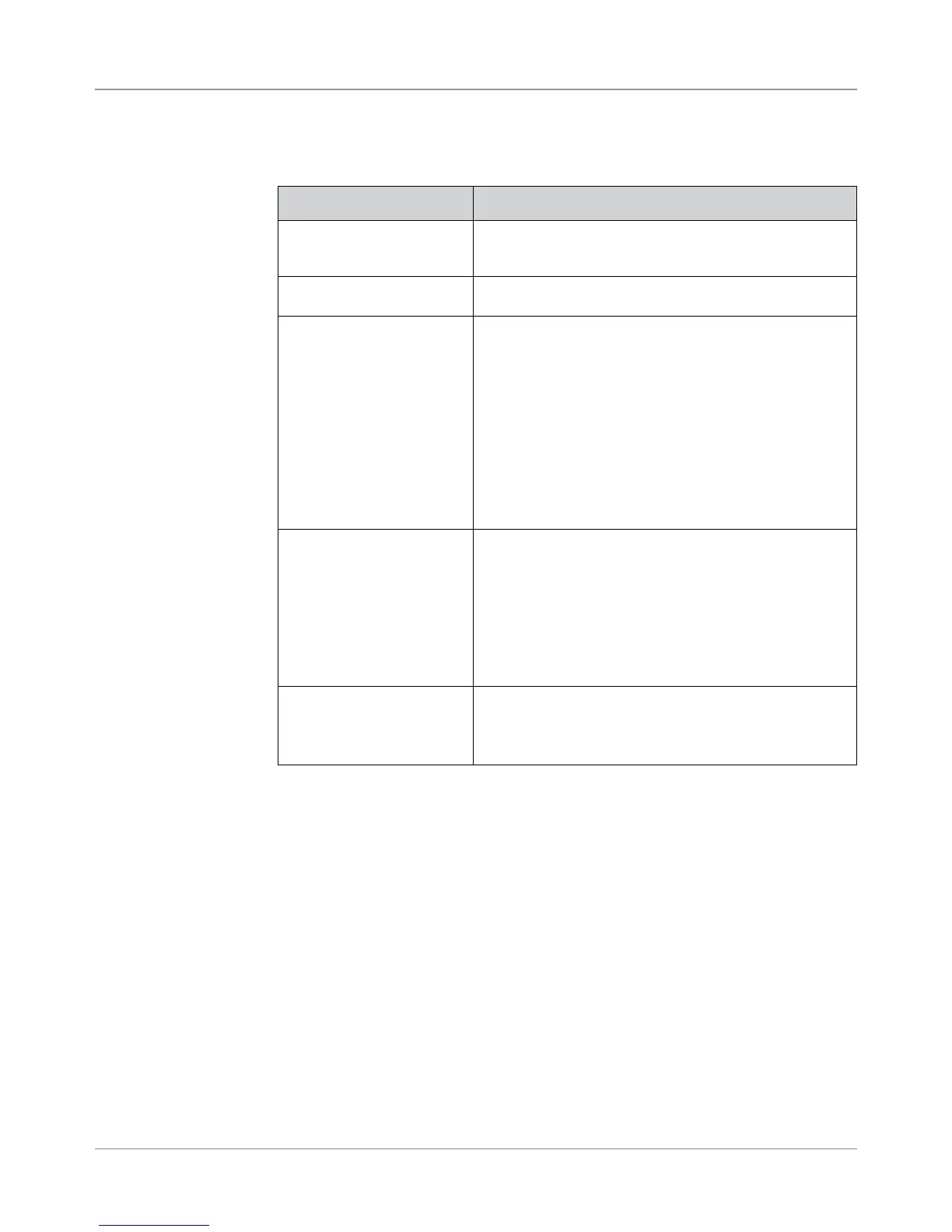
The Selective Operations level of scanning contains marks that provide
special feeding instructions.
Mark Purpose
DVS - Divert Sheets When present, this mark indicates that the accumulation in
the pre-fold accumulator should be diverted into the divert
bin without folding or completing assembly.
ES - Envelope Select When present, this mark indicates that dynamic envelope
selection should occur.
SL - Seal This mark indicates the system should seal a Mail Piece. It
does not effect where the Mail Piece exits the system.
Seal marks can be either present or absent.
• If Seal is set to present, and the Seal mark is on an
item, then the Mail Piece will be sealed. An item that
doesn't have the Seal mark will not be sealed.
• If Seal is set to absent, and the Seal mark is on an
item, the Mail Piece will not be sealed. An item that
doesn't have the Seal mark will be sealed.
TIP: This mark is useful when materials need to be hand-
stuffed into an envelope.
SF(n) - Select Feed These marks instruct the machine to select material from
specific feeders. Up to nine Select Feed marks can be
within the code.
Only one item in a job can contain select feed information;
this item must be the first item scanned in the job.
All sheets or inserts for a single collation must be marked
with the same select feed pattern.
Select Feed marks can be either present or absent.
SN(n) - Select Next This mark functions similar to Select Feed, but applies
to the next Mail Piece in the job. This is provided for
compatibility with older SECAP
™
inserters.
Select Next marks can be either present or absent.
Selective
Operations Level



 To Next Page