A-8 SV63136 Rev. A
A • Glossary
Icon Glossary
(continued)
Feeder Assignment Icons
Feeder assignment is indicated by a letter in a grey square to the right of the
job item icon in the Mail Piece Icon Tree. The letter that appears in the blue
square will vary, depending upon the assigned feeder.
• Single Feeder Assignment is indicated by one grey square.
A
• Linked Feeder Assignment is indicated by two grey squares.
A
C
NOTE: The table below provides a list of all possible Feeder assignments. The
Feeders available to you will vary, depending upon your system conguration.
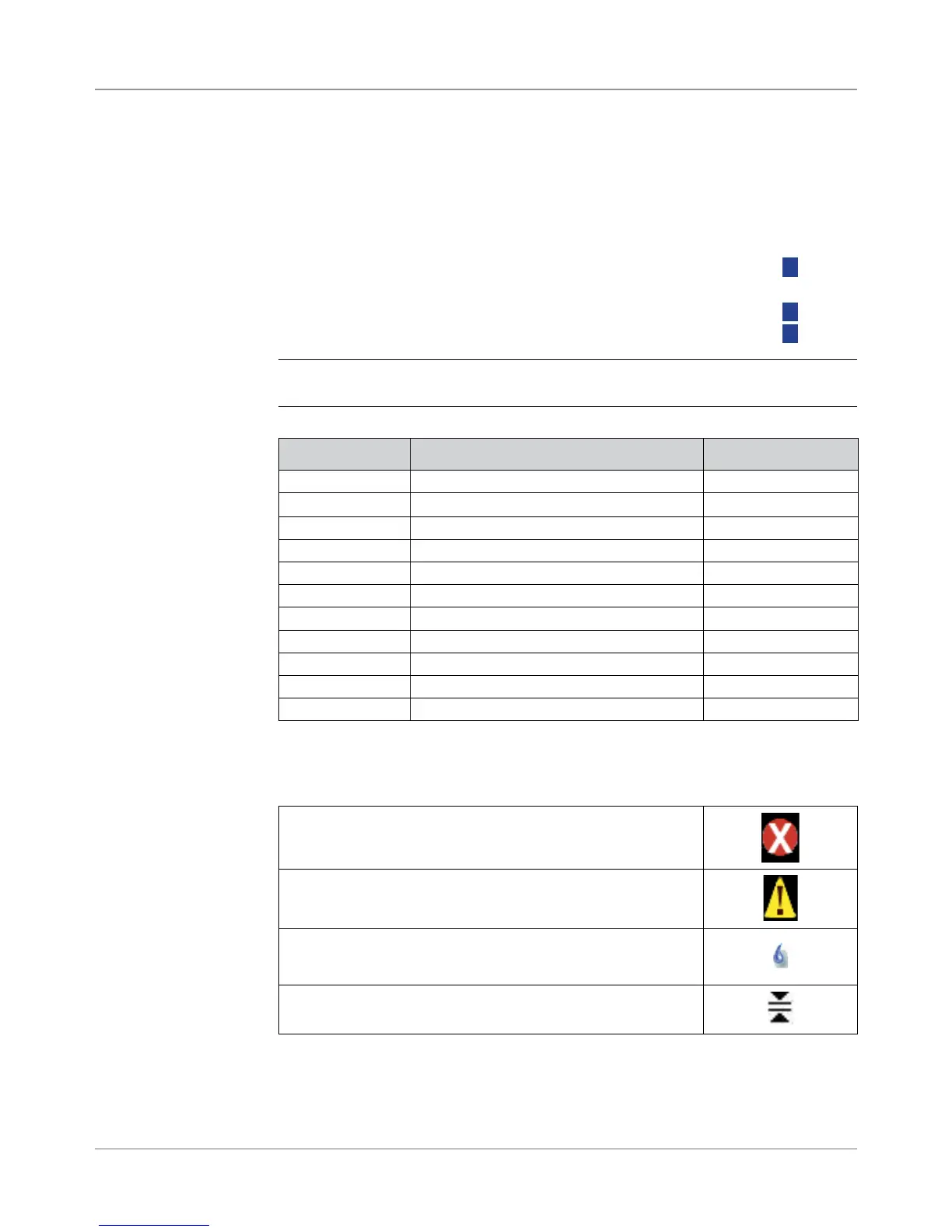
Feeder Letter Location Position
A Feeder Tower Bottom left feeder
B Feeder Tower Bottom right feeder
C Feeder Tower Top left feeder
D Feeder Tower Top right feeder
G High Capacity Envelope Feeder (HCEF) N/A
J High Capacity Sheet Feeder 1 (HCSF) Bottom feeder
K High Capacity Sheet Feeder 1 (HCSF) Top feeder
L High Capacity Sheet Feeder 2 (HCSF) Bottom feeder
M High Capacity Sheet Feeder 2 (HCSF) Top feeder
X Custom Feeder N/A
Z Attached Printer N/A
Other Icons
Error Icon - appears in pop-up messages on display screen.
Indicates message is an error message.
Warning Icon - appears in pop-up messages on display screen.
Indicates message is a warning message.
Seal On Icon - appears in Mail Piece Icon Tree if sealing is on.
Safe Seal Icon - appears in Mail Piece Icon Tree if safe seal is on.
Double Detect Icon - appears in Mail Piece Icon Tree if double
detect is on.



 To Next Page