SV63136 Rev. A
2-15
Meet the Inserting System • 2
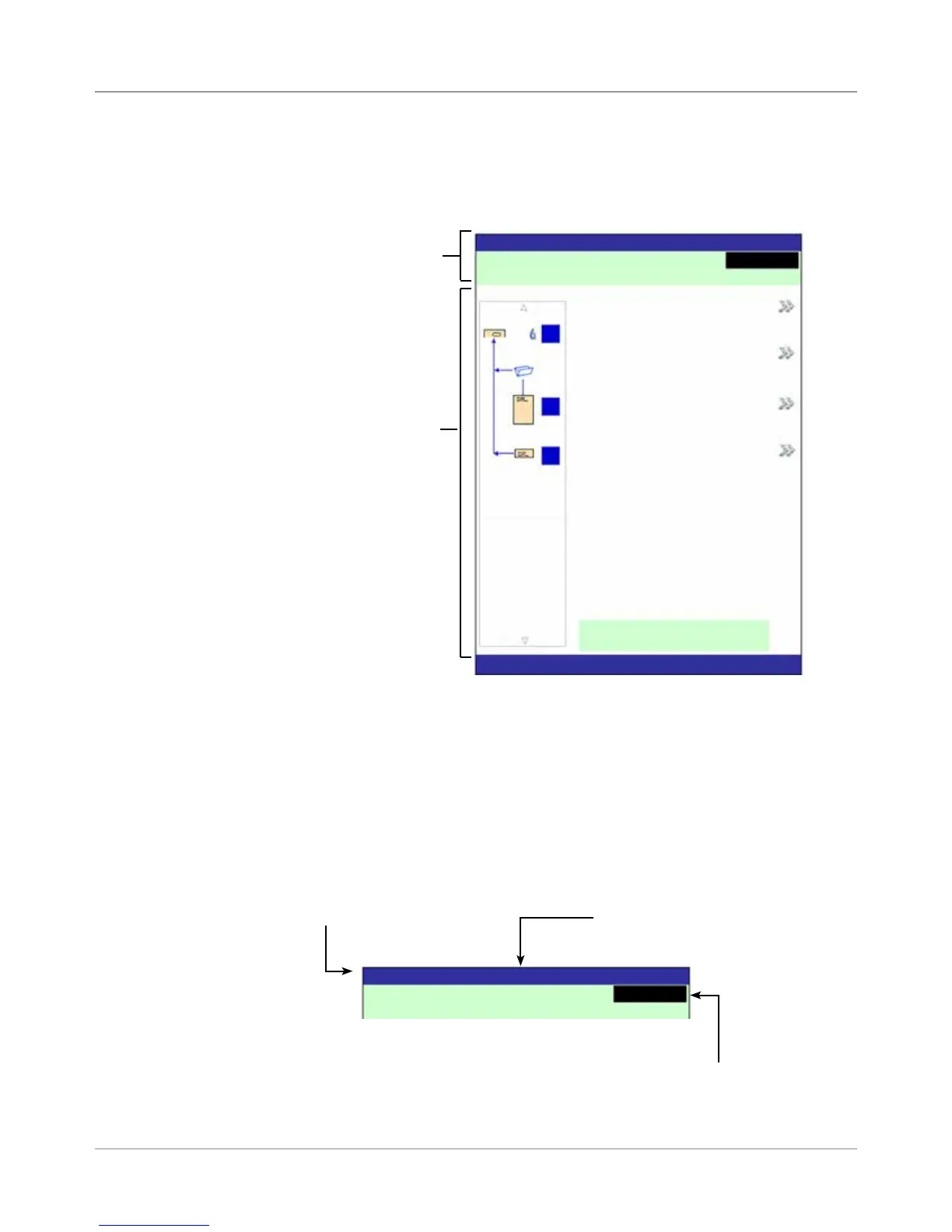
The header area has two colored bands that run across the top of the
screen: the top band is blue, the bottom band is green. The left side of
the top band displays the name of the screen in which you are working.
Depending on the screen you select, the Job Name may show on the
right side of this area. The green band displays instructions and screen
navigation directions.
Header Area
Display Screen
The display screen is divided into two major areas:
• Header area
• Status area
Display screen
Header Area
Status Area
Home
Job: ABC
Low Sealant
Select Another Job
SwiftStart
Menu
Loading Instructions and
Pre-Run Adjustments
Run Trial Piece
Job Items
A
B
D
Pieces :1658
The top (blue) band dis-
plays the name of the
screen and Job.
The bottom (green) band displays the instructions and
screen navigational directions.
Home
Job: ABC
Low Sealant
Run Trial Piece
If the job uses the Attached Printer,
the mail run name displays in the
middle of the top (blue) band.



 To Next Page