SV63136 Rev. A
4-3
Advanced Operation • 4
This chapter explains use of the alphanumeric matrix and system use that
exceeds the System Operator level of access. Functions explained in the
chapter are:
• Using the Alphanumeric Matrix
• Saving a Job
• Deleting a Job
• Assigning User IDs and Passwords (Manager Level Only)
• Enabling and Disabling the High Capacity Sheet Feeders (HCSF)
NOTE: Entry of a access code or password from a supervisor and/or manager
is required for use of these functions. Refer to Access Rights in Chapter 2 in this
guide for more information about logging in using the two security modes.
Overview
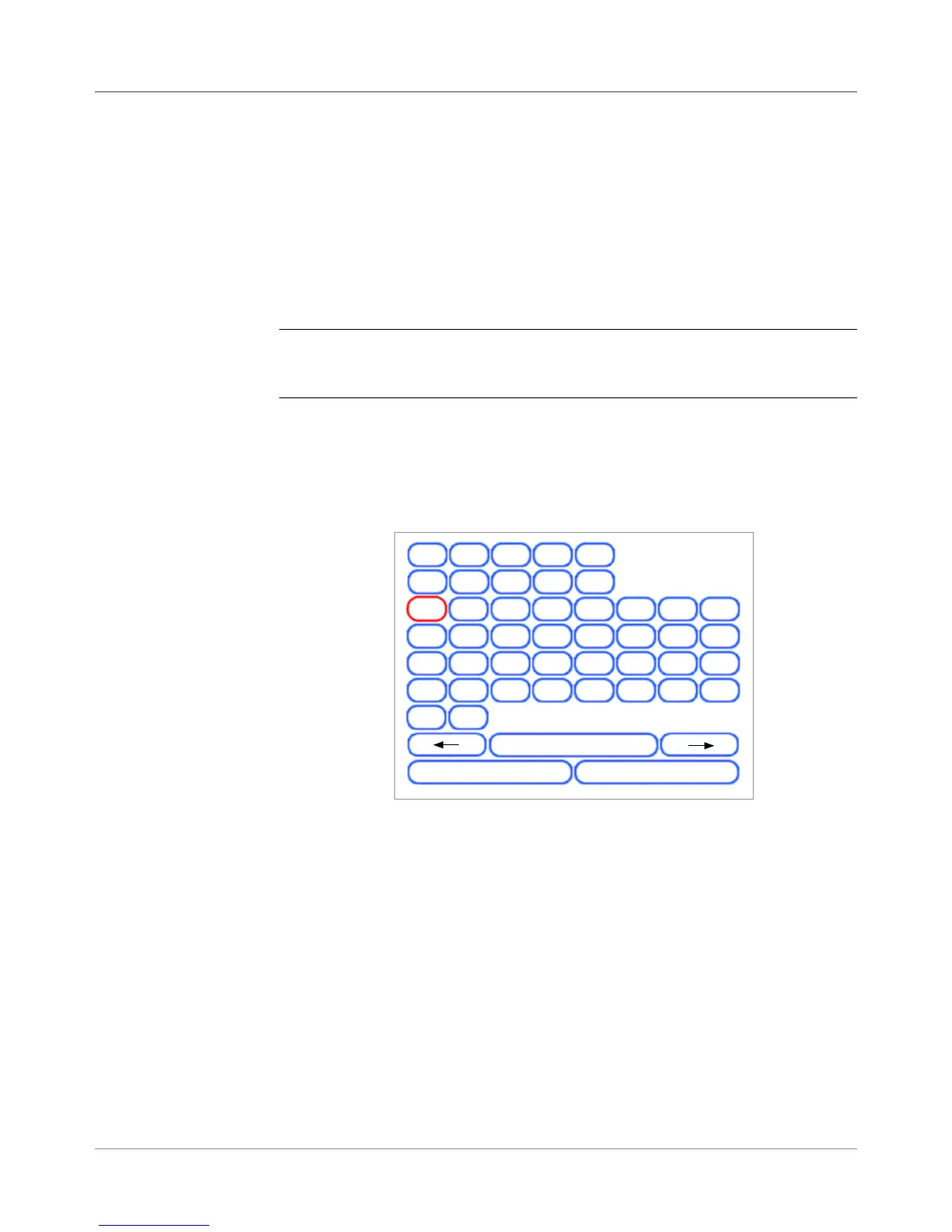
The alphanumeric matrix allows you enter text for naming items and job, for
entering job comments, and for logging in and out of the system.
Using the
Alphanumeric
Matrix
1. Use the UP/DOWN and LEFT/RIGHT Screen Navigation Arrow keys to
select any of the following:
• Desired character.
• Add a (blank) space in the Job Name and/or Job Comments.
• Backspace to delete the character that appears immediately to the
left of the highlight.
• Left or right arrow keys within the matrix to navigate within the text.
2. Press OK to display the selected character in the highlighted area of the
screen, move left or right, or to delete the character immediately to the
left of the highlight.
Alphanumeric Matrix
A
B
C
D E
F
G
H
I
J
K
L
1
2
3
4
5
6 7
8
9
0
M
N
O
P
Q
R
S
T U
V
W
X
Y Z
.
/
-
@
'
"
^
Esc
Space
Backspace
Clear All



 To Next Page