3-4 SV63136 Rev. A
3 • Basic Operation
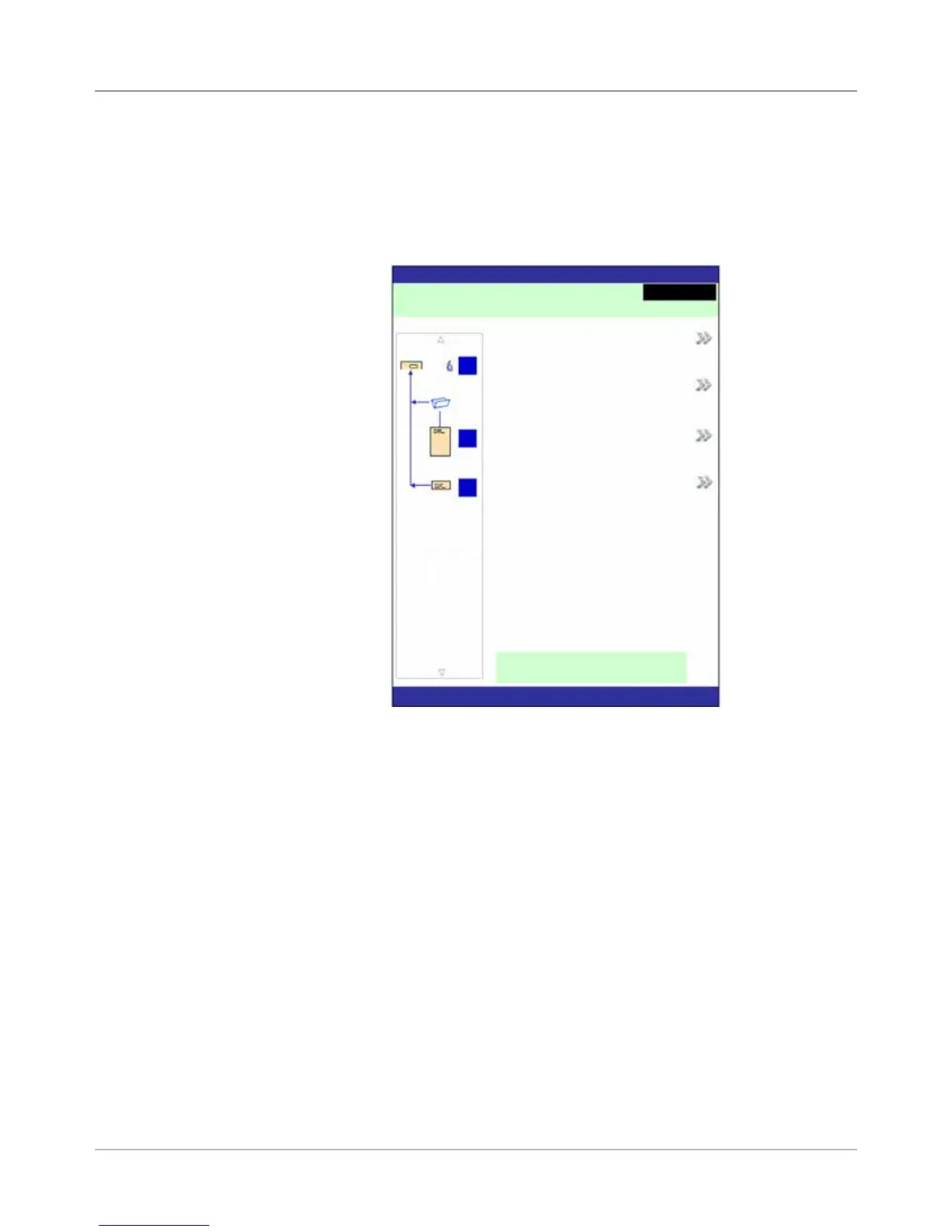
When the system completes the startup process, the Home screen will
display. The last job that was run displays on the Home screen. Information
about the job displays along with the means to select a different job, edit
settings for the displayed job, use the SwiftStart
™
feature, and view loading
instructions for the selected job.
Home Screen
If you need to adjust the screen brightness or contrast, refer to Chapter 5 for
detailed procedures.
Home Screen
Home
Job: ABC
Low Sealant
Select Another Job
SwiftStart
Menu
Loading Instructions and
Pre-Run Adjustments
Run Trial Piece
Job Items
A
B
D
Pieces :1658



 To Next Page