SV63136 Rev. A
3-41
Basic Operation • 3
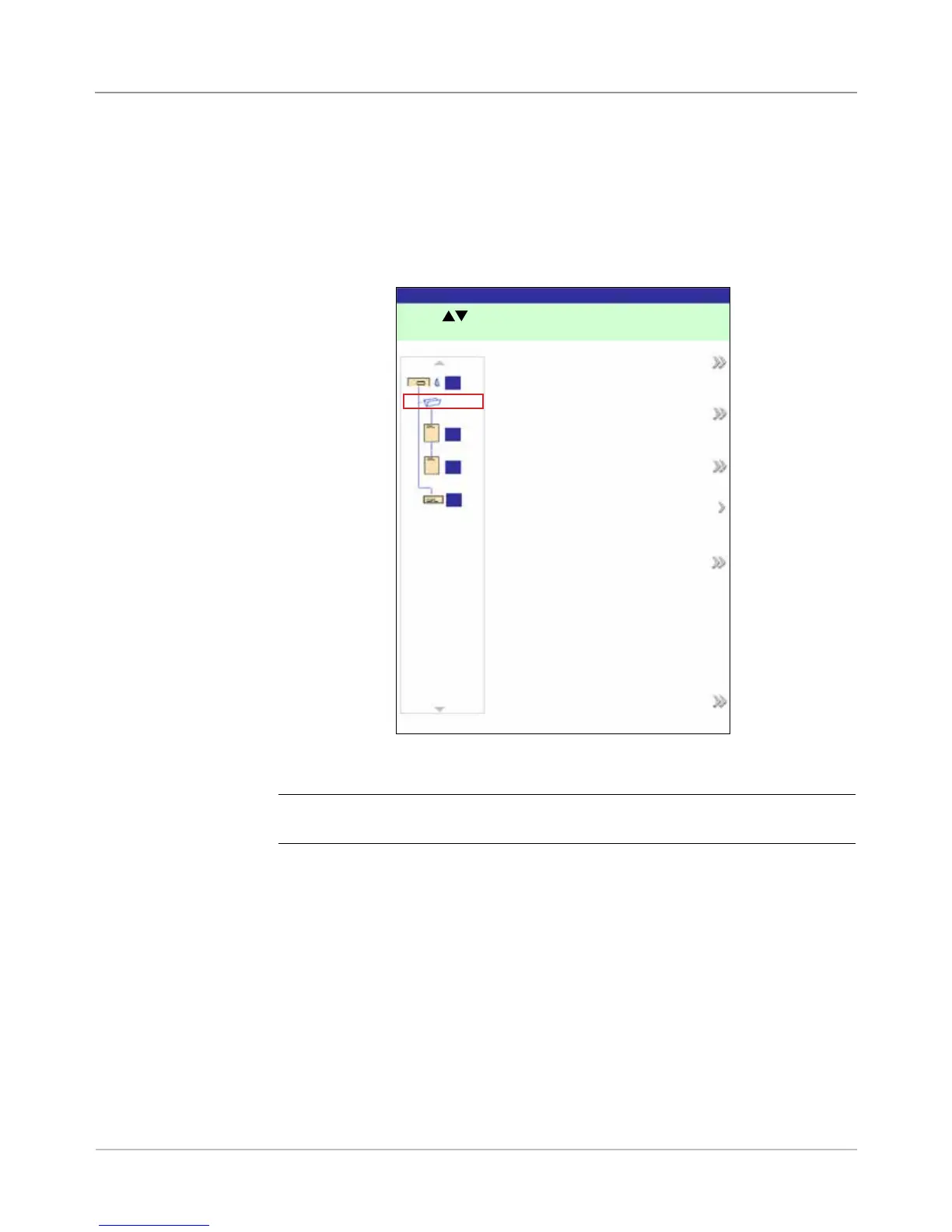
Editing a Job
Editing a job involves any or all of the following:
• Changing characteristics for a selected item.
• Adding an item to the mail piece.
• Deleting an item from the mail piece.
• Moving an item to a different position in the mail piece collation.
• Modifying settings for the job.
NOTE: The options available in the Edit Job screen vary and depend on the item
selected and the number of available Trays on the Feeder Tower.
Edit Job Screen
Edit Job
Job: 123
A
B
C
D
Press
to highlight an item to edit.
Job Items
Edit Job Settings
Edit Highlighted Item
Move Highlighted Item
Delete Highlighted Item
Add New Item
Finished



 To Next Page