SV63136 Rev. A
7-5
Add-On Modules • 7
Loading
the HCSF
(continued)
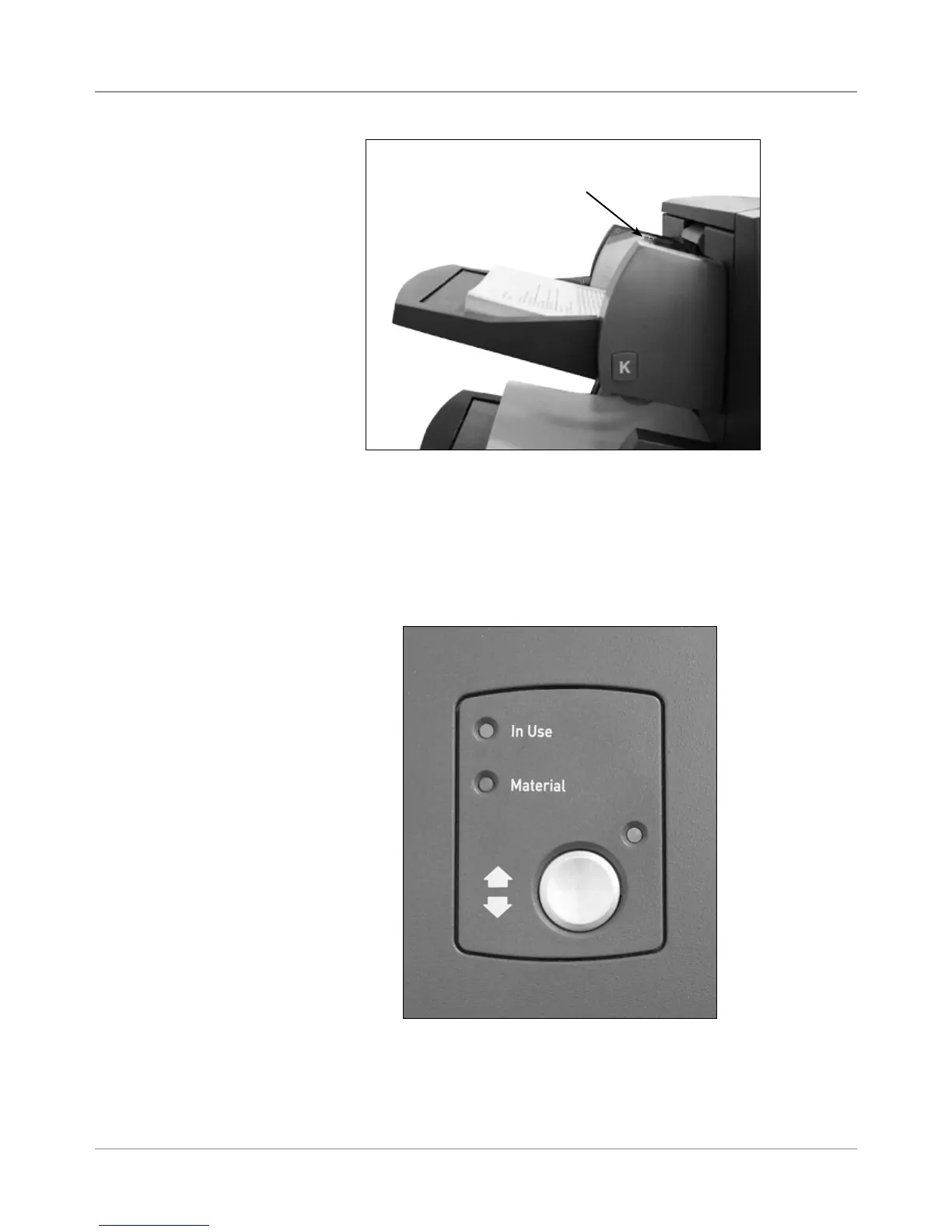
Figure 7.4: HCSF Ready to Feed
4. Load the remaining paper up to the fill line.
5. Repeat steps 2-5 for each remaining HCSF Tray.
6. Press the button on the front of the HCSF for each of the Trays. The
loaded Tray(s) will move into position for feeding.
Figure 7.3: HCSF Loaded with Material
Max fill line



 To Next Page