SV63136 Rev. A
8-13
Scanning • 8
Setting Up an
OMR Scan
Configuration
(continued)
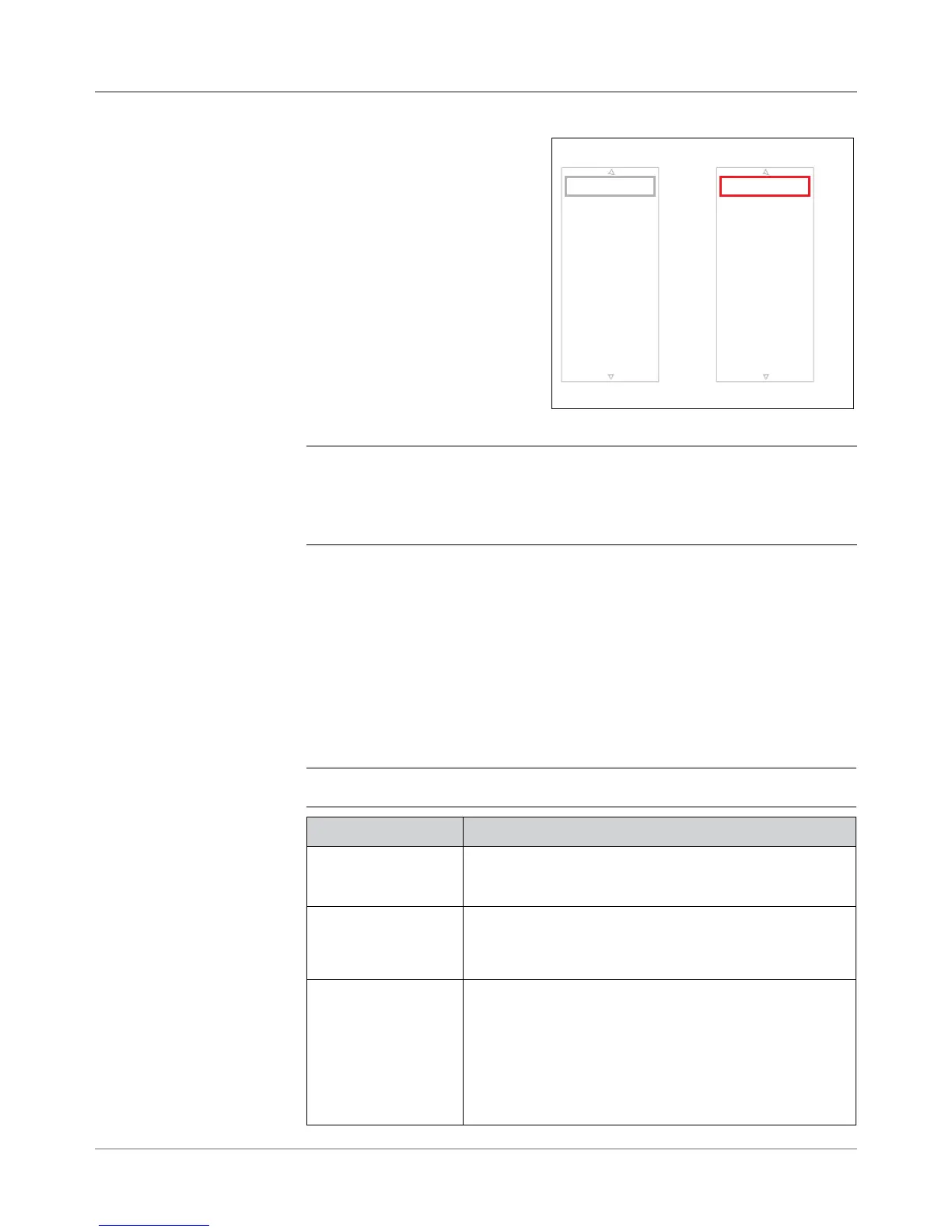
8. The Add OMR Functions
screen displays. There are two
lists available on the screen:
• Selected Functions and
• Available Functions.
Refer to BCR and OMR Mark
Levels in this section for a brief
description of the function of each
mark.
NOTE: Items that can be added appear in the Available list. Items that have
been added appear in the Selected list.
• Use the LEFT/RIGHT arrow keys to move between lists.
• Use the UP/DOWN arrow keys to highlight an item within a list.
a. Highlight the appropriate item in the Available list, then select Add
Highlighted Item. The item you selected in the Available list will
move to the end of the Selected list.
b. Repeat step a, above, until all necessary items have been added to
the Selected list.
c. Press Finished when you are done.
9. The Create OMR screen displays. Use the UP/DOWN arrows to
highlight an item in the OMR Marks list.
10. Select Set Options for Highlighted Item.
NOTE: The options that appear vary, depending upon the selected function.
Menu Option Associated Options/Actions
Increase Count for
Highlighted Item
(MC, WAS only)
Allows you to increase the number of marks for the function.
The count number is appended to the abbreviation (e.g.
MC1, MC2, MC3).
Decrease Count for
Highlighted Item
(MC, WAS, PC, PN
only)
Allows you to decrease the number of marks for the function.
The count number is appended to the abbreviation (e.g.
MC3, MC2, MC1).
Use When Toggles:
• Present, or
• Absent.
When Present is selected, the function will be performed
when mark is printed.
When Absent is selected, the function will be performed
when the mark location is blank.
Selected and Available Lists
Selected Functions
Available Functions
SAF
PAR
DVF
BOC
BM
DVS
ES
MK
MC:2
PC:2
PN:2
SL
SF1
SF2
Safety Divert Sheets



 To Next Page