8-26 SV63136 Rev. A
8 • Scanning
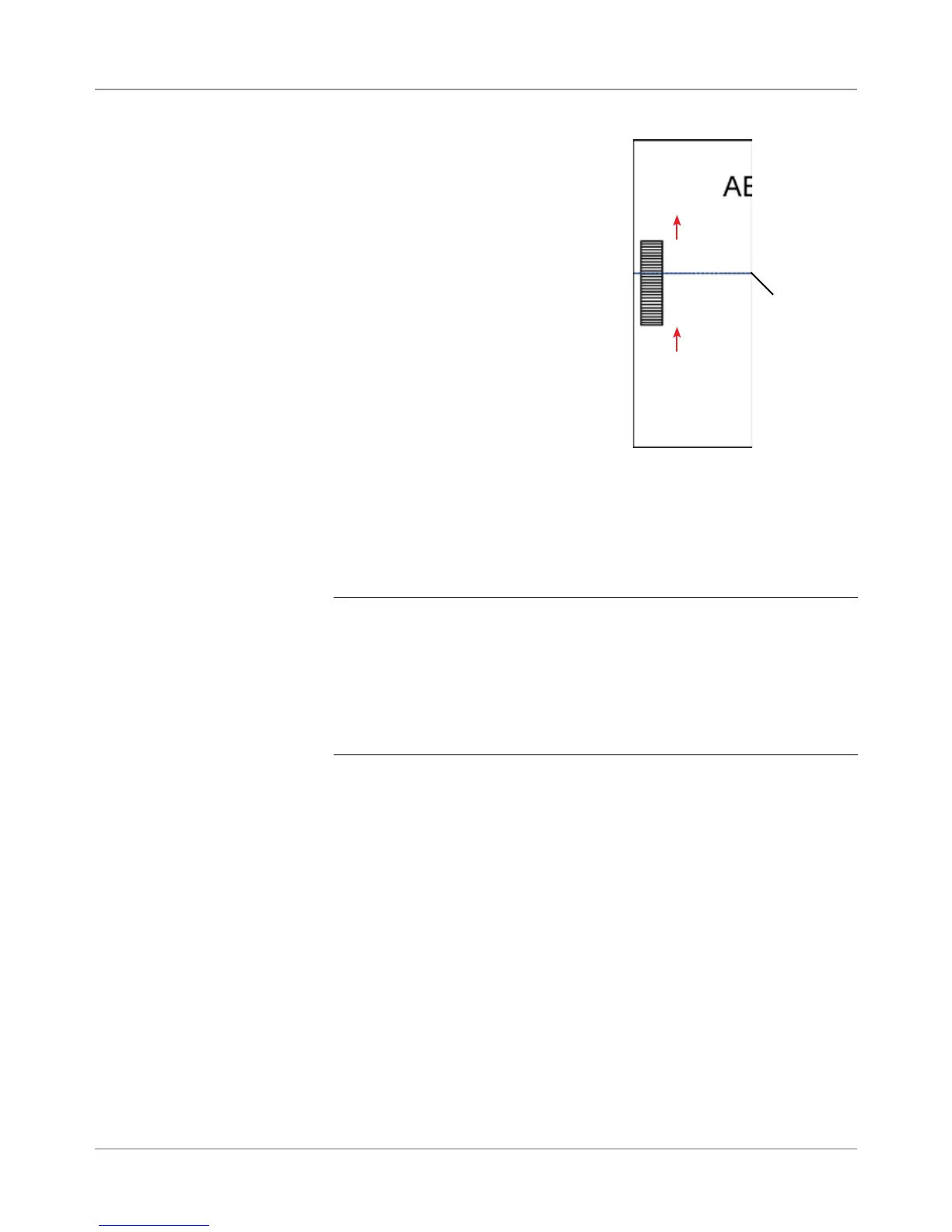
3. Fold the sheet horizontally, so the
barcode appears on either side of the
fold line.
4. Open the main transport deck cover.
Use the ruler to measure the distance
from the center of the sheet (lined up
at 0 on the ruler) to the center of the
marks.
5. Refer to the loading instructions to
determine:
• The scan head location to be used
for this sheet (left or right)
• If the sheet will be loaded top or
bottom first.
6. Open the tower cover:
• If the scanner is in the Feeder Tower (Feeders A, B, C, D) open the
feeder tower cover
• If the scanner is in the HCSF (High Capacity Sheet Feeder J, K, L,
M), open the HCSF tower cover.
TIPS:
• Remove the left feeder trays from the feeder tower to allow the HCSF
tower cover to open freely.
• If you have two HCSFs on your system, the rst HCSF Tower will pre-
vent the second tower (farthest) from opening fully. For best results,
be sure you have proper lighting when adjusting the scan head in the
second tower.
7. Determine the direction the scan head needs to be moved (to the left or
right of 0 on the ruler):
• Make sure the center of the sheet (the vertical fold) is lined up with
the at the center of the machine (at 0 on the ruler.)
• If the sheet is loaded top first, make sure the arrows point DOWN.
• If the sheet is loaded bottom first, make sure the arrows point UP.
Adjusting the
Scan Heads
for Ladder or
2D Orientation
Marks (continued)
Horizontal
fold



 To Next Page