Setup & User Guide
| 126
DOC-246-GDE-Pivot3 Acuity 2.3 Setup & User Guide-v1.0.docx
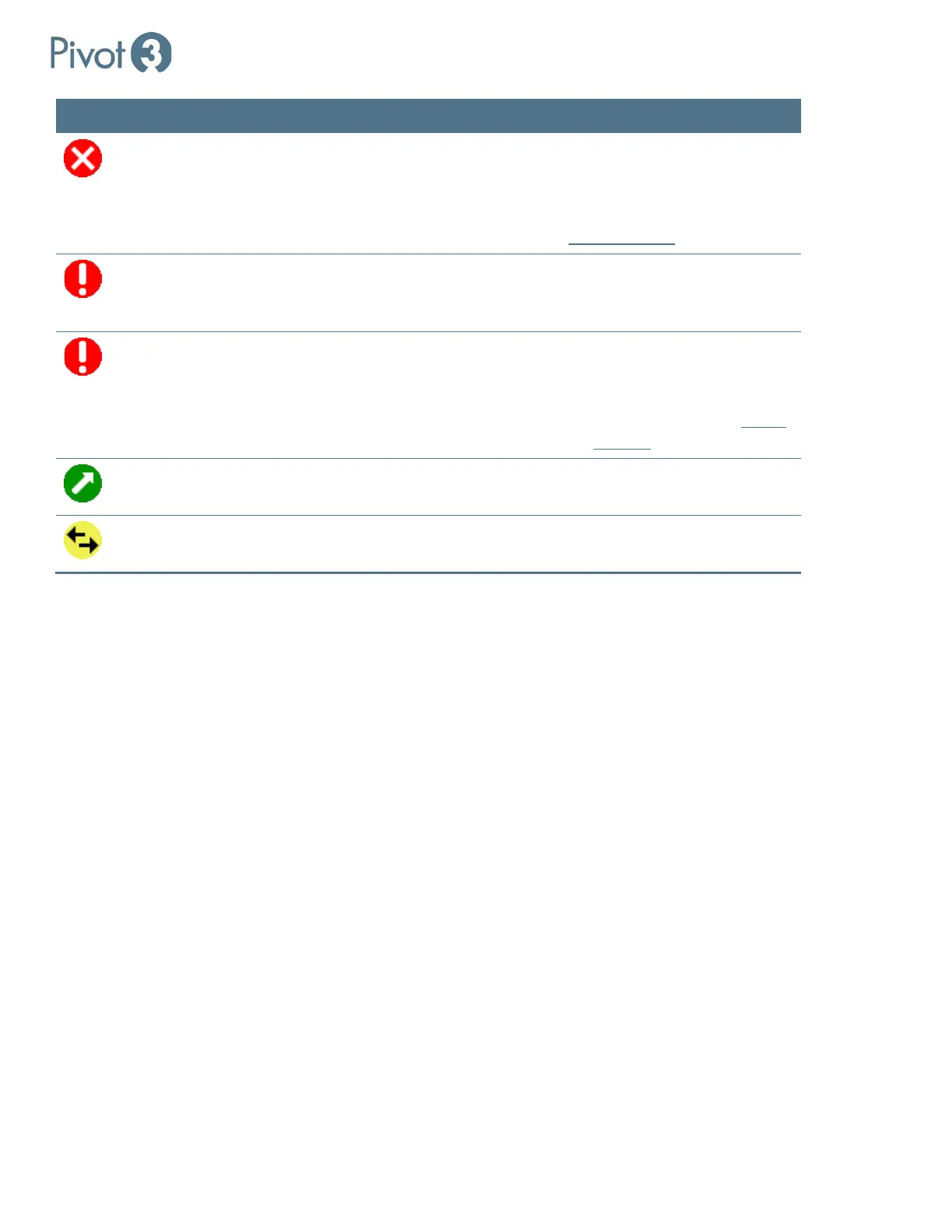
Icon Status Description Next Step
Failed A disk, drive, volume, or node has
failed.
If the reason for the failure is
known, power off and replace the
failed component. If the cause of
the failure is unknown, contact
Pivot3 Support
for assistance.
Not Ready
The vPG is waiting for other nodes to
come online or recover from
shutdown.
Power on more nodes and wait or
address process that is holding up
the vPG.
Not Booted There is at least one node on the vPG
that has failed to boot.
Power on more nodes if
applicable.
NOTE: If the “Continue Boot”
dialog comes up, contact
Pivot3
Support immediately.
Optimizing
Improving the data layout to enhance
performance and availability.
Wait for process to complete.
Re-Synchronizing
vPG is re-synchronizing changes that
were made in Maintenance Mode.
Wait for process to complete.



 To Next Page