X-Series Hyperconverged Nodes Powered by Acuity
Setup & User Guide, v1.0
| 32
DOC-246-GDE-Pivot3 Acuity 2.3 Setup & User Guide-v1.0.docx
Section 6 Network Fine Tuning
There are a few procedures that need to be performed before the Acuity software platform can be considered
optimally configured. These represent best practices for any X-Series Acuity environment.
Time Synchronization
With the Acuity software platform, time synchronization between vCenter nodes, Host Servers, and VMs is critical
for proper functionality of features such as scheduled tasks. NTP should be configured for the vCenter Server
Appliance, the ESXi Nodes, external host servers, and VMs to ensure that all are synchronized.
CRITICAL:
Ensure all ESXi hosts are configured to sync via NTP.
vCenter Server & External Host Servers in Windows
Configuration Process
# Configuration Task Procedure Details / Expected Results
1
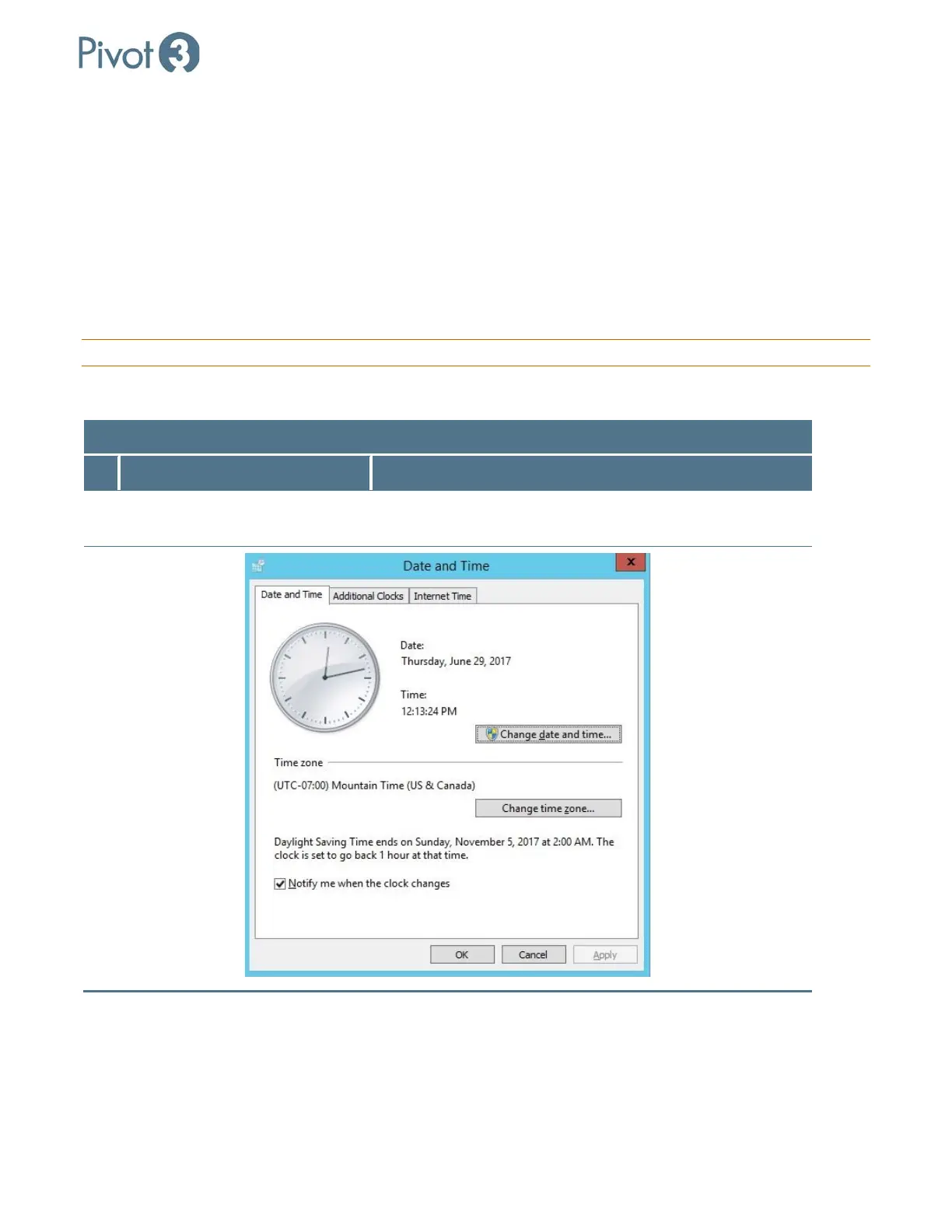
Change date and time settings on
Server
Click on the time at the bottom right corner of the vCenter
Server Windows UI.



 To Next Page