Setup & User Guide
57 |
DOC-246-GDE-Pivot3 Acuity 2.3 Setup & User Guide-v1.0.docx
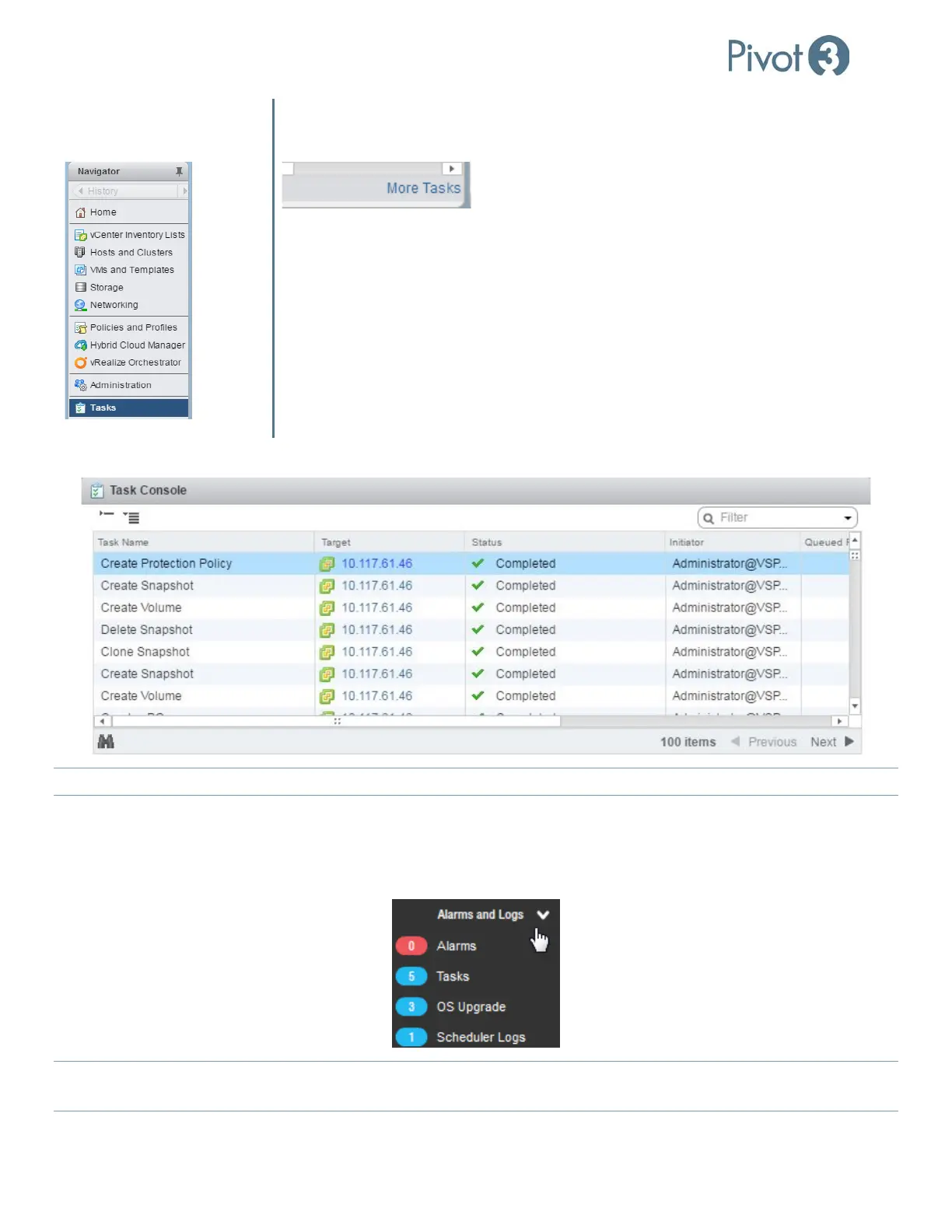
Tasks Menu Item in Left Pane
“More Tasks” Hyperlink on Recent
Tasks Window
Task Console Window
NOTE: To return to the Main Screen views of the vCenter Plugin, click Home
at the top of the left menu pane.
Web Plugin Alarms and Logs
The Alarms and Logs menu provides a quick shortcut to Alarms that are active, a list of the most recent tasks performed
by the Plugin, OS version running on each node in the vPG, and a list of upcoming scheduled tasks.
NOTE:
The Alarms/Tasks listed here are Plugin-specific and differ from the Alarms/Recent Tasks window generated by the
vSphere Web Client.



 To Next Page