X-Series Hyperconverged Nodes Powered by Acuity
Setup & User Guide, v1.0
| 26
DOC-246-GDE-Pivot3 Acuity 2.3 Setup & User Guide-v1.0.docx
Section 5 Install Plugin for Linux
Before You Start
Before the installation procedure begins, ensure the following items are easily accessible:
• vCenter Server IP address
• Plugin installation package from Pivot3
• Administrator credentials for each host
• Email addresses of all known administrators
NOTE: The Pivot3 vCenter Plugin is only compatible with the vSphere Web Client
. It is not compatible with the
installable VMware vSphere software client.
Download and Open Plugin Package
Download the file Pivot3_vCenter_Plugin_10.3.1.[####].tar.gz received from Pivot3 Support to the
Management Station. (For the purposes of this document, [####] stands for the build number and may vary.)
CRITICAL:
For full functionality, ensure all Pivot3 nodes managed by the Plugin are included in the vCenter inventory.
NOTE: To obtain a Pivot3 vCenter Plugin installation file, send a request through the Support Portal.
CRITICAL: To install the plugin on a Linux vCenter from a Windows client, WinSCP and PuTTY clients will be
required.
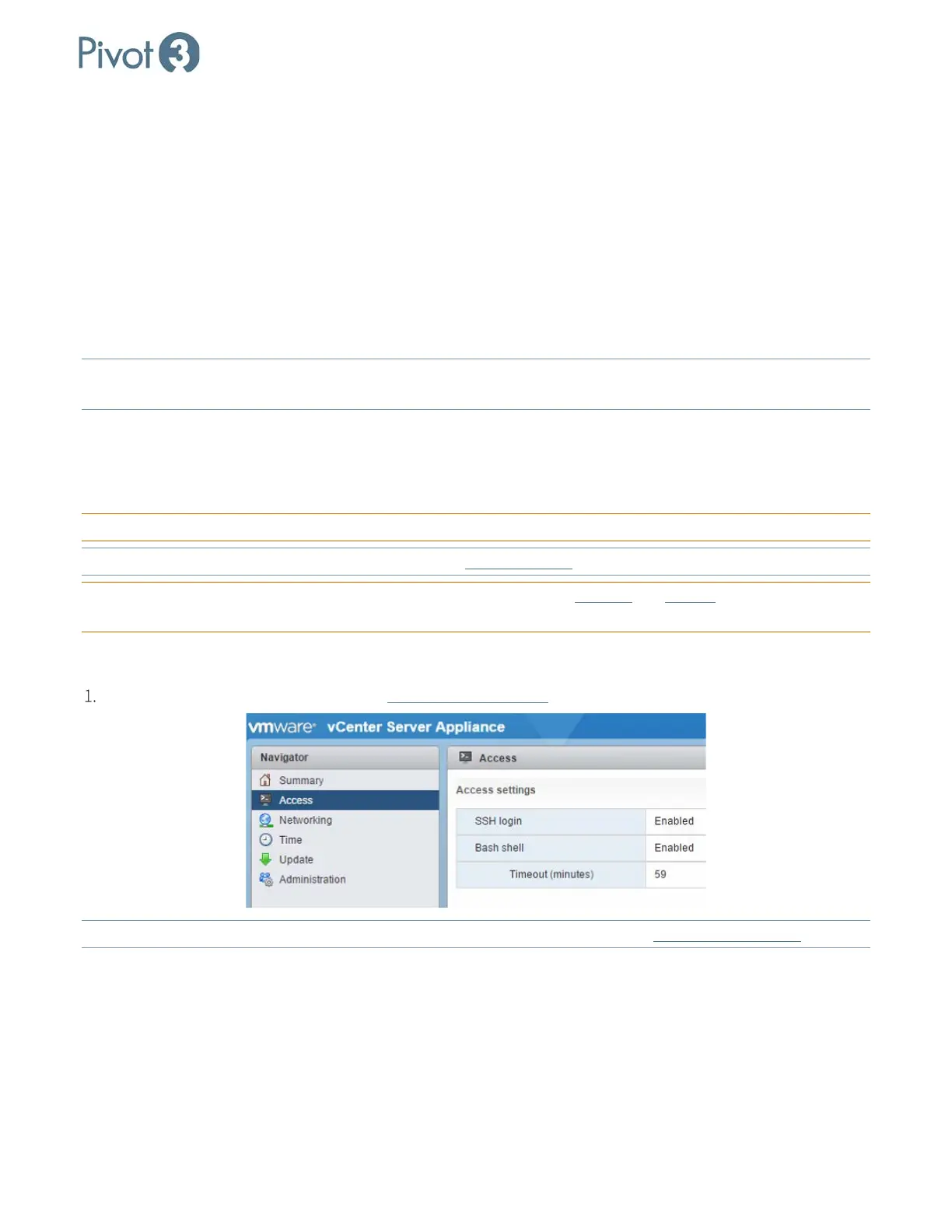
Prepare Environment
Enable bash and SSH on Linux vCenter (https://vCenterIP:5480).
NOTE: For any issues opening the connection to Linux vCenter using WinSCP, consult VMware KB 2107727
.



 To Next Page