Setup & User Guide
125 |
DOC-246-GDE-Pivot3 Acuity 2.3 Setup & User Guide-v1.0.docx
Status Icons & Definitions
The Pivot3 vCenter Plugin shows both the Logical and Physical statuses of Pivot3 network setups. Each status state is
identified by a relevant icon and a brief description. Below are expanded explanations of possible vPG statuses.
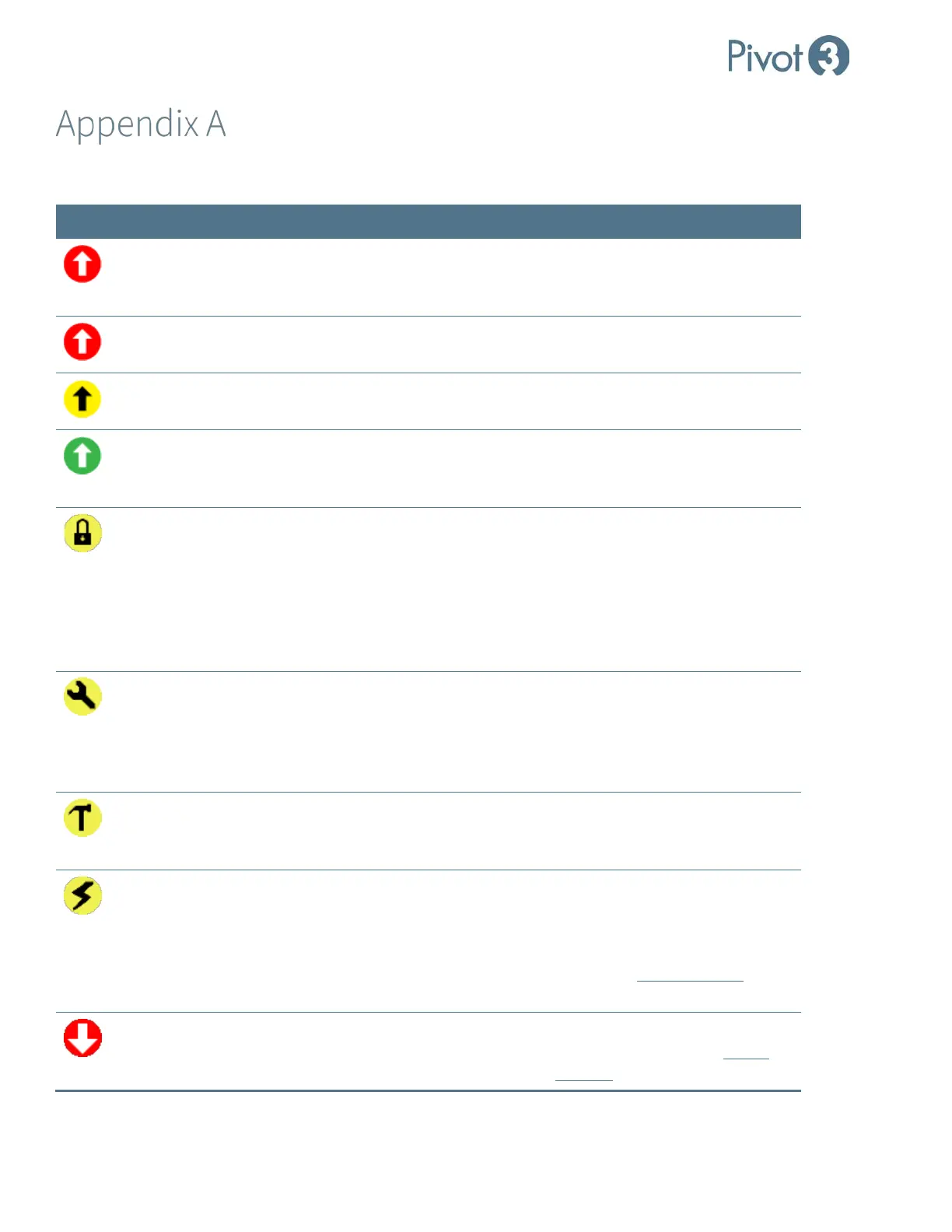
Icon Status Description Next Step
Upgrade Required
A critical upgrade is required to
maintain vPG functionality and
availability.
Upgrade immediately.
Incomplete
Upgrade
Nodes in the vPG are running
different versions of Acuity OS.
Finish upgrading vPG.
Upgrade
Recommended
An upgrade is available with minor
bug fixes or enhancements.
Upgrade as soon as possible.
Upgrade Available
An upgrade is available, but it does
not have critical bug fixes or
enhancements.
Upgrade when and if desired.
Access Denied The current Administrator is not
authorized to access the vPG.
If using SSO User credentials,
switch to Classic User credentials
and set a valid administrator for
this vPG. If using vSMS Web
Service, change the vSMS Web
Service Credentials to match the
valid Administrator for this vPG.
Maintenance
Mode
This vPG has been put in
Maintenance Mode.
During an online upgrade, the
main next step is to wait for
completion. Ensure that this
status is not allowed to persist
indefinitely.
Rebuilding A degraded volume is being rebuilt. Wait for process to complete. I/O
may be negatively impacted
during rebuild.
Offline /
Not Connected
There is an interruption in power
throughput or an issue on the
network that is preventing
communication.
Check physical network to ensure
all nodes are powered on and
correctly connected. If status
persists after a Domain Refresh,
contact Pivot3 Support for
assistance.
Degraded A component is failed and the vPG is
degraded.
Repair or replace failed
component. Contact Pivot3
Support for diagnostic assistance.



 To Next Page