Setup & User Guide
49 |
DOC-246-GDE-Pivot3 Acuity 2.3 Setup & User Guide-v1.0.docx
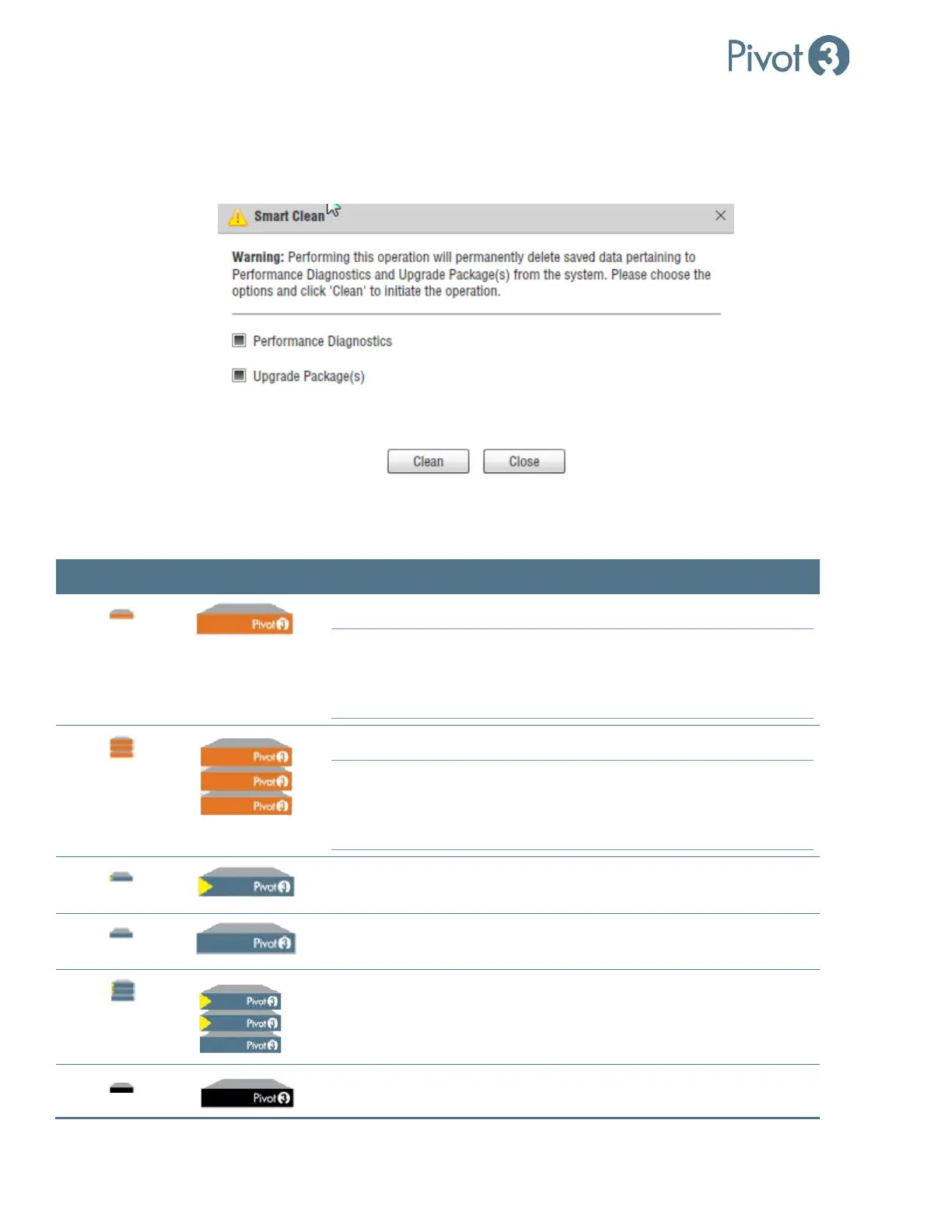
a. Performance Diagnostics removes old data that was generated during previous log pulls and is no longer being
used.
b. Upgrade Package(s) removes outdated Upgrade files and frees up disk space on the Upgrade Package
repository.
Acuity Software Platform: Node Icons Explained
Status flags that show up next to these icons in the Plugin are explained in Appendix A.
Small Icon Large Icon Represents
A Healthy vSTAC node capable of being in a vSTAC vPG
NOTE:
Any node running vSTAC OS version 7.x will have normal
functionality in the Acuity version of the plugin. Only vSTAC
nodes running 2.2 or later will be eligible for Acuity vPG
membership.
A Healthy vSTAC vPG
NOTE:
Any node running vSTAC OS version 7.x will have normal
functionality in the Acuity version of the plugin. Only vSTAC
nodes running 2.2 or later will be eligible for Acuity vPG
membership.
A Healthy X-Series Accelerator (2500 or 6500) node capable of being
one of two accelerator nodes in an Acuity vPG
A Healthy X-Series Standard (2000 or 6000) node capable of being
one of the non-accelerator nodes in an Acuity vPG
A Healthy Acuity vPG with exactly two Accelerator nodes and up to 10
(Hybrid) or 14 (Flash) non-accelerator nodes
A Healthy N5 node capable of being a part of an N5 Storage Array



 To Next Page