Setup & User Guide
59 |
DOC-246-GDE-Pivot3 Acuity 2.3 Setup & User Guide-v1.0.docx
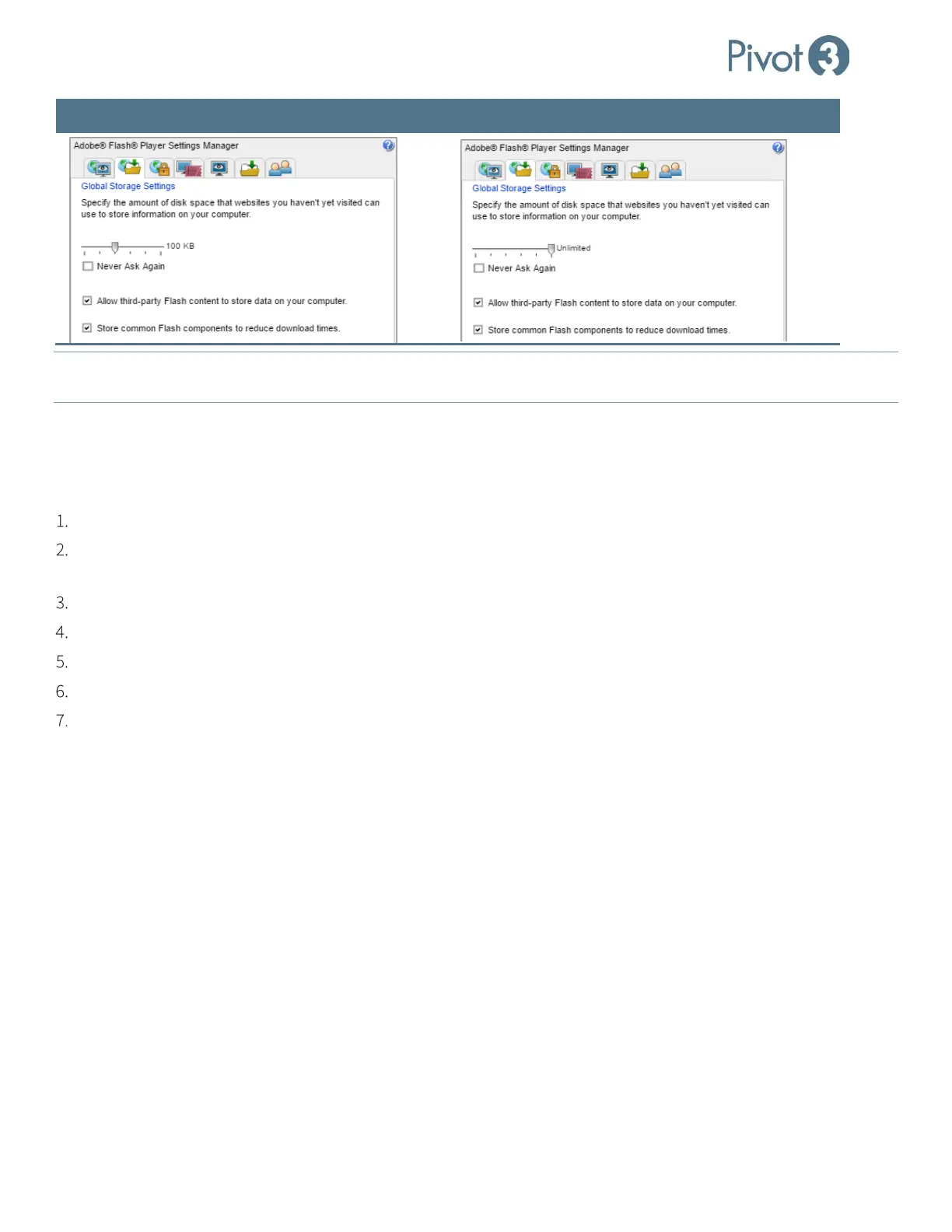
Default Settings Suggested Settings
NOTE: If error message [1] Error creating firewall rule incorrect function displays, that means that the Windows Firewall
Service has been stopped but not disabled. Either restart or disable the firewall service.
Mutual CHAP
To ensure a Mutual CHAP handshake between volumes and a Host Access Group, a manual procedure must be followed.
This issue should be resolved in future releases of the Pivot3 Acuity software platform.
Use the Pivot3 vCenter Plugin to Create a Host Access Group with Mutual CHAP configured.
Use the Pivot3 vCenter Plugin to create a Volume and assign the Host Access Group with Mutual CHAP configured to
the volume. More information on this procedure is found in
Section 11.
Rescan for new storage devices on all ESXi hosts.
Disable CHAP on all ESXi hosts.
Re-enable CHAP on all ESXi hosts.
Rescan for new storage devices on all ESXi hosts.
The ESXi hosts will now see the new volume with Mutual CHAP properly configured, and can be formatted as a
datastore.



 To Next Page