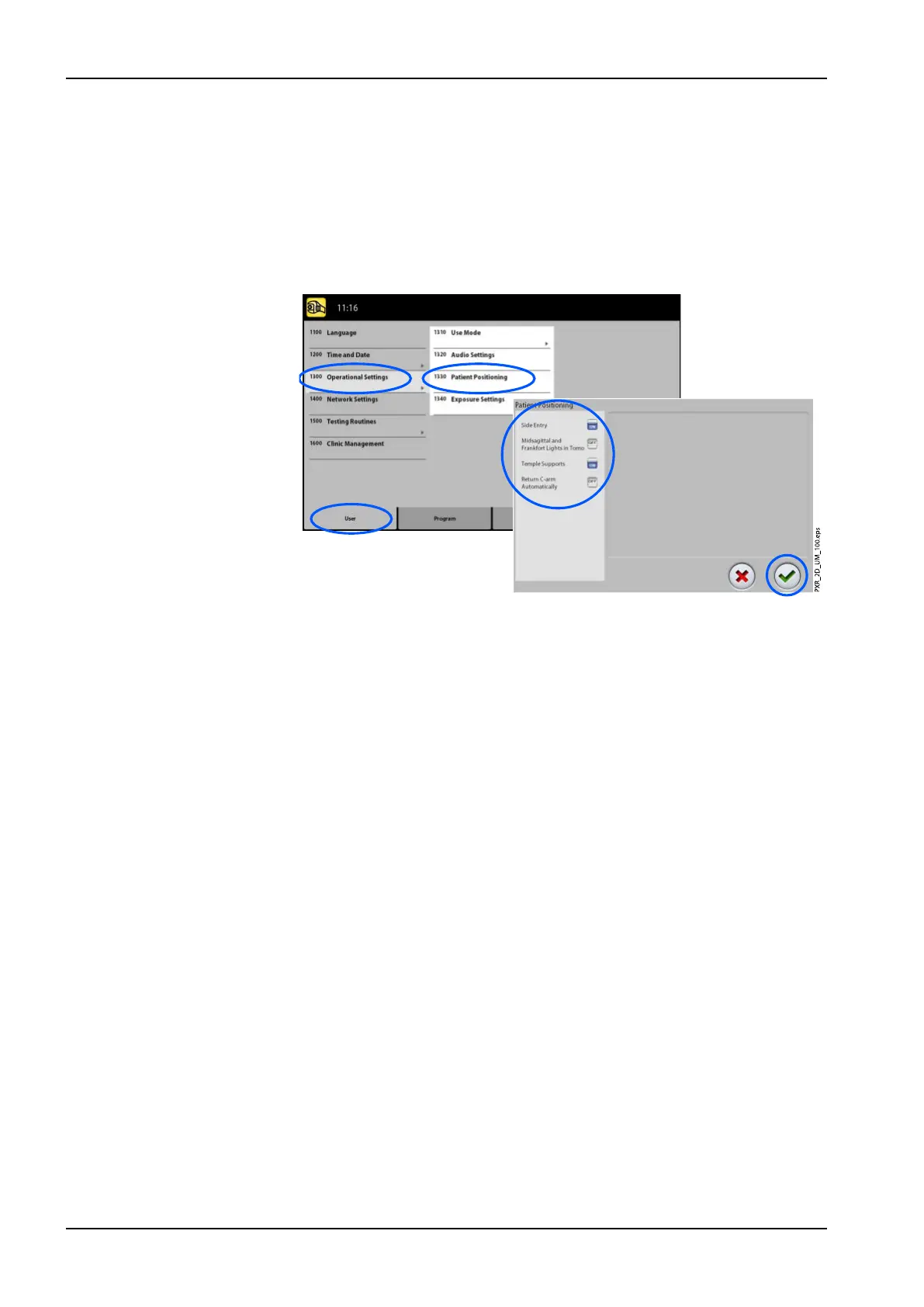
Turn this option OFF if you do not wish to use the temple supports.
• Return C-arm Automatically
Turn this option ON if you wish to set the X-ray unit so that the C-arm
will automatically return to the starting position at the end of an
exposure cycle. Note, however, that the automatic function works
only if the exposure button is pressed and held down for the entire
duration of the exposure.
3. Select the green check mark button.
9 Settings
90 Planmeca ProMax User's manual














 To Next Page