287
Polyend Tracker Mini Manual
286
Polyend Tracker Mini Manual
System
13
System
13
NOTESNOTES
13.8 Games
Tracker Mini can run NES ROM games, and a collection are supplied
readily available and stored in the SD Card games folder and accessed
through the ‘File’ options. NES ROM les can be found online but there may
be compatibility and performance issues with some. Some communities
online have tested various games for using with Tracker Mini. Load any
other NES ROM les into the games folder on the SD to access.
▌ ACCESSING THE GAMES
1. Hold [Shift] + [4] or use [Menu] to select the ‘Cong’ Menu.
2. Press [Games], 8
th
Screen button. This will present the list of available
games that are located in the SD Card /Games folder.
3. Scroll and navigate the list using the screen (Up) (Down) buttons or
(Up) or (Down) buttons.
4. Press [Game Sound], 7
th
Screen button for game sound on or off.
5. Press [Start], 8
th
Screen button to start the highlighted game.
6. Controls will vary depending on which game is playing. The typical key
commands for control are:-
• The (Up), (Down), (Right), (Left) D-Pad buttons for navigation.
• The [A] and [B], 1
st
and 2
nd
Screen buttons for control.
• [Sel Start], 8
th
Screen Button, Select/Start.
6. To exit a game, Press the top On/Off Button.
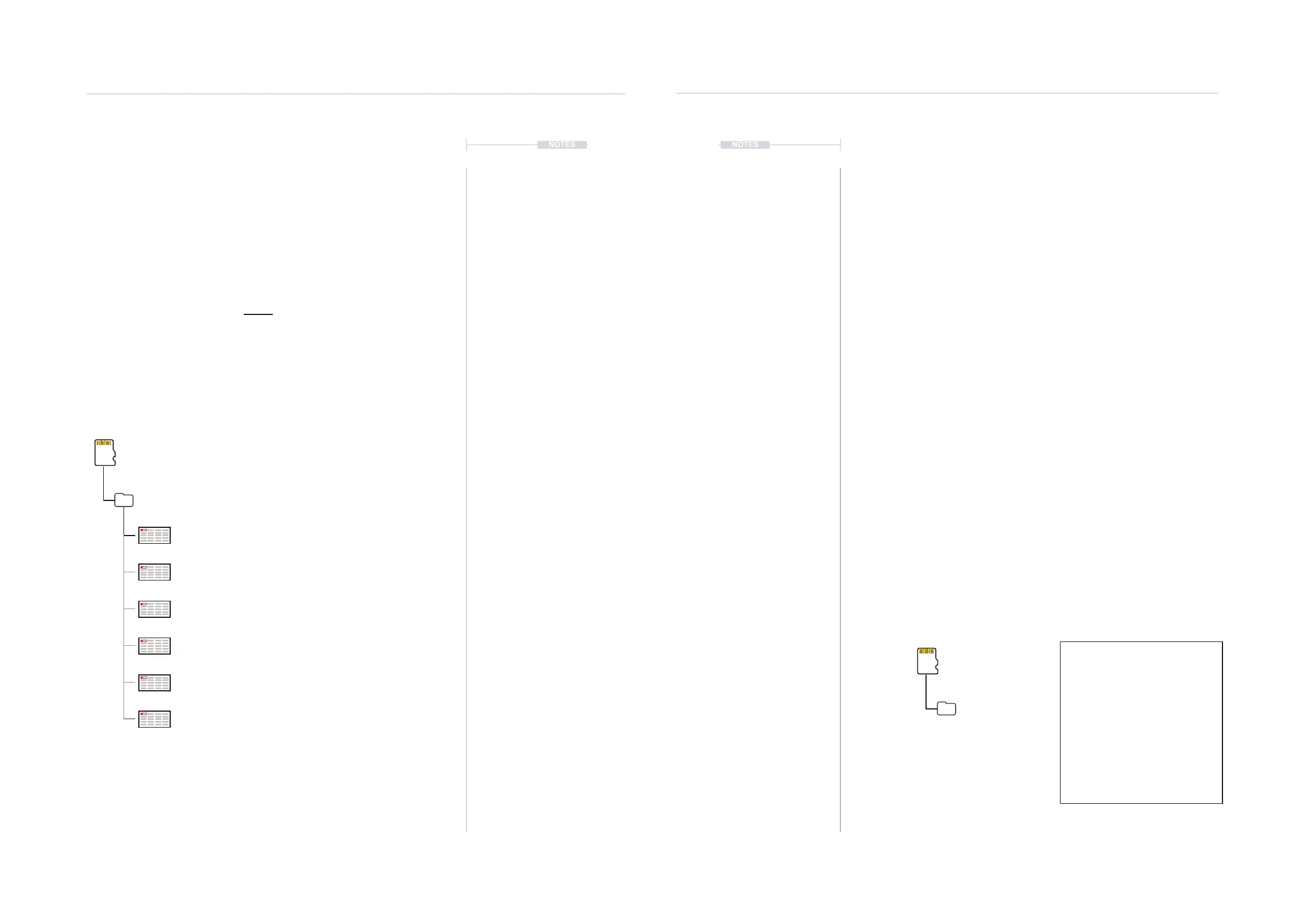
Additional, compatible .nes les can be
downloaded from the web and when located in
the /Games folder, will be accessible to Tracker.
Sub Folders
SD Card
/Root Directory
/Games
Alter_Ego
Chase
Lan
LawnMower
Utaco
ZoomingSecretary
Default Games List (.nes)
13.7 Screen Capturing
The ability to capture screen images from the currently displayed page is a
built in feature of Tracker Mini.
▌ SCREEN GRAB OF CURRENT IMAGE
1. Select the page to capture.
2. Press [Shift] + On/Off Button. This is the power on button located on the
top edge of the unit. This action is not accompanied by any visual or
audible acknowledgement of capture being completed.
3. The screen will be captured and saved onto the SD card as a .BMP
image le in the snapshots folder. A slight delay with a control response
may exist while a screen capture is in progress.
Sub Folders
Screen Captured Files
RGB 800 x 480 Windows BMP Format
SD Card
/Root Directory
/Snapshots
Snapshot_001.bmp
Snapshot_002.bmp
Snapshot_003.bmp
Snapshot_004.bmp
Snapshot_005.bmp
Snapshot_006.bmp



 To Next Page