Architecture
2
31
Polyend Tracker Mini Manual
30
Polyend Tracker Mini Manual
Architecture
2
[Song]
[Perform]
[Master]
1/3 2/3 3/3
[Reverb]
[Delay]
[Limiter]
[EQ]
[Master] [Master]
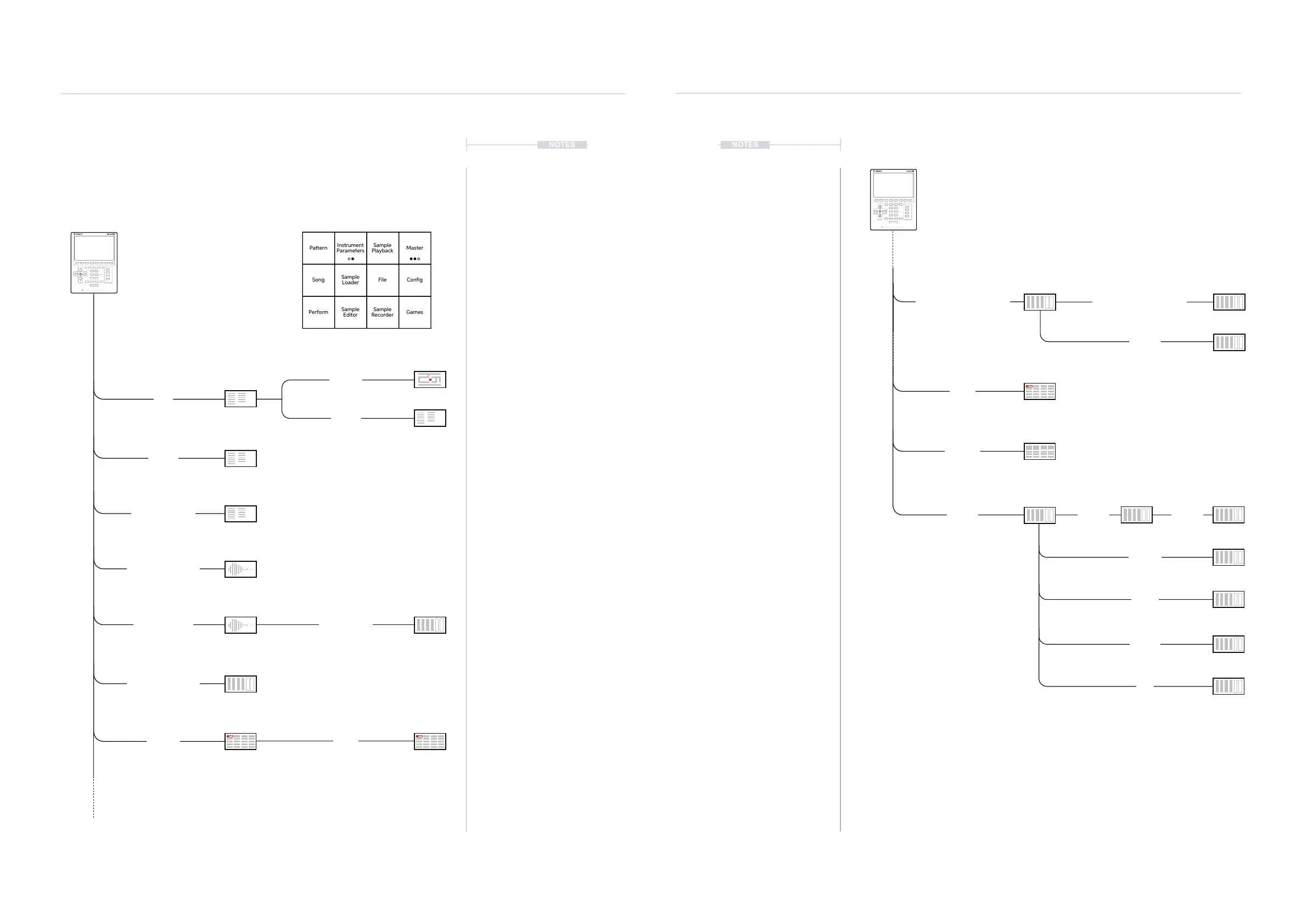
2.5 Menu Page Map
As a quick guide to the page hierarchy in Tracker Mini the following
diagram illustrates the main pages accessed under the [Menu] option.
NOTES NOTES
[File]
[Cong]
[Sample Playback]
[Sample Editor]
[Sample Recorder]
[Pattern]
The Pattern page is the place where most time will be spent in the Tracker Mini workow
Project Settings, General, MIDI,
Metronome, Firmware, Manual, Credits
[Sample Loader]
[Export]
[Games]
[Select Effect]
[More]
[1]
[3]
[4]
[Shift] + [1]
[Shift] + [2]
[Shift] + [4]
[Shift] + [3]
Default quick page button 1 - 4 assignments are also shown under the page name.
Pattern
Song
Perform
Sample
Playback
File
Sample
Recorder
Instrument
Parameters
Sample
Loader
Sample
Editor
Master
Config
Games
Audio
1/2 2/2
[Instrument Parameters]
[Effects]
[Instrument Parameters]
[2]



 To Next Page