155
Polyend Tracker Mini Manual
154
Polyend Tracker Mini Manual
NOTESNOTES
7.16 Random Note 7.17 Random Instrument
1
3
2
4
5
D6 04
----
i 2
D6 04
----
i 2
D6 04
----
i 2
D6 04
----
i 2
D6 04
----
i 2
1 2 3 4 5
+2
-2
Current Instrument
1. HooverBass
2. ClosedHat2
3. LightHat
4. ClosedHat
5. Hat Rim
6. Hat3
7. StringPad
8. lead
Instrument List
1
9
5
13
16
D6 03
---- ----
D6 03
----
n 8
D6 03
---- ----
D6 03
----
n 3
D6 03
---- ----
Intervals
Root
+8
+8
1 5 9 132 6 10 143 7 11 154 8 12 16
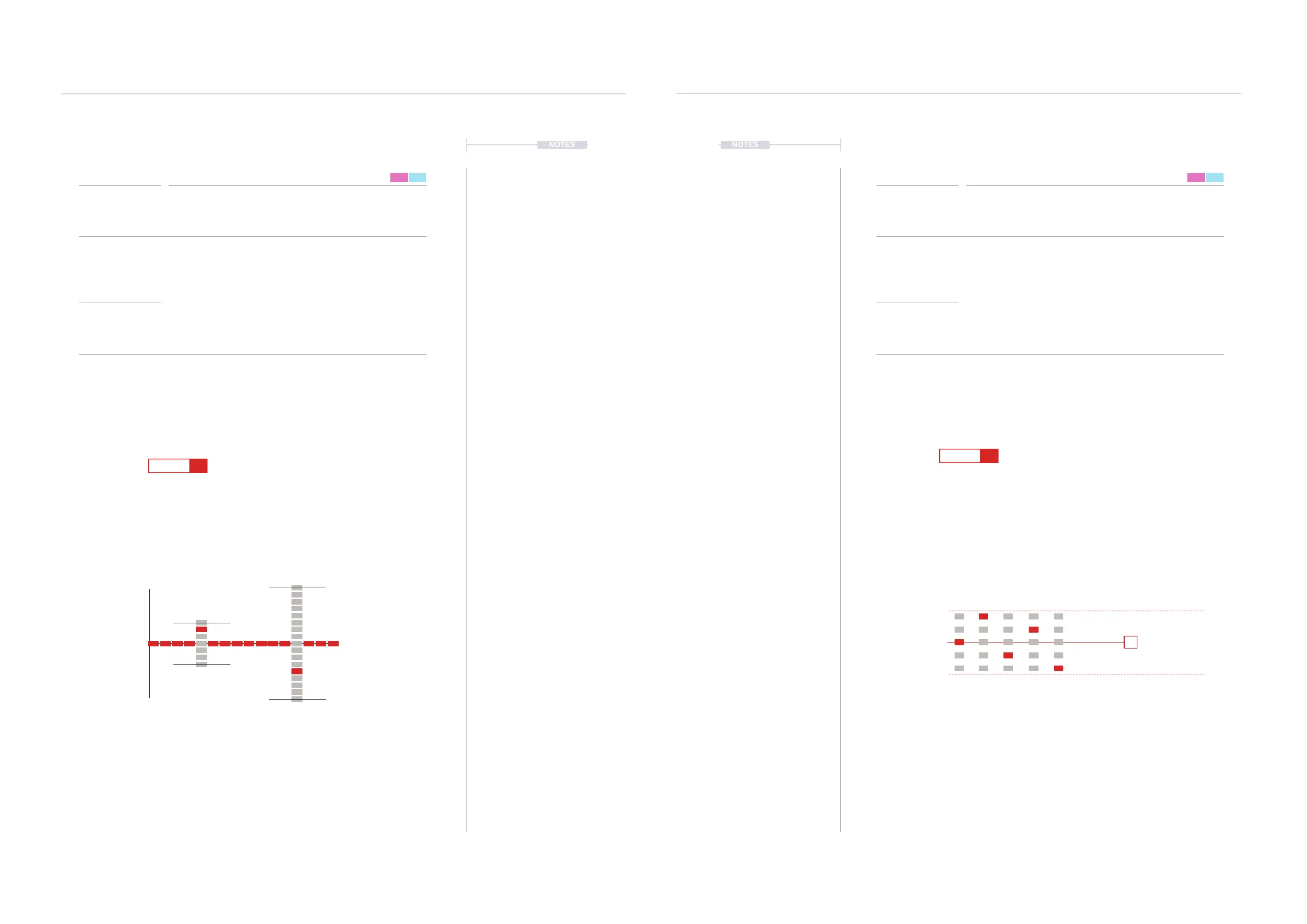
Notes ‘n’ will play randomly, through each pattern cycle. The selected range is set
by the +/- value in the FX. This is applied with reference to the root note (Example
D6) and determines the +/- offset from which the random note is selected.
Instrument ‘i’ will play randomly, through each pattern cycle. The selected range is set
by the +/- value in the FX. This is applied with reference to the current instrument
(Example 4) and determines the +/- offset from which the random note is selected. +2
is the Hat3 and -2 is ClosedHat2. LightHat and Hat Rim are included in this range.
Range is -3 to +3 deviation from root
Range is -2 to +2 deviation from current instrument
Range is -2 to +2 deviation from current instrument
Range is -2 to +2 deviation from current instrument
Range is -2 to +2 deviation from current instrument
Range is -2 to +2 deviation from current instrument
Range is -8 to +8 deviation from root
FX Type Tag FX Type Tag
Value Ranges Value Ranges
FX Description FX Description
Example Example
Effect Effect
n i
0 to +/-100 0 to +/-47
Sets a range of notes from which a random selection will be made, for each
play cycle of the pattern. Interval are based on the selected scale for the pads
Sets a range of instruments from which a random selection will be made, for
each play cycle of the pattern. Intervals are based on the selected instrument
and the range before and after in the project instrument list.
The randomisation is applied within a range set by the value. By default this is
a +/- semitone range across a chromatic scale. However this is based on the
cong settings and can therefore be changed to another scale. Start with a
small range setting to keep things musical and then apply a different setting to
experiment with variations.
Try loading a cluster of samples into the instrument list. This will form the
range to select from. The step instrument being the central instrument for the
randomisation range. For example a variation of percussive hats or vocal
stabs. The random pick will select from these.
Random Note Random Instrument
FX Steps
7
FX Steps
7



 To Next Page