9 Integrated Site Test
Functionality:
Description:
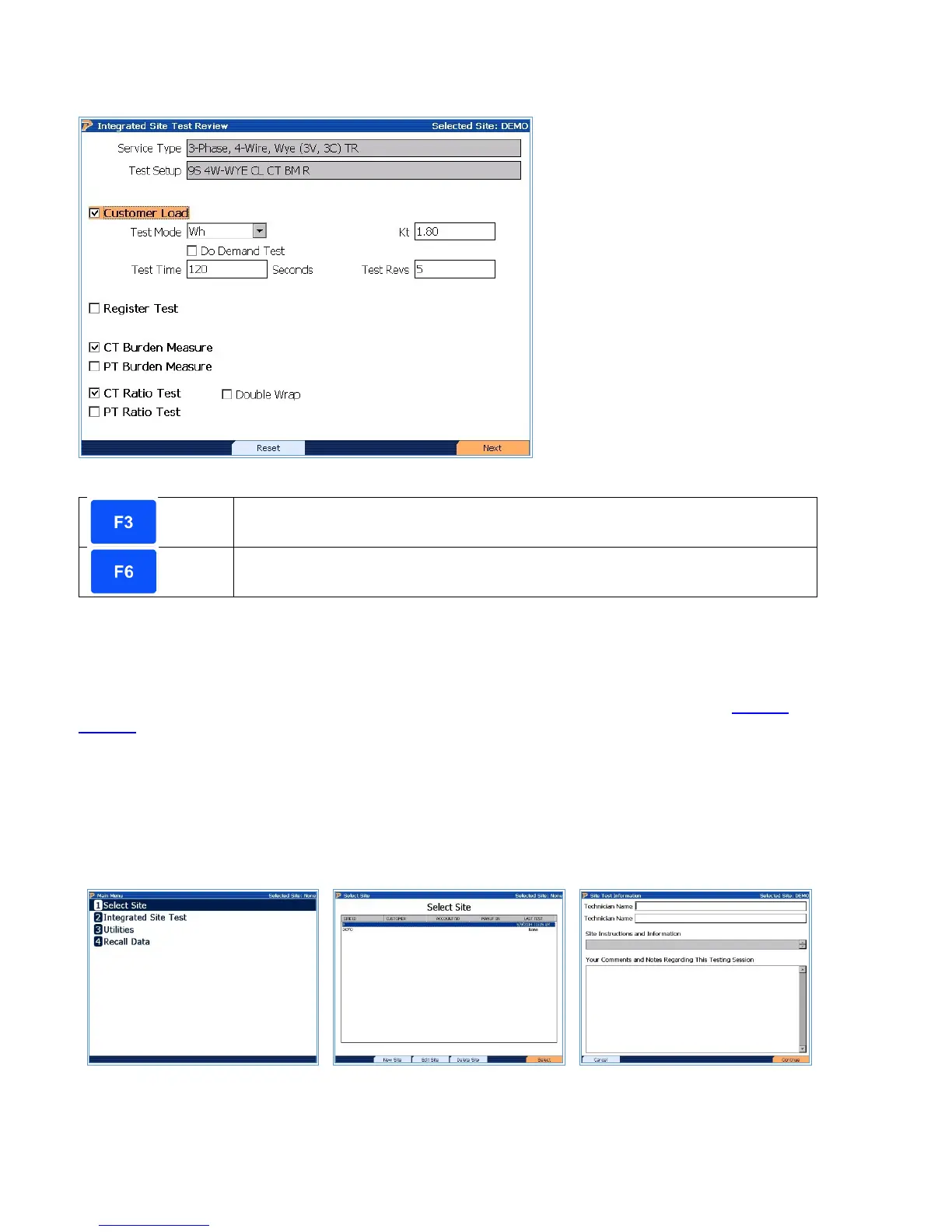
Integrated Site Test is a step-by-step procedure that guides the user through the testing process.
This process eliminates setup mistakes and simplifies the entire testing procedure. This screen
allows the user to make changes to the setup that was selected in the Site Editor (see
Section
7.4.1.1). To help users verify their wiring connection, once the site has been built, and the
Service and Service type has been selected correctly, proceeding with the Integrated Site Test
through Step 5 will show the wiring diagram for how the connections should be made. This give
users who may have not seen a particular service type before the ability to learn how to make
connections. For more information on Integrated Site Testing, see Application Notes (website).
STEP 1
Press #2 or Highlight #2 and
Press Enter at Main Menu
STEP 2
Highlight Desired Sight and
Press F6 “Select”
STEP 3
Enter Information, then press
F6, “Continue”
Rev 1.5 70



 To Next Page
 Loading...