PowerMeasuringModule PMM
35,0(
76
Revision 13 EN - 02/2023
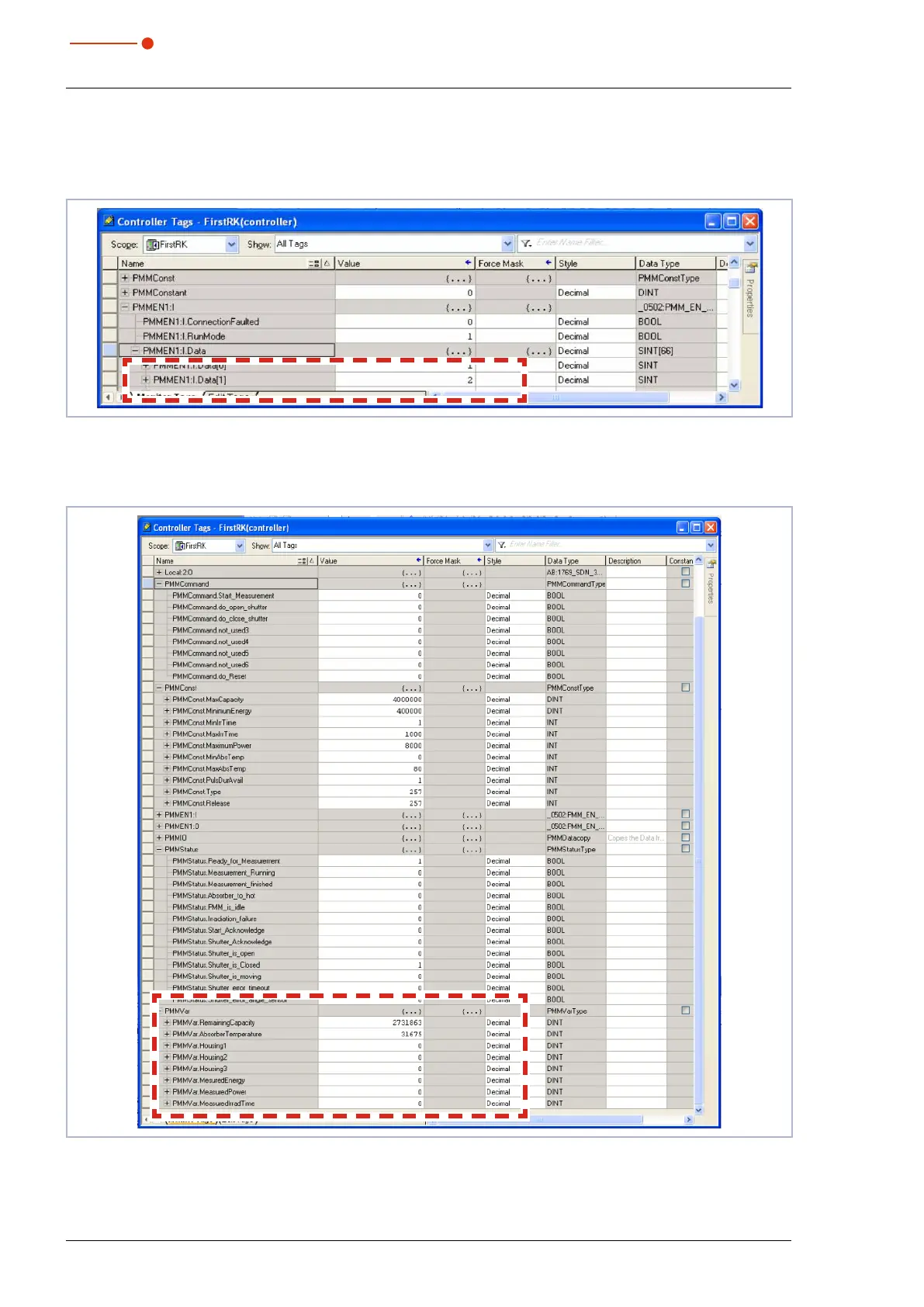
The status of the shutter can be found in the variable: PMMEN1:I.Data[1] under “Value“ (see Fig. 13.13 on
page76). A“2” stands for a closed shutter. As soon as the shutter is opened manually, the value changes
to “1”. This is a simple procedure in order to check the communication.
Fig. 13.13: Status of the shutter
As soon as the add-on instruction “PMMDataCopy” is included in the program, the PMM variables can be
monitored directly (see Fig. 13.14 on page76).
Fig. 13.14: PMM variables



 To Next Page