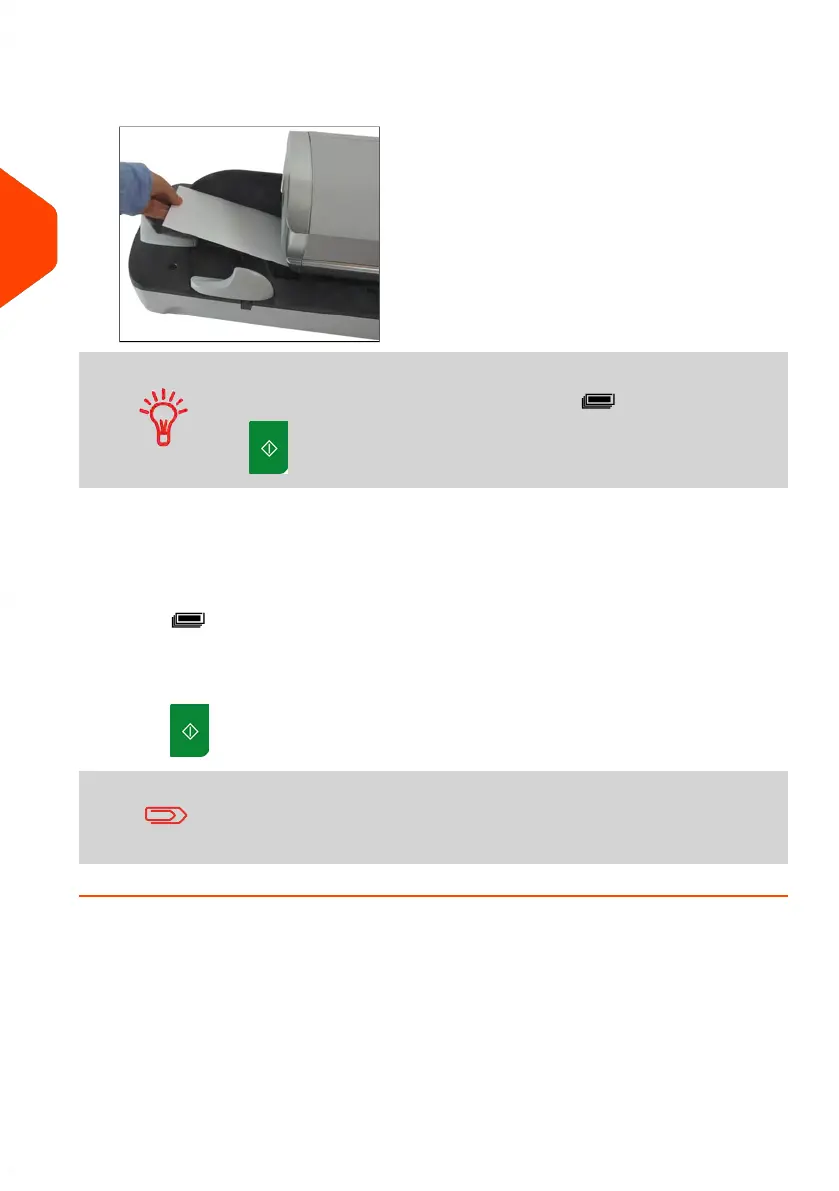
2. Insert the mail piece into the mail path against the rear-guide wall, side to be
printed facing upwards.
If mail piece is bigger than mail path maximum thickness (see
Mail Specifications on page 315), press before you press
to print a label. The label is printed at once.
The Mailing System applies postage and the mail piece (or label) is sent to the
catch tray.
Otherwise, if you want to print several identical labels:
1.
Press and enter the number of labels.
Make sure the labels are available in the label dispenser (see Filling the Label
Dispenser on page 91).
2.
Press to print the labels.
When using sealer, collect the mail piece stack in the catch tray
and put stack aside to let envelopes dry.
62
| Page 62 | Jun-21-2021 12:11 |
3
Processing Mail



 To Next Page