2. Either:
Press and select the path: Batch settings Weighing
type
Press or
The Weighing type screen is displayed.
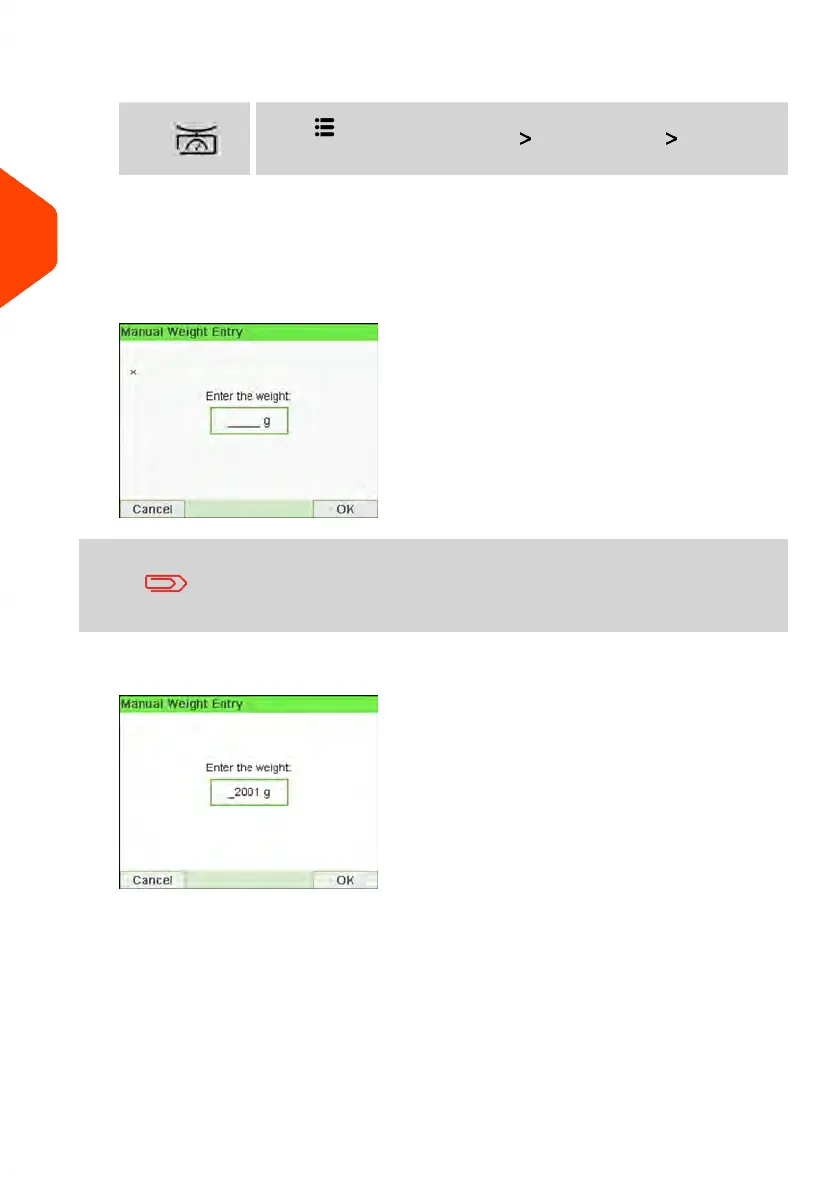
3. Select Manual Weight Entry.
The Manual Weight Entry screen is displayed.
You have to enter a weight that is upper than the capacity
authorised for the WP. You can contact Customer Service to
extend WP capacity.
4. Enter the weight (in g) and press [OK] to validate.
80
| Page 80 | Jun-21-2021 12:11 |
3
Processing Mail



 To Next Page