780C Multi-Interface Interoperability Tester – User Guide Page 110
6.3.3 Procedures for disabling HDCP on the 780C HDMI/HDBaseT Out port - GUI
You can disable the HDCP registers of the 780C’s Rx port to test how your source device responds to HDCP
being disabled. You can disable the HDCP port either through the GUI or through the command line.
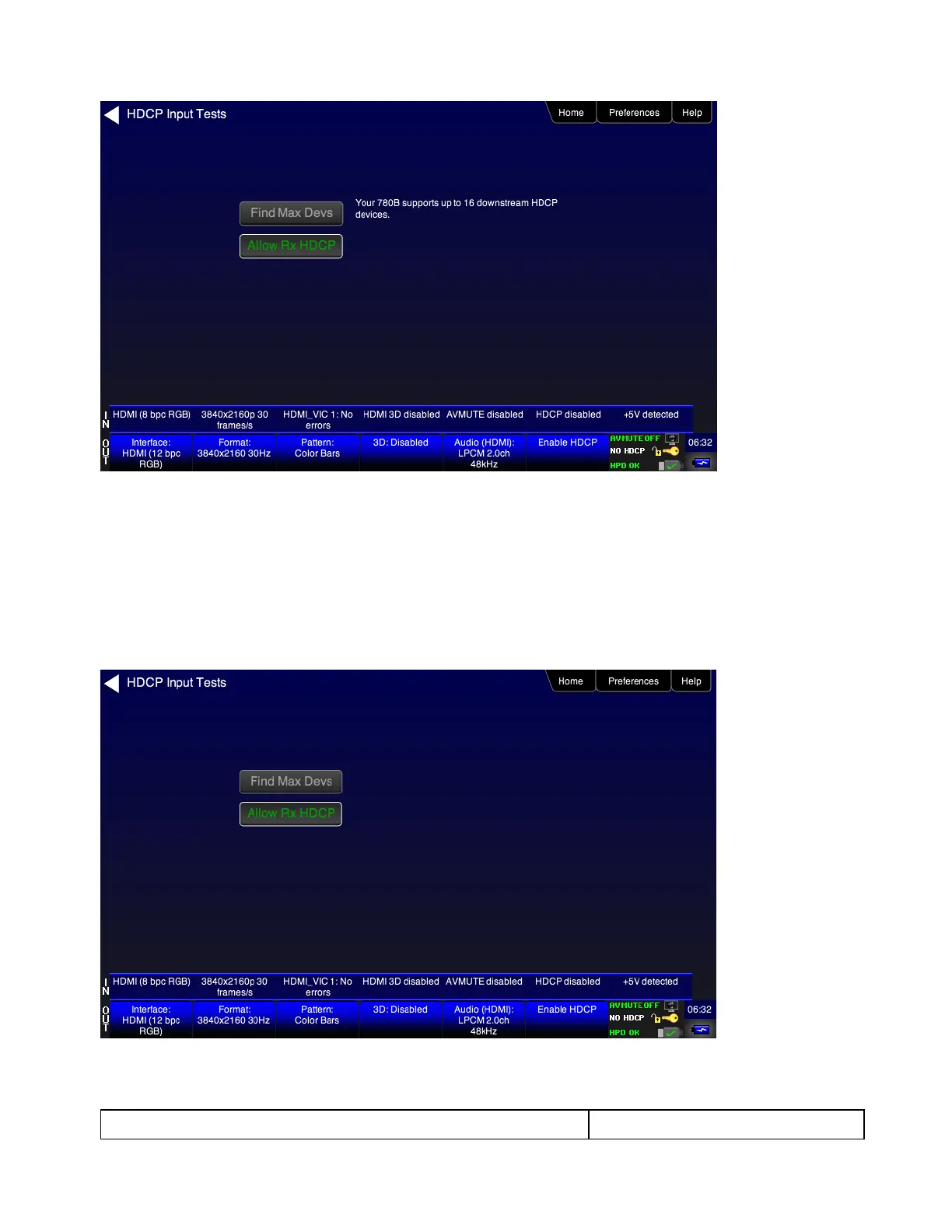
1. Touch select the Allow Rx HDCP activation button to enable / disable HDCP. When the button is green
HDCP is enabled.
Note: You can also disable HDCP on the HDMI Rx port using the Allow Rx HDCP toggle button. See
procedures below.
6.3.4 Procedures for disabling HDCP on the 780C out port



 To Next Page