780C Multi-Interface Interoperability Tester – User Guide Page 94
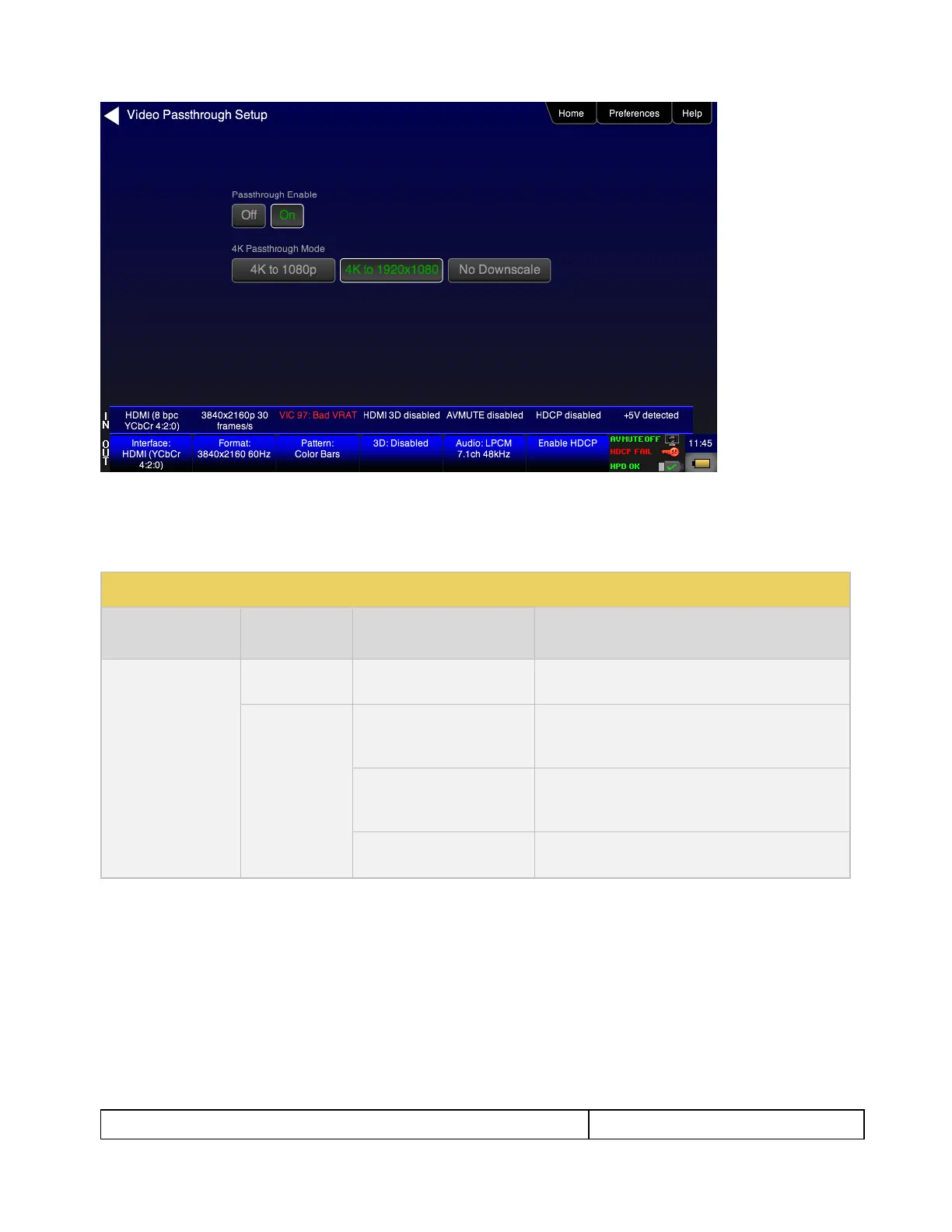
2. Specify how you want to view the video on the connected display.
You can either view it unscaled on a 4K display, or scaled to 1080p or scaled to 1920 by 1080 resolution.
Refer to Table 6-1 below:
Table 6-1: Passthrough options
HDMI/HDBaseT OUT port uses 780C generator
selection
4K input horizontal resolution is scaled by 2:1 and
the vertical resolution is scaled to 1080 lines. Used
for SMPTE 4K inputs.
4K input horizontal resolution is scaled 1920 and the
vertical resolution is scaled to 1080 lines. Used for
CEA 4K inputs.
4K input is unscaled as it is passed through the
780C.
6.1.5 Viewing Video Metadata from an HDMI/HDBaseT Source Device
Use the following procedures to verify the video metadata and video timing data from an HDMI/HDBaseT
source device.
1. Enable the HDMI or HDBaseT as the active digital interface input as shown below.



 To Next Page