780C Multi-Interface Interoperability Tester – User Guide Page 160
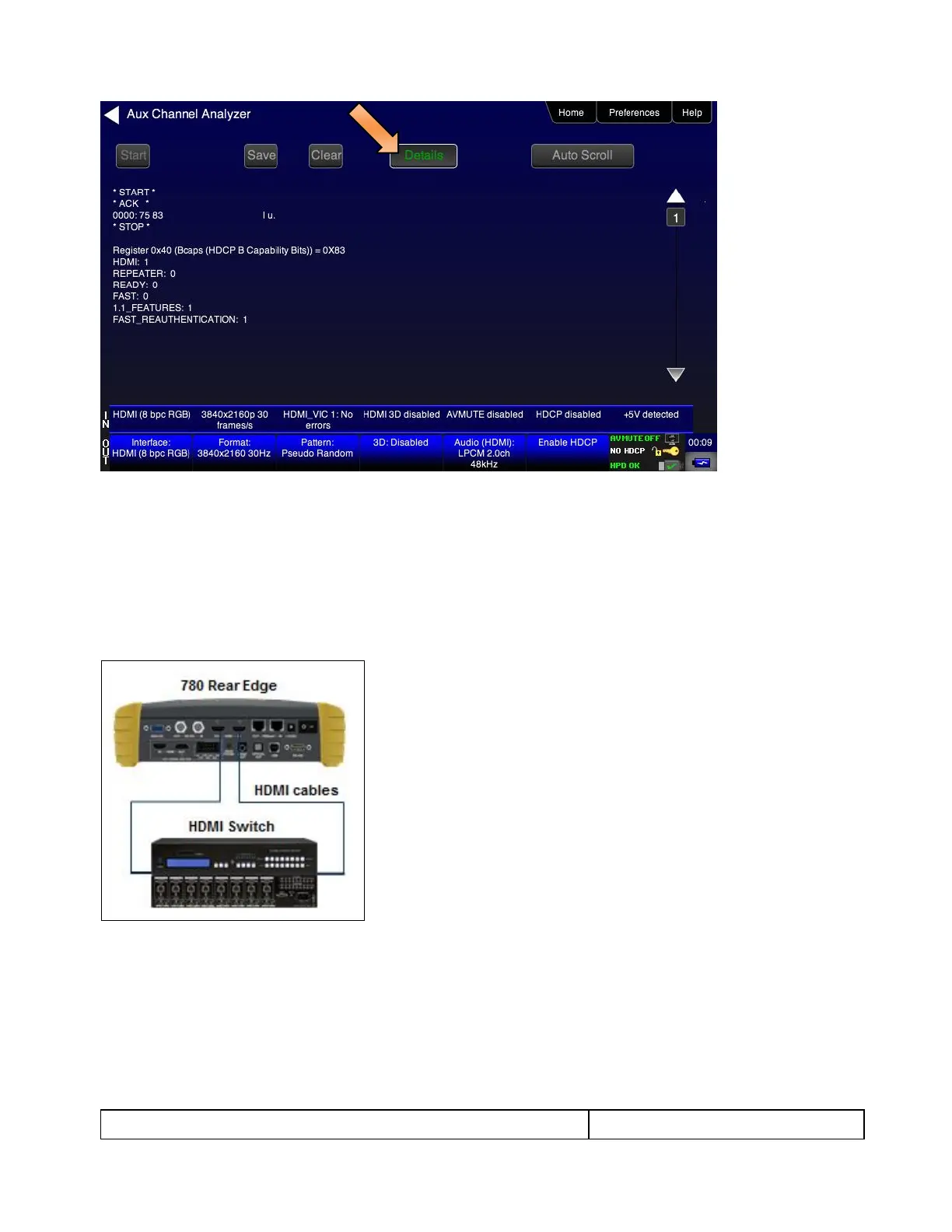
9. Touch select Stop activation button (top left) to halt the collection of messages.
10. Touch select Clear activation button (top center) to clear the collected of messages.
8.3 Configuration for Monitoring DDC Transactions with the ACA on an
HDMI or HDBaseT Repeater or distribution device
This subsection provide a configuration diagram that depicts ACA monitoring of HDMI/HDBaseT repeater
devices while emulating both an HDMI/HDBaseT source device and an HDMI/HDBaseT sink device.



 To Next Page