780C Multi-Interface Interoperability Tester – User Guide Page 176
9.2 HDMI Frame Compare Test
The cable test and repeater test can be used when the source and sink ends are collocated, in other words can
be connected to the 780C Tx and Rx ports. For a cable or distribution system that is installed and where the
source and sink ends cannot be connected to the 780C, you can use the Frame Compare feature. The Frame
Compare feature captures a reference frame and then compares a series of captured frames pixel by pixel to
the reference frame.
9.2.1 Configuration for Running an HDMI Frame Compare Test
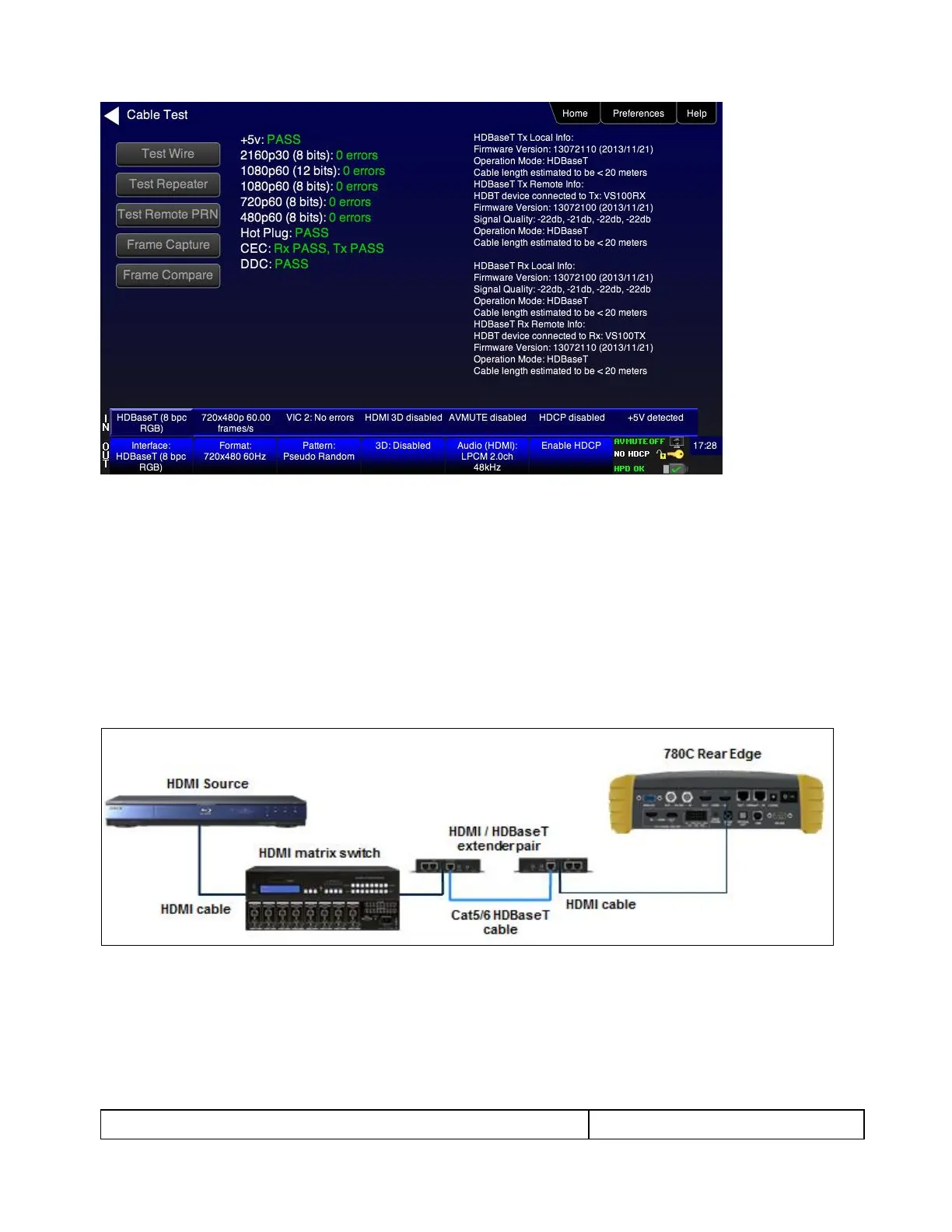
This subsection shows a typical configuration when performing an HDMI Frame Compare test for an HDMI
cable or network comprised of repeaters, splitters, extenders, switches, etc.
9.2.2 Procedures for Running the Frame Compare Test
This subsection provides procedures for performing an HDMI Frame Compare test on an HDMI network
comprised of repeaters, splitters, extenders, switches, etc.
1. Connect the far end of the HDMI cable (at the display or HDTV) to the 780C HDMI IN connect as shown in
the diagram above.
2. Touch select Cable/Repeater Test from the Home menu shown below.



 To Next Page