780C Multi-Interface Interoperability Tester – User Guide Page 47
4.5.2 Procedures for Obtaining 3D Bitmaps on HDMI or HDBaseT Sink Device
Use the procedures below to render 3D bitmap images on an HDMI sink.
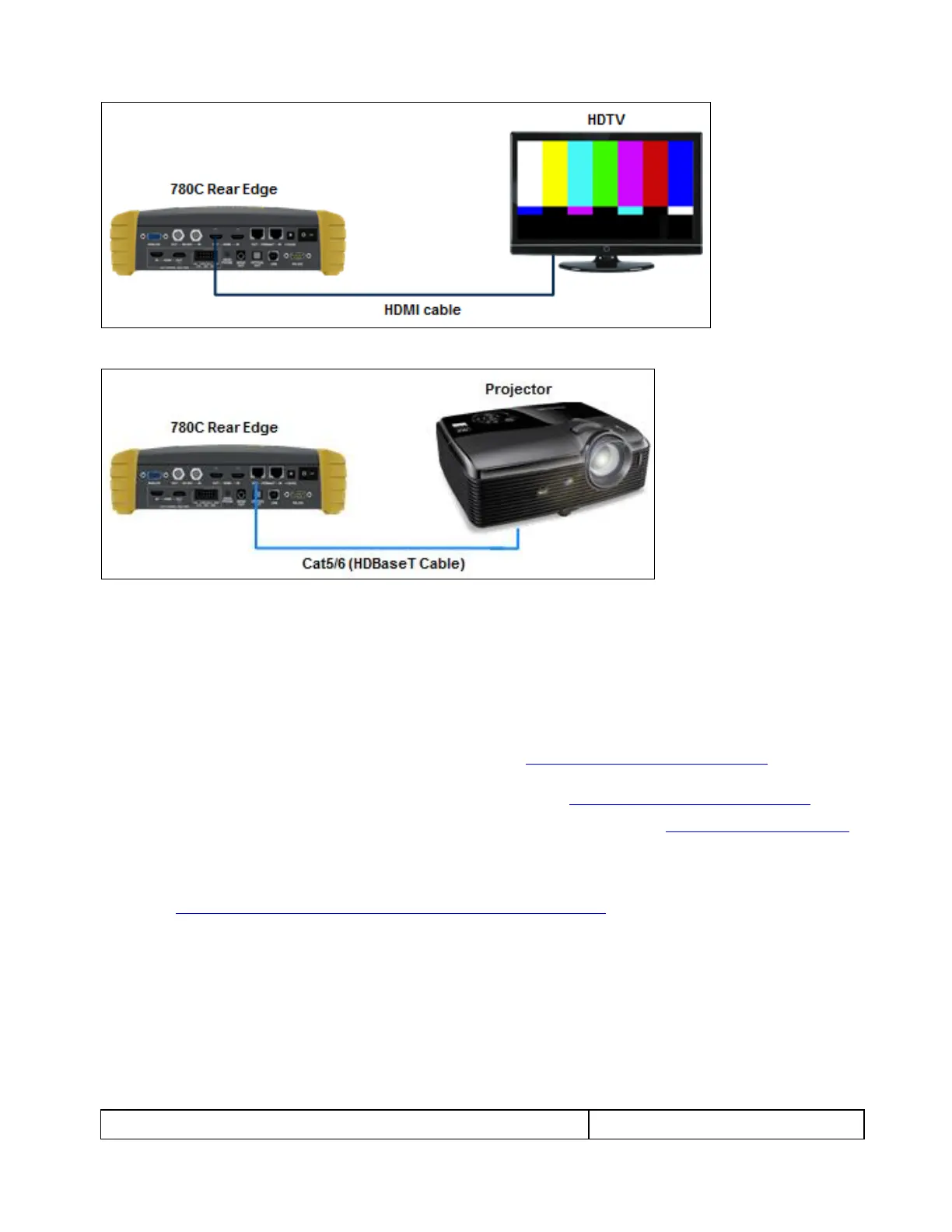
1. Follow the procedures provided above to enable the HDMI output as the Signal Type.
2. Obtain 3D bitmaps. You can obtain 3D bitmaps in three ways:
Develop your own 3D bitmaps.
Sample 3D bitmaps from the Quantum Data website (www.quantumdata.com/downloads).
Generate 3D bitmaps from your own stereoscopic image pairs using the Quantum Data 3D Bitmap
Conversion Tool available from the Quantum Data website (www.quantumdata.com/downloads).
3. Transfer your 3D bitmaps over to the 780C using the procedures described in Importing Custom Bitmaps.
4.5.3 Procedures for Rendering 3D Bitmaps or 3D Test Patterns on HDMI or HDBaseT Sink Device
1. Select a format that is suitable for rendering 3D images such as 720p60 and 1080. Use the procedures
above Procedures for Selecting an HDMI Resolution and Frame Rate.
If you have used the Quantum Data 3D Bitmap Conversion Tool, there is a naming convention for the 3D
bitmaps which also provides the required format for each specific bitmap.
2. Enable the HDMI or HDBaseT as the active digital interface input.



 To Next Page