780C Multi-Interface Interoperability Tester – User Guide Page 69
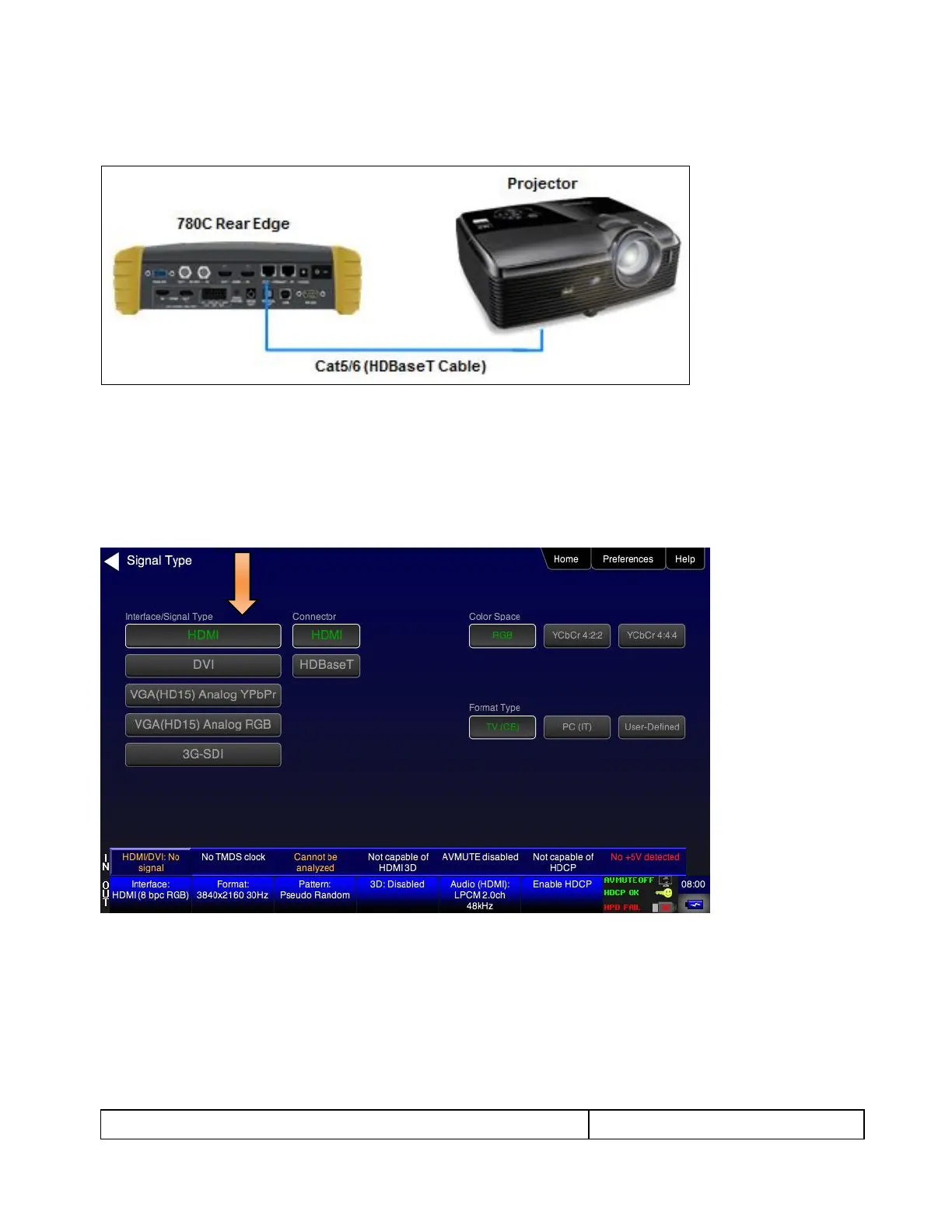
780C HDBaseT OUT port connected directly to a projector’s input
These configurations are shown below:
5.1.3 Procedures for Testing HDCP on an HDMI or HDBaseT Sink Device
Use the procedures below to run an HDCP test on an HDMI or HDBaseT sink.
1. Make the physical connections between the 780C HDMI/HDBaseT OUT connector and the sink device
under test.
2. Enable the HDMI or HDBaseT interface. Refer to the screen below.
3. Touch select HDCP Test from the Home menu shown below.



 To Next Page