780C Multi-Interface Interoperability Tester – User Guide Page 56
4.7.2 Procedures for Testing a Display with Dolby Digital or DTS Audio Test Patterns
Use the following procedures to run audio tests using Dolby Digital and or DTS audio test patterns. These test
patterns are useful for calibrating the room acoustics in a home theatre system.
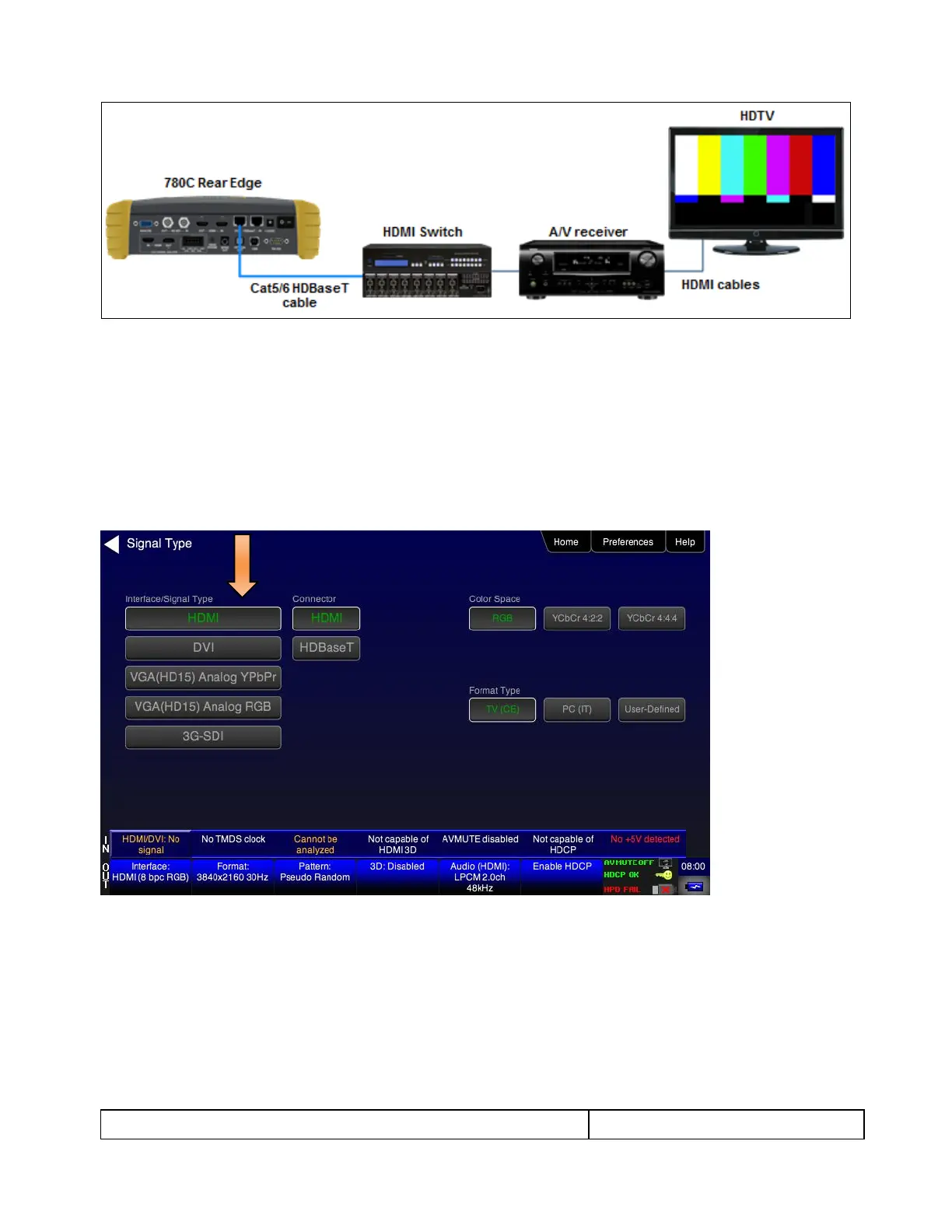
1. Make the physical connections between the 780C and the audio rendering device as described in the
procedures above.
2. Select the digital interfaces—HDMI, HDBaseT or SDI—output as shown below.
Note for testing SPDIF of TOSLink this is not necessary.
3. From the Home menu (shown in the figure below), select the Audio status/activation button on the Status
Bar as indicated below.



 To Next Page