780C Multi-Interface Interoperability Tester – User Guide Page 95
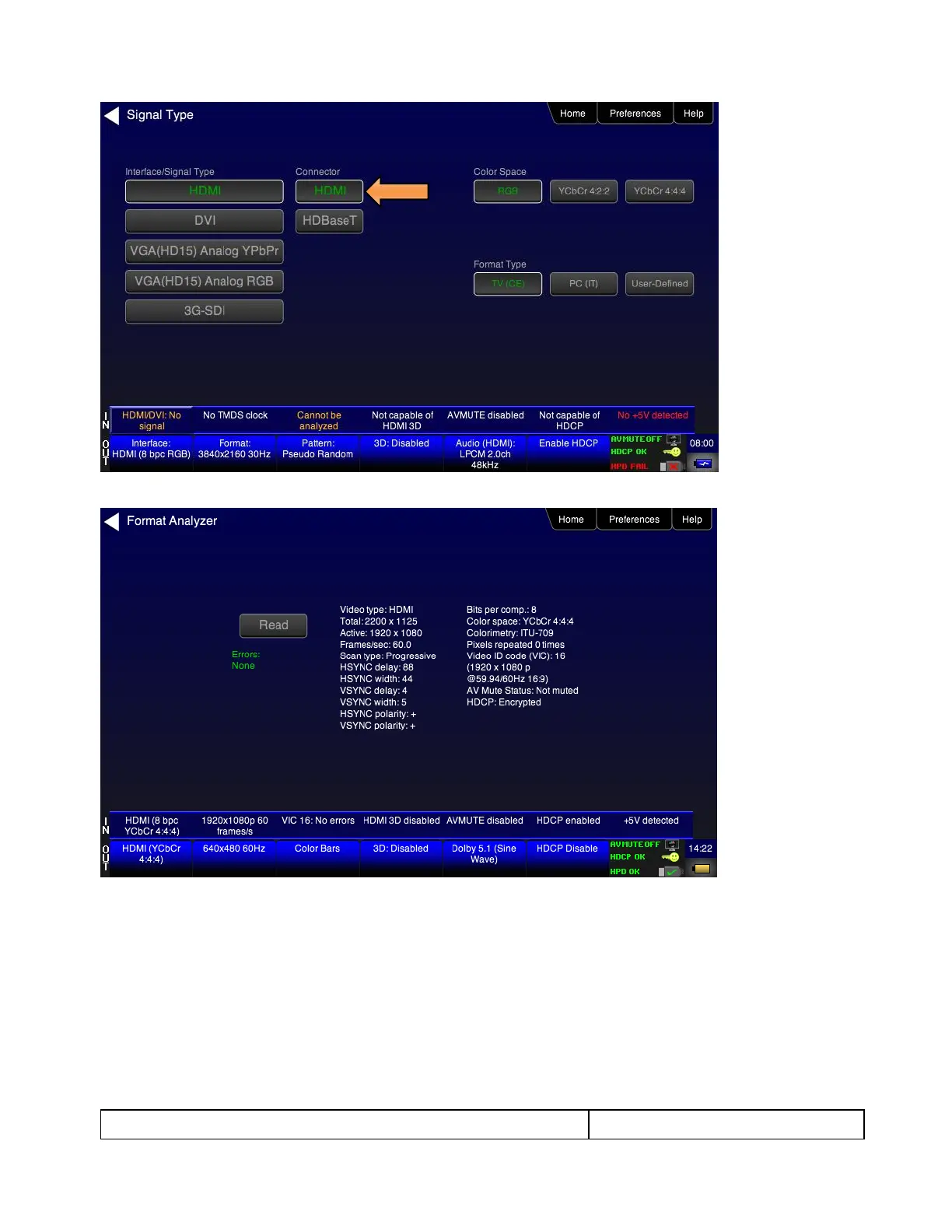
2. Touch select Format Analyzer from the Source Tests menu shown below.
3. Touch select the Read activation button (shown on the screen below) to initiate the test. The results are
shown in the screen shots below. The first screen shows a typical pass results, the second screen shows a
failure condition and the third screen shows a case where the incoming format was unknown.



 To Next Page