780C Multi-Interface Interoperability Tester – User Guide Page 186
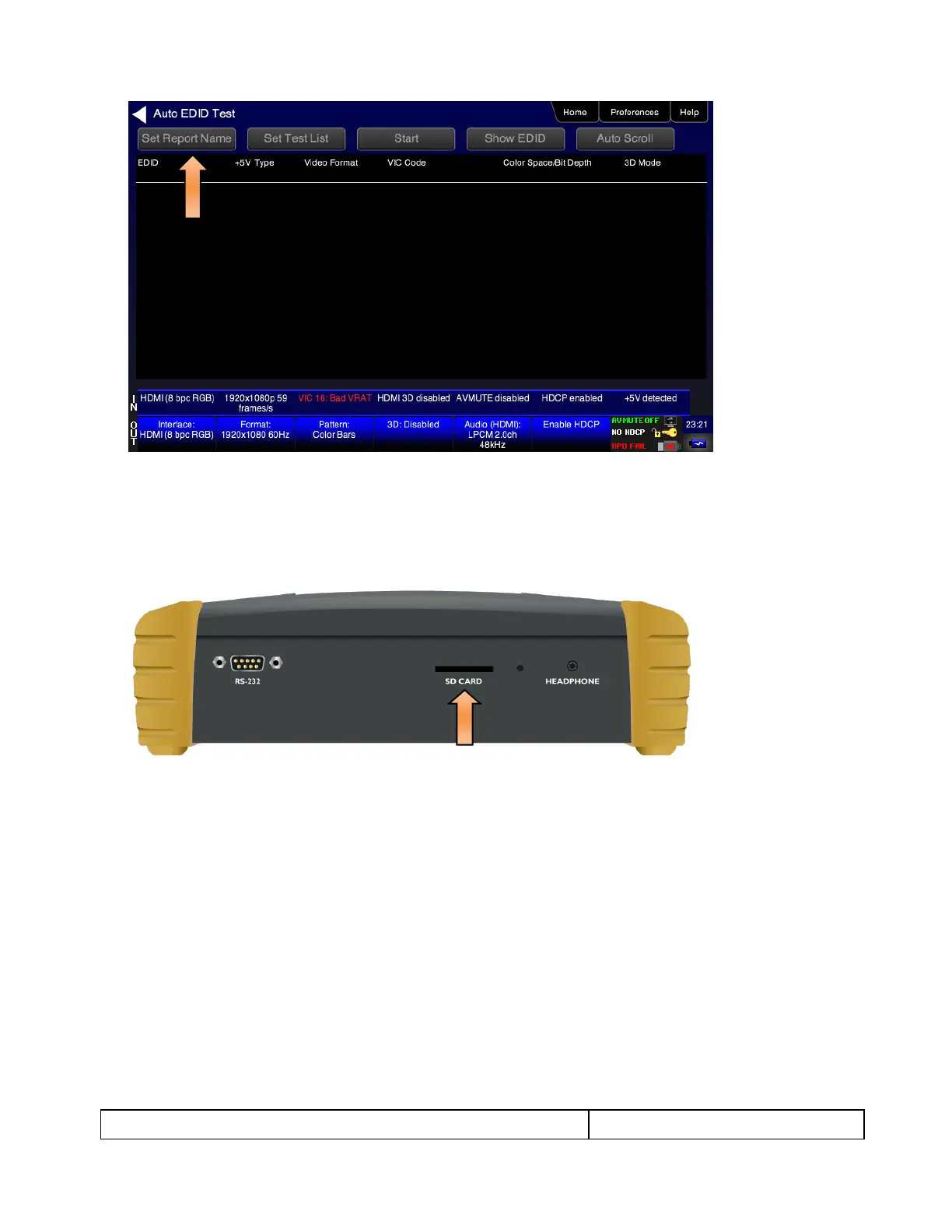
A Virtual Keyboard screen appears enabling you enter a name for the report. This screen is shown in the
next step in this procedure.
Important Note: You will have to have installed a suitable SDCard into the 780C at the SDCard input on
the front edge. Refer to the image below. You will have to install the SDCard before you boot up the
780C and run the test. If you have not installed the SDCard. Install the SDCard now, power cycle the 780C
and repeat the previous steps.
4. (Optional) If you wish to create a report, enter a name for the report using 8.3 naming convention. Touch
select the Enter key when you are finished entering the name. An example is shown below:



 To Next Page