780C Multi-Interface Interoperability Tester – User Guide Page 73
Note for testing SPDIF of TOSLink this is not necessary.
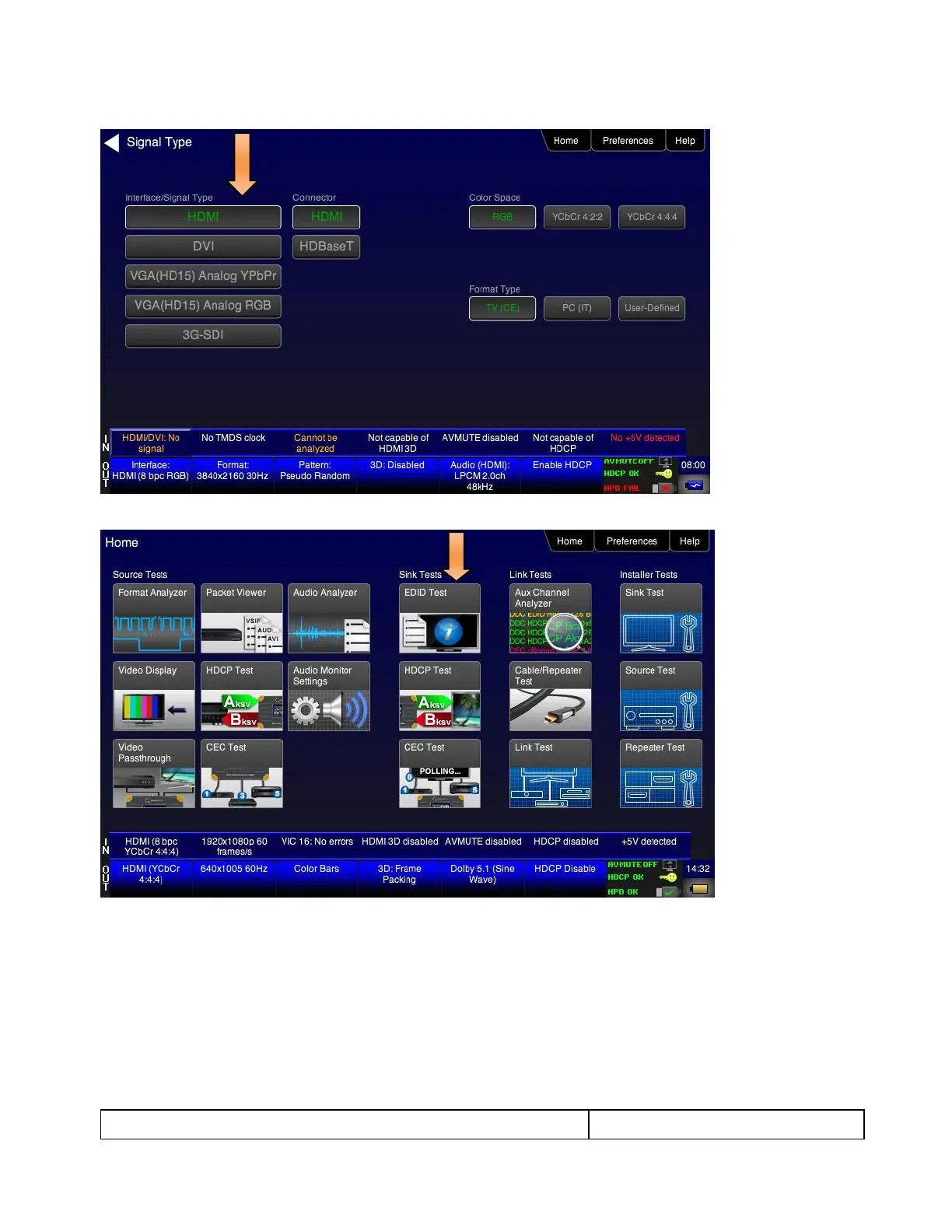
3. Touch select EDID from the Home menu shown below.
4. Touch select the Read activation button from the EDID Test menu shown below.
The EDID information is presented on multiple pages on the display. An example of a few of the pages of
an EDID listing is shown below. You scroll through all the pages using the scroll bar at the right side of the
listing. In addition, the EDID test runs a check on the EDID header and checksum to determine if the EDID
is valid and runs a portion of the EDID compliance test of the HDMI Compliance Test Specification.



 To Next Page